





















Choosing a sandbox runtime for long-lived coding agents
How we evaluated sandbox providers for coding agents, what we chose for now, and the trade-offs behind that decision.
e2e-platforms
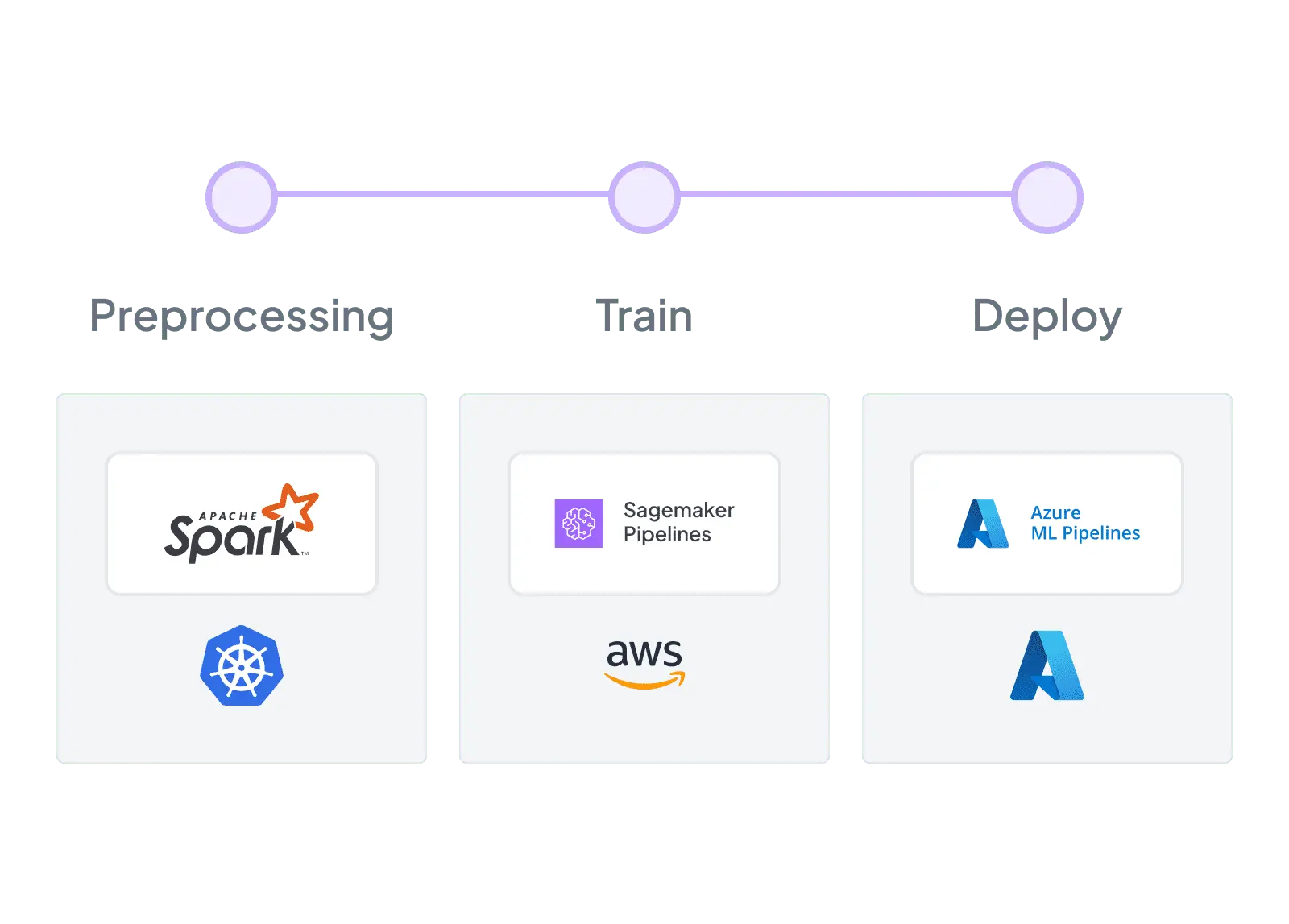
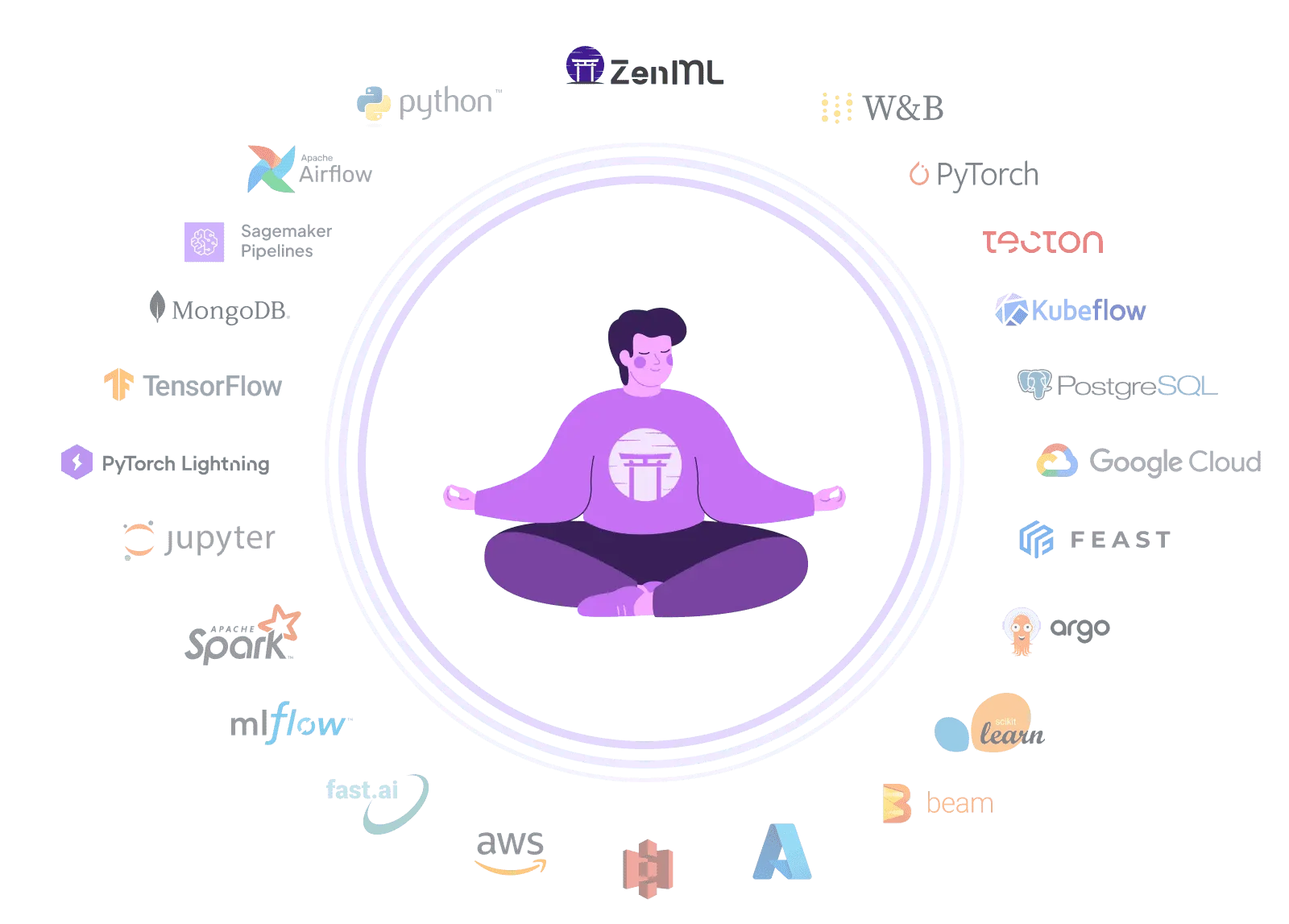
Unlock the full potential of your machine learning projects with ZenML, a flexible alternative to AWS SageMaker. While SageMaker offers a comprehensive cloud platform for ML, ZenML provides a vendor-neutral approach to building, training, and deploying high-quality models at scale. ZenML's intuitive workflow management capabilities extend beyond a single cloud provider, offering the flexibility to work across various environments and tools. Unlike SageMaker's AWS-centric ecosystem, ZenML allows you to accelerate your time-to-market and drive innovation across your organization without being locked into a specific cloud infrastructure, giving you the freedom to adapt your ML workflows as your needs evolve.
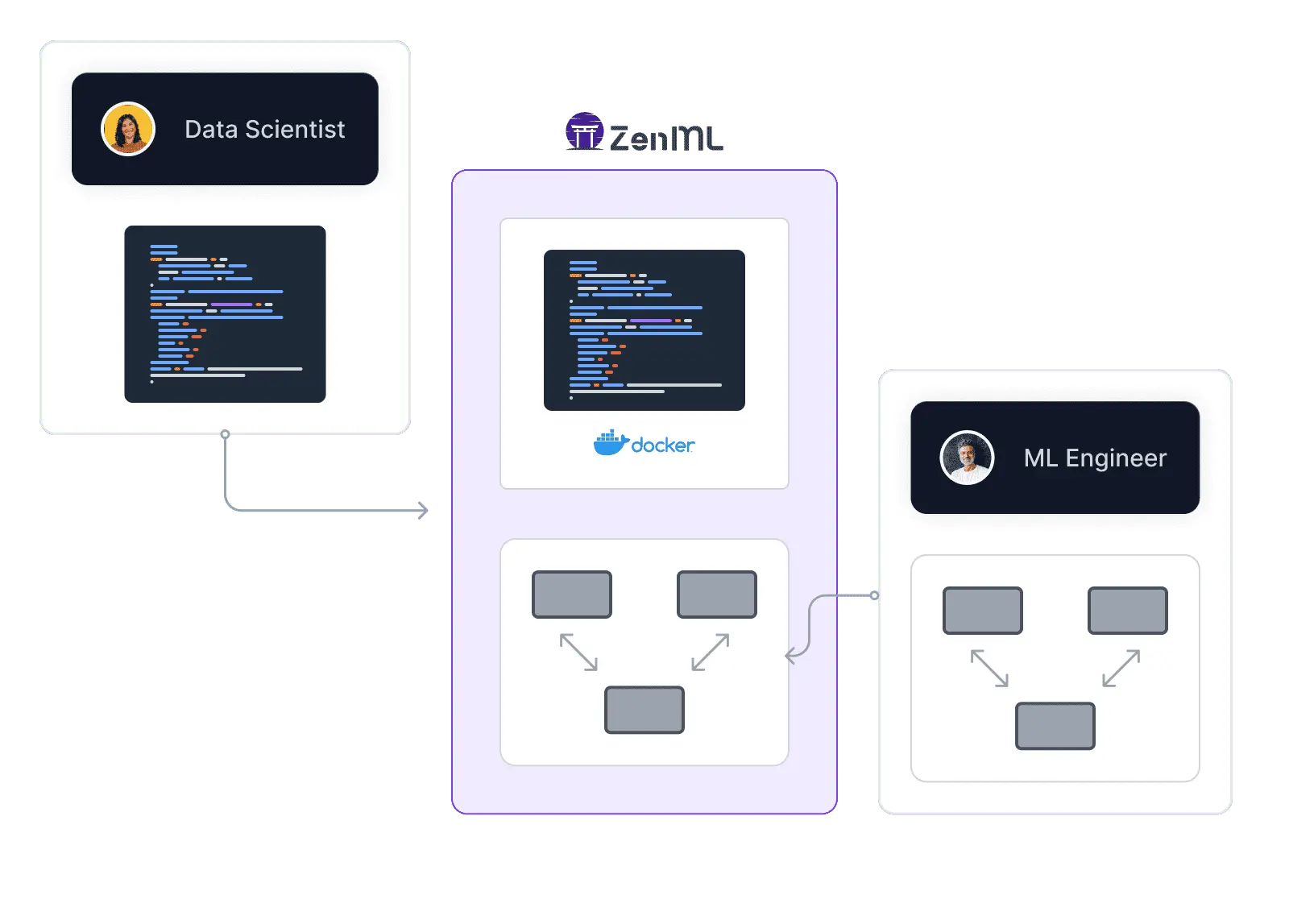

ZenML allowed us a fast transition between dev to prod. It’s no longer the big fish eating the small fish – it’s the fast fish eating the slow fish.

François Serra
ML Engineer / ML Ops / ML Solution architect at ADEO Services
| Feature | ZenML | AWS Sagemaker |
|---|---|---|
| Workflow Orchestration | Yes Provides a flexible and portable orchestration layer for ML workflows | Yes Offers orchestration capabilities within the SageMaker ecosystem |
| Integration Flexibility | Yes Seamlessly integrates SageMaker with other MLOps tools for a customized stack | Not supported Primarily focuses on integration within the AWS ecosystem |
| Vendor Lock-In | Yes Enables easy migration between orchestrators and cloud providers | Not supported Tight coupling with AWS services may lead to vendor lock-in |
| Local Development | Yes Supports local development and testing of ML workflows before deployment | Not supported Limited local development capabilities, primarily cloud-based |
| MLOps Lifecycle Coverage | Yes Covers the entire MLOps lifecycle, from data preparation to model monitoring | Yes Covers the entire MLOps lifecycle. Some parts are more integrated than others. |
| Collaborative Development | Yes Facilitates collaboration among teams with version control and governance features | Yes Provides collaboration features through SageMaker Studio |
| Portability | Yes Ensures workflow portability across different environments and platforms | Not supported Primarily optimized for the AWS environment |
| Experiment Tracking | Yes Integrates with MLflow and other tools for comprehensive experiment tracking | Yes Offers SageMaker Experiments for experiment tracking |
| Model Deployment | Yes Simplifies model deployment across various platforms, including SageMaker | Yes Supports deployment within the SageMaker ecosystem |
| Monitoring and Logging | Yes Provides centralized monitoring and logging for ML workflows | Yes Offers monitoring and logging capabilities through AWS services |
| Community and Support | Yes Growing community with active support and resources | Yes Large community and extensive support through AWS |
| Pricing Model | Yes Flexible pricing model based on usage and scale | Yes Pay-as-you-go pricing model tied to AWS service usage |
| Learning Curve | Yes Reduces the learning curve by providing a consistent interface across platforms | Not supported Requires familiarity with AWS services and SageMaker concepts |
| Hybrid and Multi-Cloud | Yes Supports hybrid and multi-cloud deployments with easy migration | Not supported Primarily optimized for AWS, with limited multi-cloud support |
Code comparison
# ZenML with SageMaker integration
from zenml import pipeline, step
from zenml.integrations.aws.flavors import SagemakerOrchestratorFlavor
from zenml.integrations.aws.sagemaker_orchestrator_settings import SagemakerOrchestratorSettings

# Set up SageMaker orchestrator
sagemaker_orchestrator = SagemakerOrchestratorFlavor(
    execution_role="arn:aws:iam::123456789012:role/SageMakerRole",
    # Other configuration options...
)

# Define custom settings for specific steps
gpu_settings = SagemakerOrchestratorSettings(
    processor_args={
        "instance_type": "ml.p3.2xlarge",
        "volume_size_in_gb": 100
    },
    input_data_s3_uri="s3://your-bucket/training-data"
)

@step
def prepare_data():
    # Data preparation logic
    return processed_data

@step(settings={"orchestrator.sagemaker": gpu_settings})
def train_model(data):
    # Training logic using SageMaker
    return model

@step
def evaluate_model(model):
    # Model evaluation logic
    return metrics

@pipeline(orchestrator=sagemaker_orchestrator)
def sagemaker_pipeline():
    data = prepare_data()
    model = train_model(data)
    metrics = evaluate_model(model)

# Run the pipeline
sagemaker_pipeline()import boto3
import sagemaker
from sagemaker.estimator import Estimator
from sagemaker.inputs import TrainingInput
# Set up SageMaker session
sagemaker_session = sagemaker.Session()
role = sagemaker.get_execution_role()
# Define estimator
estimator = Estimator(
image_uri="your-docker-image-uri",
role=role,
instance_count=1,
instance_type="ml.m5.xlarge",
output_path="s3://your-bucket/output"
)
# Set hyperparameters
estimator.set_hyperparameters(epochs=10, learning_rate=0.1)
# Prepare data
train_data = TrainingInput(
s3_data="s3://your-bucket/train",
content_type="text/csv"
)
# Train the model
estimator.fit({"train": train_data})
# Deploy the model
predictor = estimator.deploy(
initial_instance_count=1,
instance_type="ml.t2.medium"
)
# Make predictions
result = predictor.predict("sample input data")
print(result)ZenML guarantees swifter initialization, surpassing orchestrators for prompt, optimized ML workflows.
ZenML is a native interface to the whole end-to-end machine learning lifecycle, taking you beyond just orchestration.
ZenML excels with dedicated support, offering personalized assistance beyond standard orchestrators.
E2E Platform Showdown

Alteryx alternative for ML pipelines: open-source, code-first MLOps with vendor-neutral portability. Build production ML workflows that run anywhere

Looking for an open-source alternative to Azure ML Pipelines? ZenML builds portable ML pipelines across clouds without vendor lock-in.

ClearML alternative: Flexible MLOps framework with extensive integrations. Accelerate ML development using adaptable architecture and reduced lock-in, while simplifying infrastructure setup.

Dataiku alternative: Open-source MLOps framework with portable Python pipelines and composable stack. Build production ML workflows with vendor-neutral flexibility and best-of-breed tool integration

Domino Data Lab alternative: Open-source MLOps framework with portable pipelines and composable stack. Build production ML workflows with vendor-neutral flexibility and code-first portability

Metaflow alternative: Flexible ML orchestration with comprehensive MLOps. Accelerate ML using adaptable architecture and seamless integrations.

Valohai alternative: Open-source MLOps framework with extensive integrations. Accelerate ML development using Python-based SDK, adaptable architecture, and existing infrastructure, while avoiding vendor lock-in.
ZenML: an open-source alternative to Vertex AI Pipelines that keeps your MLOps stack portable across GCP, AWS, Azure, and on-prem
How we evaluated sandbox providers for coding agents, what we chose for now, and the trade-offs behind that decision.
The new Kitaru turns production traces you already collect into replayable test scenarios, expert-reviewed cohorts, and evaluators you can run on every change.
Robotics compute is spreading across clouds and clusters. Learn how one portable pipeline layer can keep the robot-learning loop reproducible.
See ZenML's superior model orchestration in action Discover how ZenML offers more with your existing ML tools Find out why data security with ZenML outshines the rest