








Introducing the new Kitaru: from production traces to repeatable evals
The new Kitaru turns production traces you already collect into replayable test scenarios, expert-reviewed cohorts, and evaluators you can run on every change.
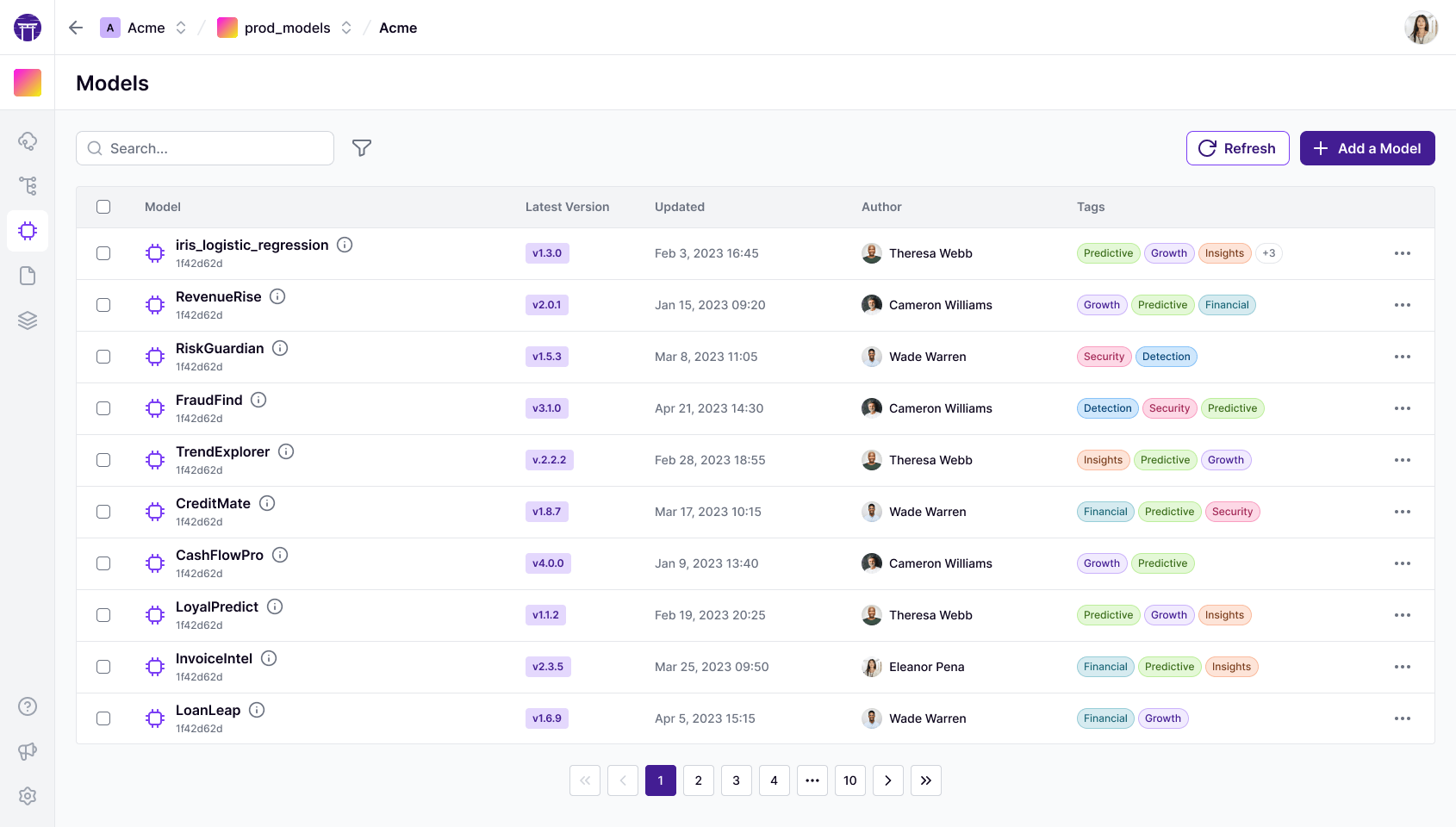
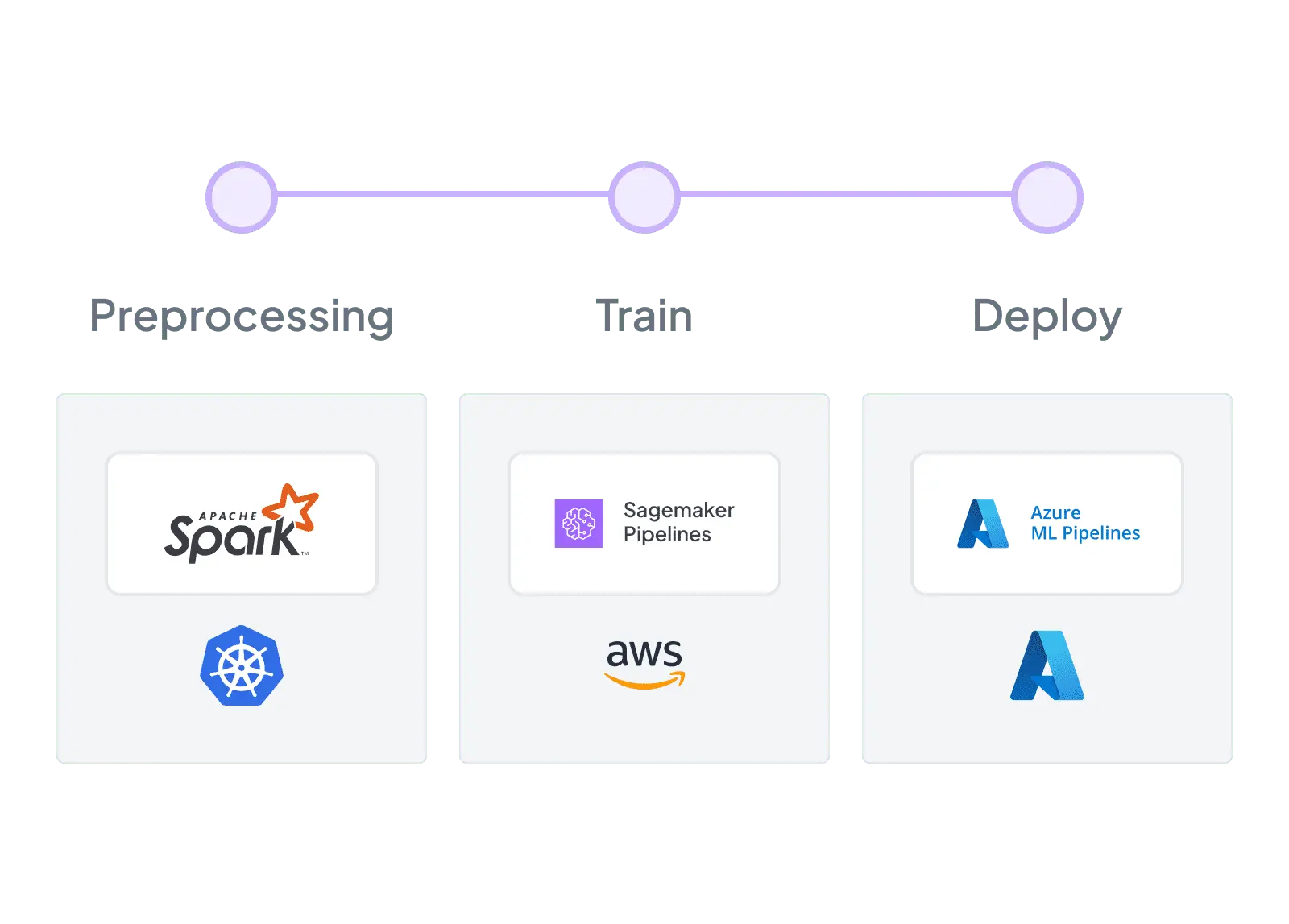
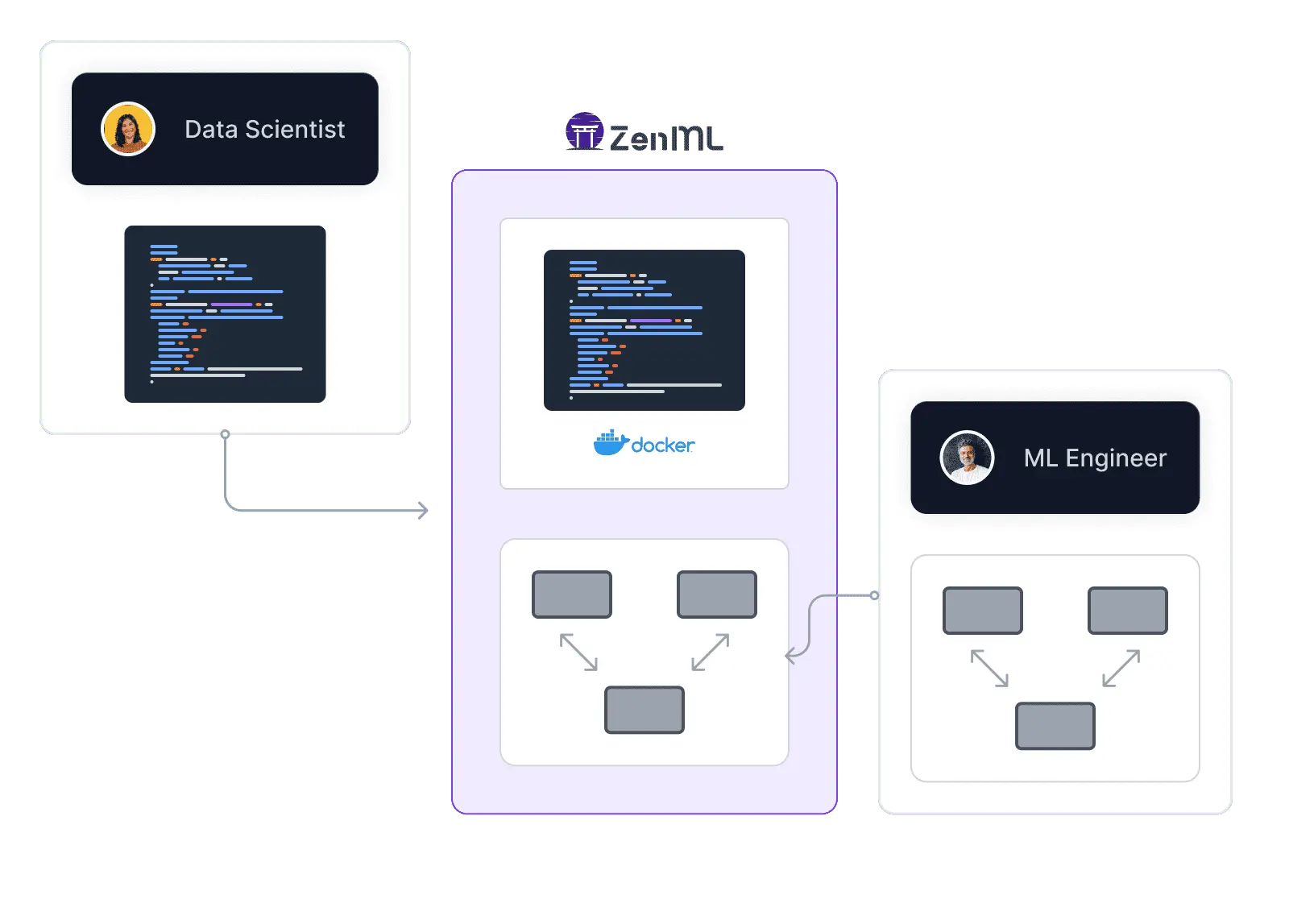
ZenML offers a flexible, open-source alternative to Valohai for ML pipeline orchestration. Unlike Valohai's closed-source, all-in-one platform, ZenML seamlessly integrates with your existing infrastructure. Enjoy ZenML's intuitive Python-based SDK with decorators, while avoiding vendor lock-in. Accelerate your ML initiatives with ZenML's adaptable framework, allowing you to choose preferred tools for datasets, hyperparameter tuning, and distributed processing.



“ZenML has proven to be a critical asset in our machine learning toolbox, and we are excited to continue leveraging its capabilities to drive ADEO's machine learning initiatives to new heights”

François Serra
ML Engineer / ML Ops / ML Solution architect at ADEO Services

Feature-by-feature comparison
ZenMLValohai| Infrastructure Integration | Seamlessly integrates with existing orchestration infrastructure like Kubeflow, Kubernetes, AWS SageMaker | Requires using Valohai's proprietary infrastructure |
| Pipeline Development | Intuitive Python-based SDK with @step and @pipeline decorators | YAML-based configuration, which can be more complex |
| Vendor Lock-in | Open-source and flexible, allowing use of preferred tools for various ML tasks | Closed-source with lock-in effect, requiring use of Valohai for all ML tasks |
| Customization | Highly customizable MLOps stack to fit specific needs | Limited customization options within Valohai's ecosystem |
| Learning Curve | Gentle learning curve with familiar Python-based approach | Steeper learning curve due to YAML configuration and platform-specific concepts |
| End-to-End Platform | Focuses on core MLOps functionalities, allowing integration with preferred tools | Provides a complete end-to-end platform for ML workflows |
| Scalability | Scalable across various environments and infrastructures | Scalable within Valohai's infrastructure |
| Open Source | Fully open-source, allowing community contributions and customizations | Closed-source platform |
Code comparison
ZenMLfrom zenml import pipeline, step
from sklearn.ensemble import RandomForestRegressor
from sklearn.metrics import mean_squared_error
@step
def ingest_data():
return pd.read_csv("data/dataset.csv")
@step
def train_model(df):
X, y = df.drop("target", axis=1), df["target"]
model = RandomForestRegressor(n_estimators=100)
model.fit(X, y)
return model
@step
def evaluate_model(model, df):
X, y = df.drop("target", axis=1), df["target"]
rmse = mean_squared_error(y, model.predict(X)) ** 0.5
print(f"RMSE: {rmse}")
@pipeline
def ml_pipeline():
df = ingest_data()
model = train_model(df)
evaluate_model(model, df)
ml_pipeline()# valohai.yaml
---
- step:
name: ingest_data
image: python:3.9
command:
- python ingest_data.py
outputs:
- name: dataset
path: dataset.csv
- step:
name: train_model
image: python:3.9
command:
- python train_model.py
inputs:
- name: dataset
default: datum://ingest_data/dataset.csv
outputs:
- name: model
path: model.pkl
- step:
name: evaluate_model
image: python:3.9
command:
- python evaluate_model.py
inputs:
- name: dataset
default: datum://ingest_data/dataset.csv
- name: model
default: datum://train_model/model.pkl
# ingest_data.py
import pandas as pd
def ingest_data():
df = pd.read_csv("data/dataset.csv")
df.to_csv("/valohai/outputs/dataset.csv", index=False)
if __name__ == "__main__":
ingest_data()
# train_model.py
import pandas as pd
from sklearn.ensemble import RandomForestRegressor
import pickle
def train_model():
df = pd.read_csv("/valohai/inputs/dataset.csv")
X, y = df.drop("target", axis=1), df["target"]
model = RandomForestRegressor(n_estimators=100)
model.fit(X, y)
with open("/valohai/outputs/model.pkl", "wb") as f:
pickle.dump(model, f)
if __name__ == "__main__":
train_model()
# evaluate_model.py
import pandas as pd
from sklearn.metrics import mean_squared_error
import pickle
def evaluate_model():
df = pd.read_csv("/valohai/inputs/dataset.csv")
with open("/valohai/inputs/model.pkl", "rb") as f:
model = pickle.load(f)
X, y = df.drop("target", axis=1), df["target"]
rmse = mean_squared_error(y, model.predict(X)) ** 0.5
print(f"RMSE: {rmse}")
if __name__ == "__main__":
evaluate_model()
# To run the pipeline:
# valohai execution run --adhoc ingest_data
# valohai execution run --adhoc train_model
# valohai execution run --adhoc evaluate_model
ZenML's modular architecture allows for extensive customization and integration with your preferred tools and platforms, whereas Metaflow offers a more opinionated and rigid workflow structure.

ZenML prioritizes simplicity and ease of use, providing comprehensive documentation, tutorials, and community support to facilitate faster adoption and productivity for teams of all skill levels.

ZenML's lightweight and flexible pipeline definition enables rapid iteration and experimentation, allowing data scientists and ML engineers to quickly prototype and refine ML workflows using a familiar Python-based syntax.
ZenML seamlessly integrates with MLflow and other best-of-breed tools, allowing you to create a customized MLOps stack that fits your specific requirements. MLflow, as a standalone tool, may require more effort to integrate with other components in your ML ecosystem.

With built-in support for data versioning and lineage tracking, ZenML ensures reproducibility, traceability, and governance of your ML pipelines, facilitating compliance and collaboration.
Expand Your Knowledge
The new Kitaru turns production traces you already collect into replayable test scenarios, expert-reviewed cohorts, and evaluators you can run on every change.

Robotics compute is spreading across clouds and clusters. Learn how one portable pipeline layer can keep the robot-learning loop reproducible.

Claude Agent SDK runs the agent loop. Kitaru adds the durable runtime around a completed invocation — checkpointed results, artifacts, replay boundaries, and waits.