

















Choosing a sandbox runtime for long-lived coding agents
How we evaluated sandbox providers for coding agents, what we chose for now, and the trade-offs behind that decision.
orchestrators
Discover how ZenML offers a flexible, vendor-neutral alternative to Databricks for orchestrating your machine learning workflows. While Databricks provides a robust, Spark-centric ecosystem for big data processing and ML, ZenML delivers a lightweight, adaptable framework that seamlessly integrates with various tools and platforms. Compare ZenML's intuitive pipeline management and multi-cloud flexibility against Databricks' unified analytics platform. Learn how ZenML can accelerate your ML initiatives with reduced complexity and vendor lock-in, while still offering the scalability and collaboration features you need for enterprise-grade machine learning operations.
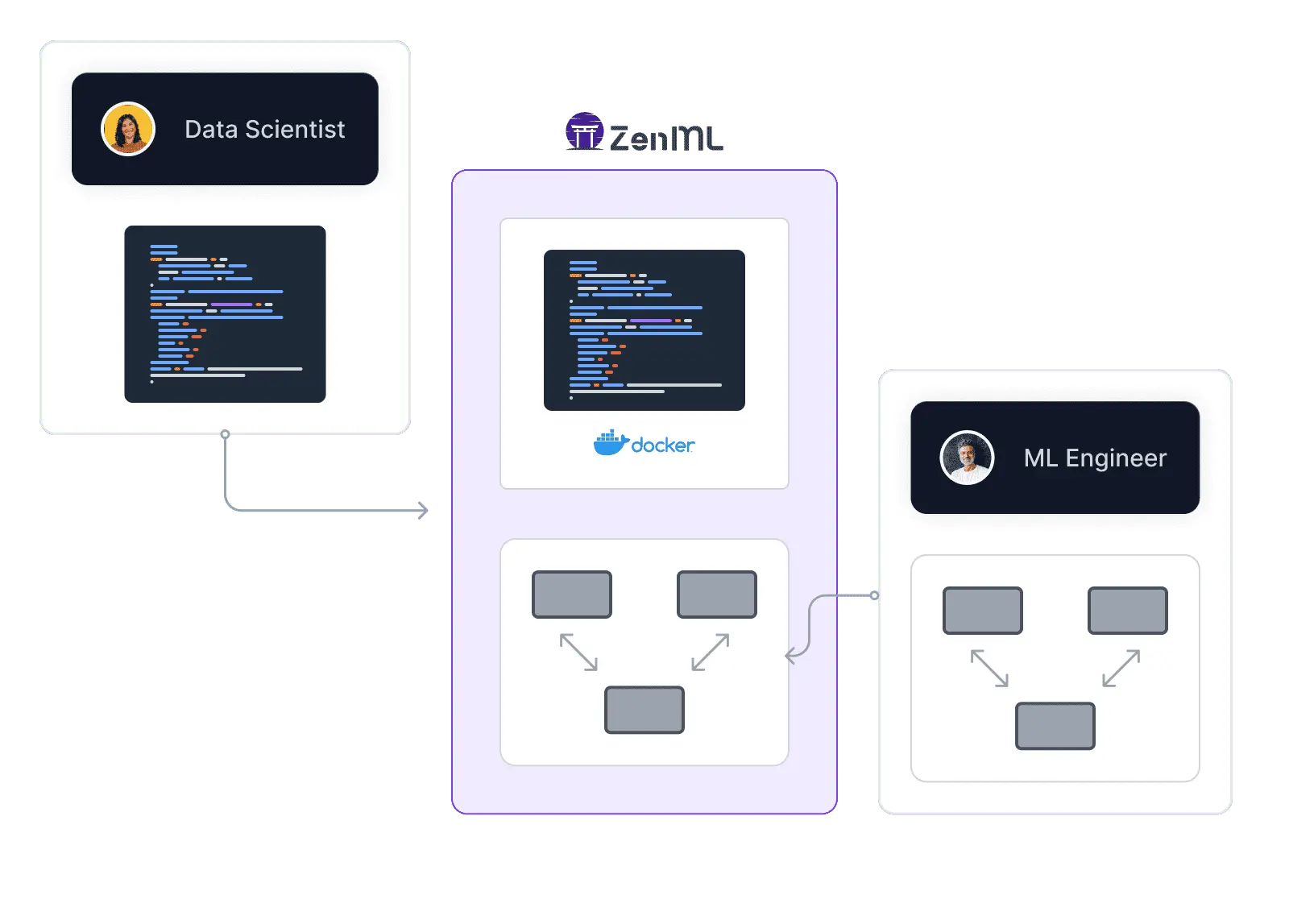
| Feature | ZenML | Databricks |
|---|---|---|
| Workflow Orchestration | Yes Provides a flexible and portable orchestration layer for ML workflows across various environments | Yes Offers robust orchestration within the Databricks ecosystem, optimized for Spark-based workflows |
| Integration Flexibility | Yes Seamlessly integrates with a wide range of MLOps tools and cloud services | Not supported Primarily focuses on integration within the Databricks ecosystem and select partner tools |
| Vendor Lock-In | Yes Enables easy migration between different tools and cloud providers | Not supported Tightly coupled with Databricks' ecosystem, which may lead to vendor lock-in |
| Setup Complexity | Yes Lightweight setup with minimal infrastructure requirements | Not supported More complex setup, often requiring dedicated Databricks clusters and workspace configuration |
| Learning Curve | Yes Gentle learning curve with familiar Python-based pipeline definitions | Not supported Steeper learning curve, especially for teams new to Spark and the Databricks ecosystem |
| Scalability | Yes Scalable architecture that can grow with your needs, leveraging various compute backends | Yes Highly scalable, particularly for big data processing with built-in Spark capabilities |
| Cost Model | Yes Open-source core with optional paid features, allowing for cost-effective scaling | Not supported Subscription-based pricing model, which can be costly for smaller teams or projects |
| Data Processing | Yes Flexible data processing capabilities, integrating with various data tools and frameworks | Yes Optimized for big data processing with native Apache Spark integration |
| Collaborative Development | Yes Supports collaboration through version control and pipeline sharing | Yes Offers collaborative notebooks and workspace management for team development |
| ML Framework Support | Yes Supports a wide range of ML frameworks and libraries | Yes Supports popular ML frameworks, with optimizations for distributed training on Spark |
| Feature Store Integration | Yes Integrates with feature stores like Feast, and orchestrates feature engineering pipelines as part of your ML workflow | Yes Provides a built-in Feature Store within Unity Catalog for feature discovery, lineage, and online/offline serving |
| Model Monitoring & Drift Detection | Yes Integrates with monitoring tools like Evidently and Great Expectations, orchestrated as pipeline steps for drift detection and data quality | Yes Offers inference-table-driven monitoring with built-in data profiling and drift metrics via Lakehouse Monitoring |
| Governance & Access Control | Yes Provides RBAC, artifact lineage tracking, and a model control plane for approval workflows and audit trails | Yes Delivers fine-grained access control, auditing, and lineage through Unity Catalog across data and ML assets |
| Auto Retraining Triggers | Yes Supports scheduled pipelines and event-driven triggers that can initiate retraining based on drift detection or performance thresholds | Yes Enables auto-retraining via Databricks Jobs with scheduling, triggers, and integration with monitoring alerts |
Code comparison
from zenml import pipeline, step, Model
from zenml.integrations.mlflow.steps import (
    mlflow_model_deployer_step,
)
import pandas as pd
from sklearn.ensemble import RandomForestRegressor
from sklearn.metrics import mean_squared_error
import numpy as np

@step
def ingest_data() -> pd.DataFrame:
    return pd.read_csv("data/dataset.csv")

@step
def train_model(df: pd.DataFrame) -> RandomForestRegressor:
    X, y = df.drop("target", axis=1), df["target"]
    model = RandomForestRegressor(n_estimators=100)
    model.fit(X, y)
    return model

@step
def evaluate(model: RandomForestRegressor, df: pd.DataFrame) -> float:
    X, y = df.drop("target", axis=1), df["target"]
    preds = model.predict(X)
    return float(np.sqrt(mean_squared_error(y, preds)))

@step
def check_drift(df: pd.DataFrame) -> bool:
    # Plug in Evidently, Great Expectations, etc.
    return detect_drift(df)

@pipeline(model=Model(name="my_model"))
def ml_pipeline():
    df = ingest_data()
    model = train_model(df)
    rmse = evaluate(model, df)
    drift = check_drift(df)

# Runs on Databricks compute, logs to MLflow,
# tracks artifacts, and triggers retraining — all
# in one portable, version-controlled pipeline
ml_pipeline()# Databricks Notebook / Job workflow
import mlflow
import pandas as pd
from sklearn.ensemble import RandomForestRegressor
from sklearn.metrics import mean_squared_error
import numpy as np
mlflow.set_tracking_uri("databricks")
mlflow.set_registry_uri("databricks-uc")
df = pd.read_csv("/dbfs/mnt/data/dataset.csv")
X, y = df.drop("target", axis=1), df["target"]
with mlflow.start_run():
model = RandomForestRegressor(n_estimators=100)
model.fit(X, y)
predictions = model.predict(X)
rmse = np.sqrt(mean_squared_error(y, predictions))
mlflow.log_metric("rmse", rmse)
mlflow.sklearn.log_model(
model, "model",
registered_model_name="catalog.schema.my_model"
)
print(f"RMSE: {rmse}")
# Retraining requires separate Jobs, schedules,
# and monitoring configured in Databricks UIZenML offers a vendor-neutral approach, allowing you to integrate with various tools and cloud providers, while Databricks is primarily focused on its own ecosystem.
ZenML provides a more lightweight solution with minimal infrastructure requirements, making it easier to set up and start using compared to Databricks' more complex environment.
With its open-source core and optional paid features, ZenML offers a more cost-effective solution for smaller teams and projects, unlike Databricks' subscription-based model which can be costly for limited use cases.
ZenML's familiar Python-based pipeline definitions and consistent interface across platforms make it easier to learn and use, especially for teams without Spark expertise, compared to Databricks' steeper learning curve.
ZenML ensures workflow portability across different environments and supports easy migration between cloud providers. Databricks is available on AWS, Azure, and GCP, but workflows remain deeply tied to Databricks-specific constructs (workspaces, clusters, jobs, Unity Catalog), reducing portability compared to a tool-agnostic pipeline layer like ZenML.
Orchestrator Showdown

ML-optimized workflow management. Enhance scalability and usability with comprehensive features designed for ML pipeline orchestration.

ZenML is an open-source alternative to Argo Workflows for ML pipelines with built-in metadata, lineage, and reproducibility

Dagster alternative: Streamline ML ops with intuitive pipelines. Seamless integrations and experiment tracking for efficient ML workflow management.

Flyte alternative: Agile ML pipeline orchestration. Accelerate workflows with intuitive tools, seamless MLOps integration, and rapid iteration.

Kedro alternative: Scalable, user-friendly ML framework. Streamline operations with robust features for efficient project management and deployment.
Kubeflow alternative: Lightweight ML pipeline management. Simplify MLOps with flexible, user-friendly workflows across various environments.

Prefect alternative: ML-centric pipeline orchestration. Streamline workflows with intuitive design, experiment tracking, and MLOps integrations.
How we evaluated sandbox providers for coding agents, what we chose for now, and the trade-offs behind that decision.
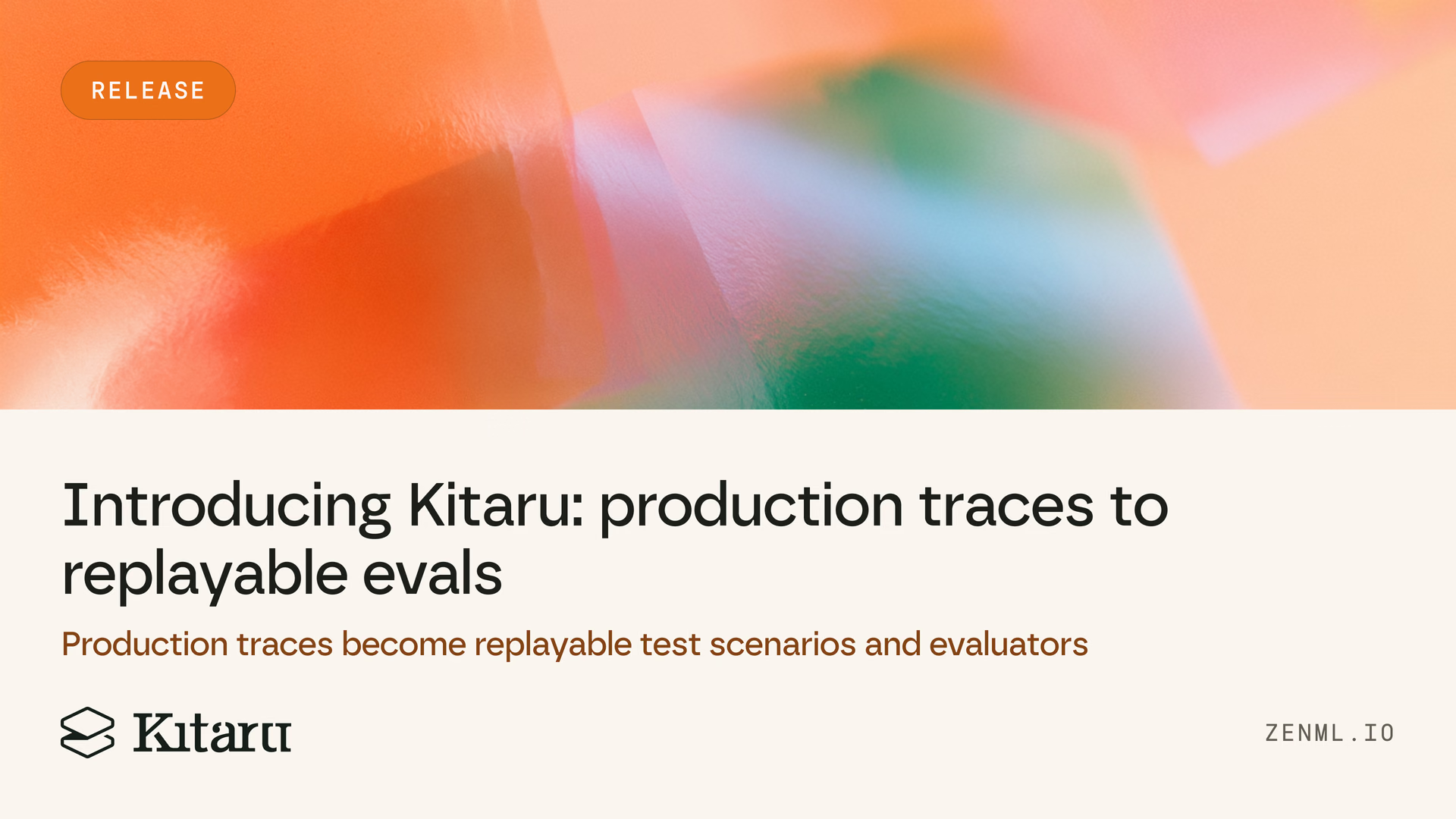
The new Kitaru turns production traces you already collect into replayable test scenarios, expert-reviewed cohorts, and evaluators you can run on every change.
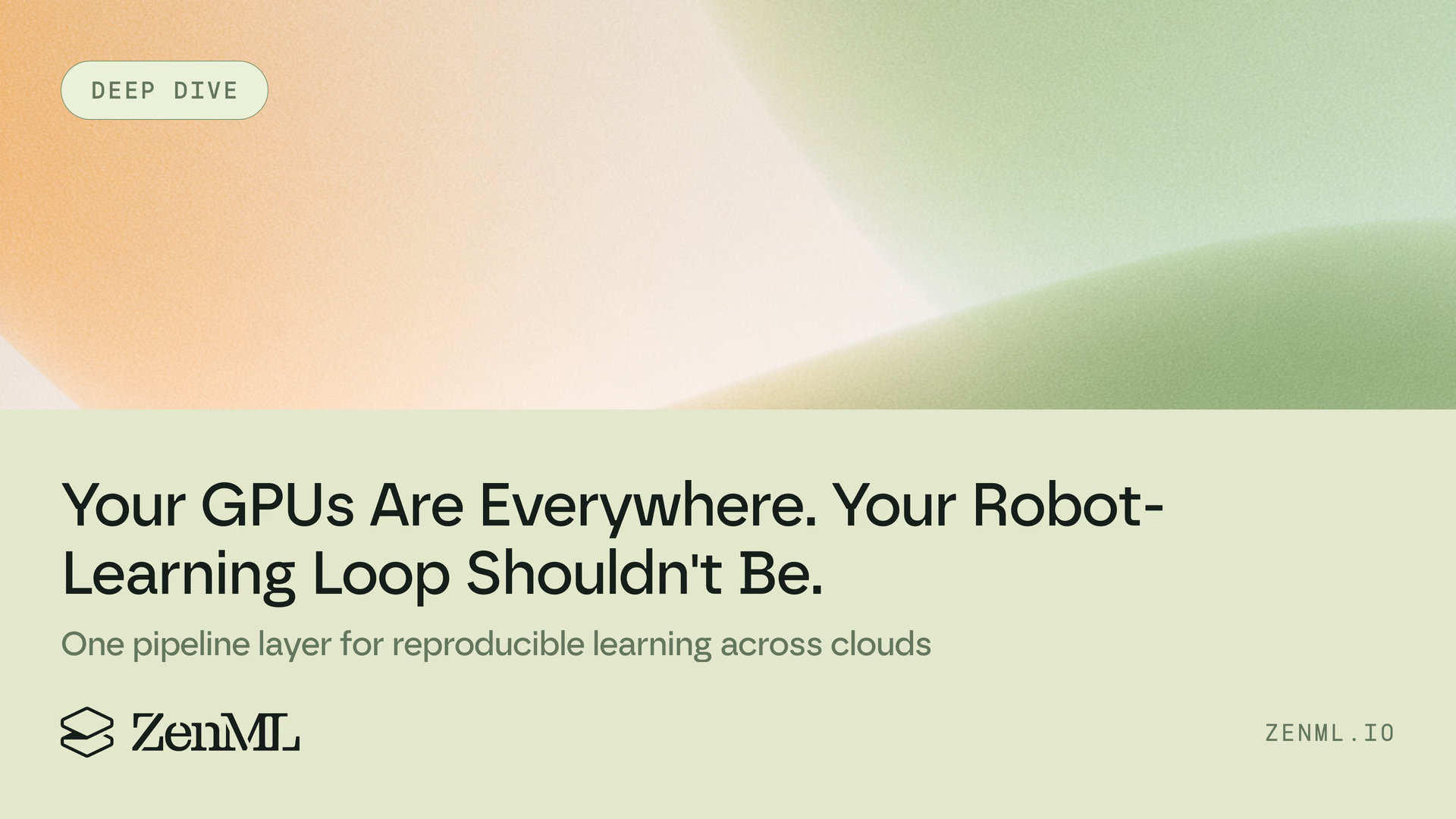
Robotics compute is spreading across clouds and clusters. Learn how one portable pipeline layer can keep the robot-learning loop reproducible.
Explore how ZenML's vendor-neutral approach can simplify your ML workflows Discover the ease of setting up and scaling your MLOps practices with ZenML Learn how to build portable, cost-effective ML pipelines that grow with your needs