























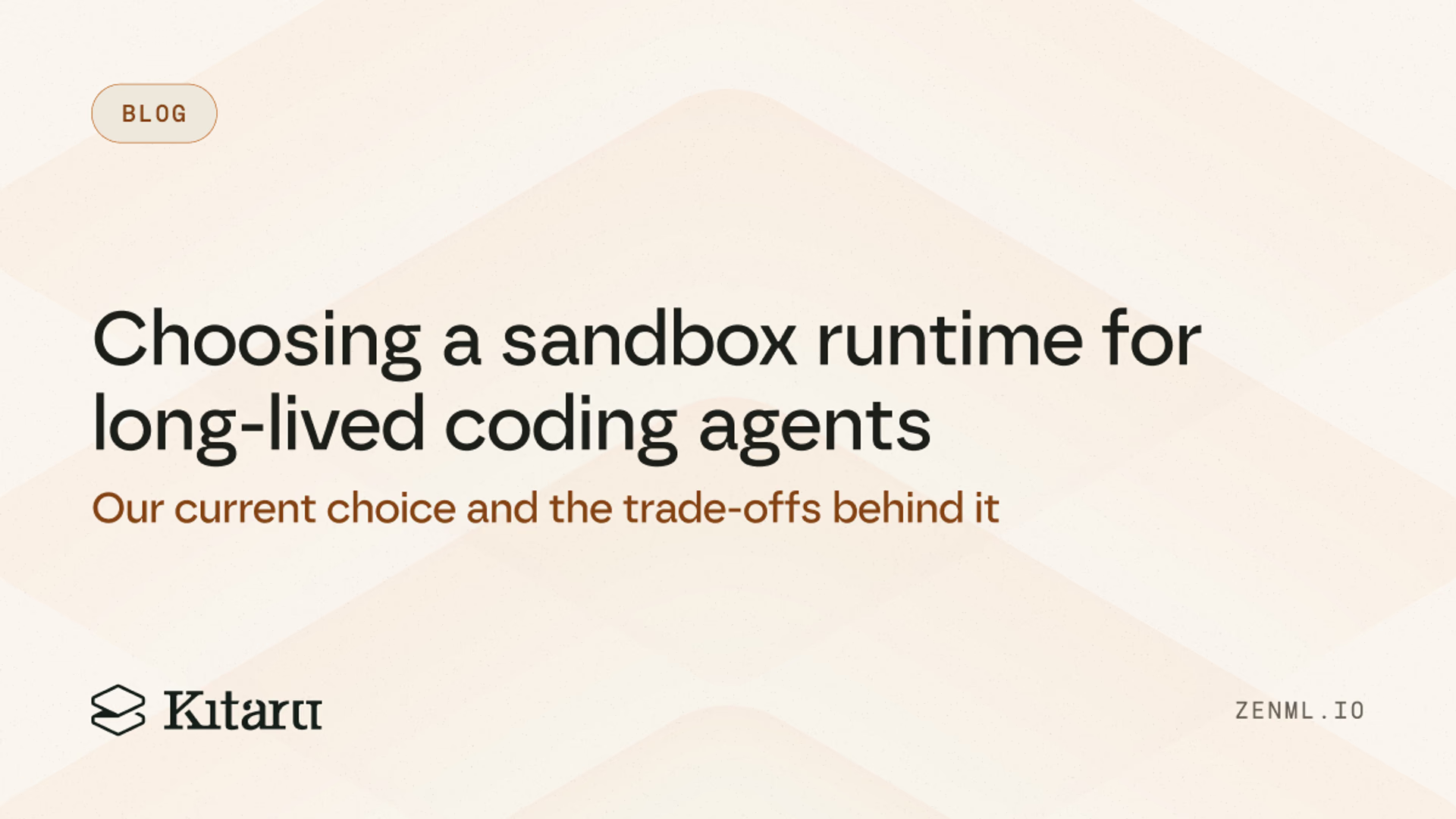
Choosing a sandbox runtime for long-lived coding agents
How we evaluated sandbox providers for coding agents, what we chose for now, and the trade-offs behind that decision.
e2e-platforms
ZenML offers a flexible, integration-rich alternative to ClearML for ML pipeline orchestration. Unlike ClearML's rigid, all-in-one approach, ZenML provides an adaptable MLOps framework that integrates seamlessly with various tools. Experience accelerated ML initiatives with ZenML's flexible architecture, collaborative features, and simplified setup, requiring less infrastructure knowledge to get started.
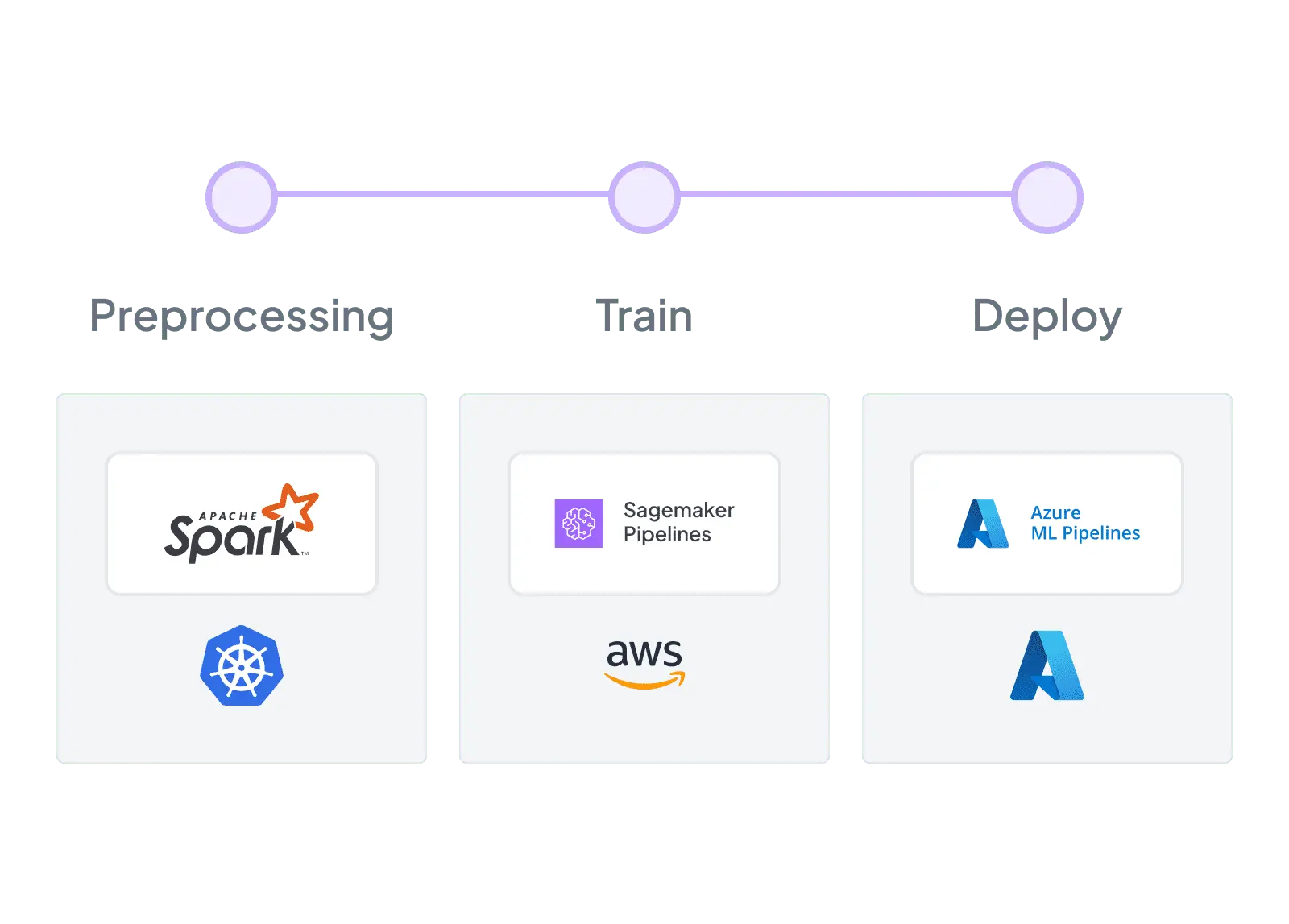
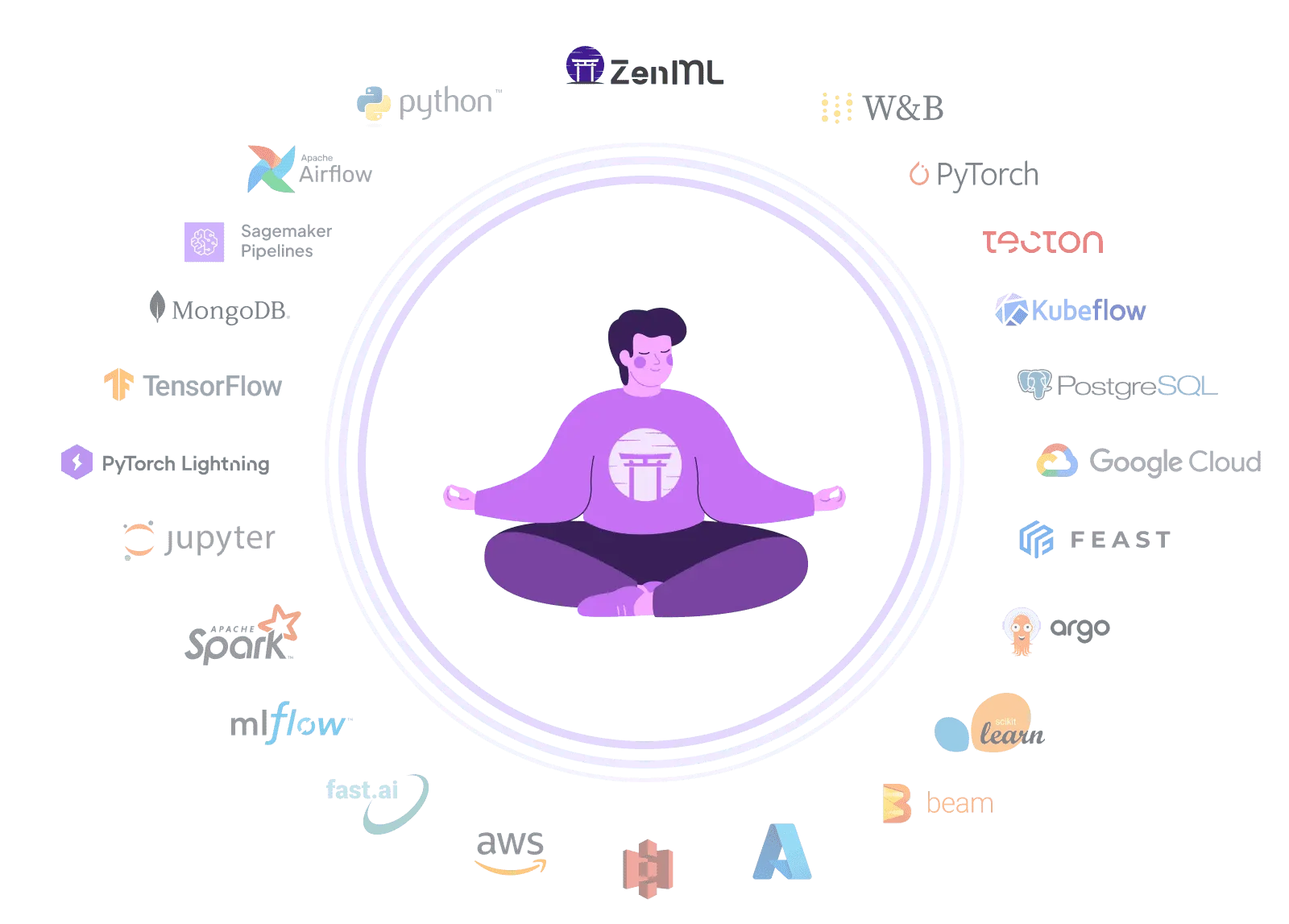
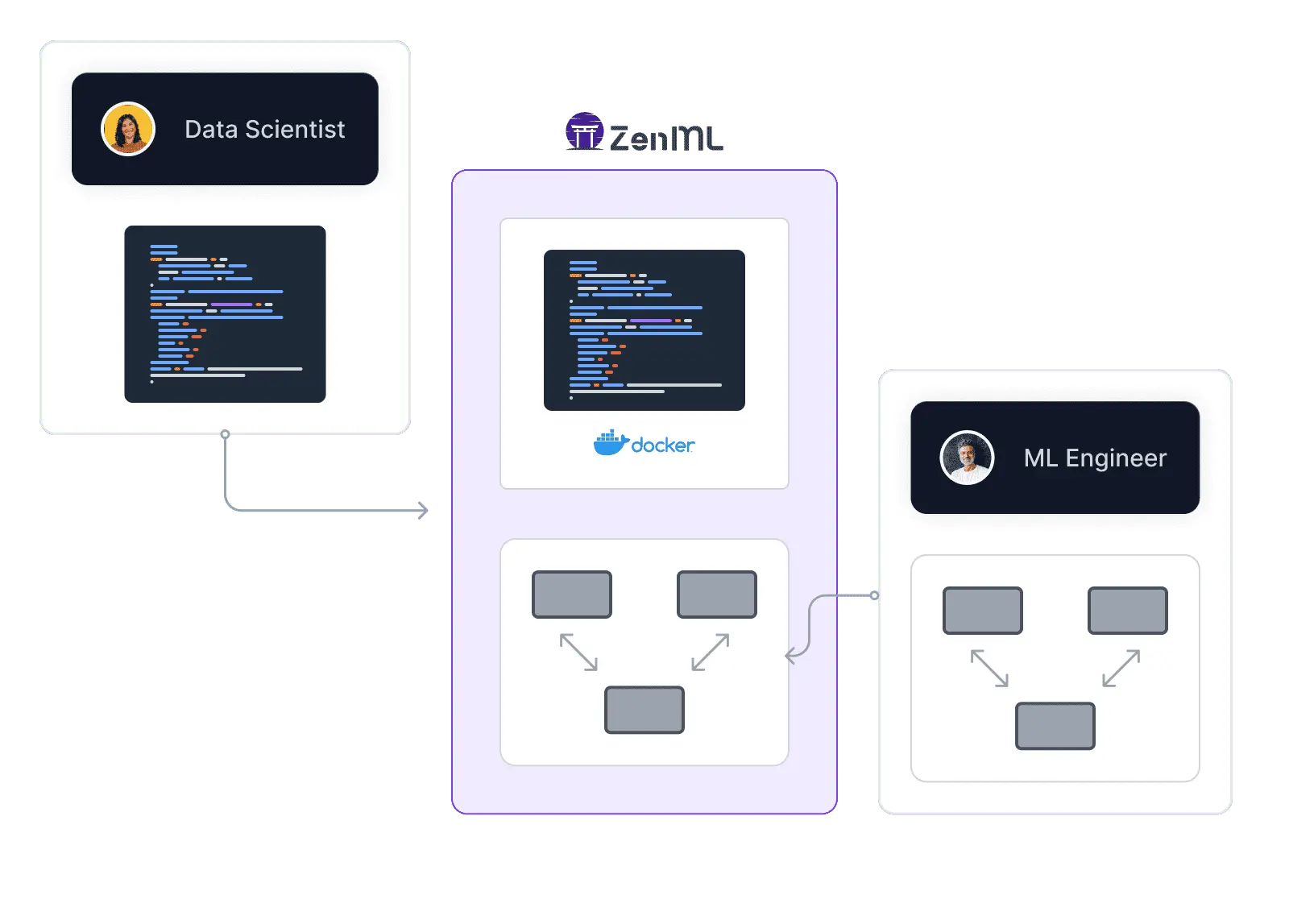
ZenML allows you to quickly and responsibly go from POC to production ML systems while enabling reproducibility, flexibility, and above all, sanity

Goku Mohandas
Founder of MadeWithML
| Feature | ZenML | ClearML |
|---|---|---|
| MLOps Integrations | Yes Extensive integrations with various MLOps tools and platforms | Not supported Limited to ClearML's ecosystem of tools |
| Flexibility | Yes Highly customizable with modular architecture | Not supported More rigid, all-in-one approach |
| Setup Complexity | Yes Simple setup with minimal infrastructure knowledge required | Not supported More complex setup with agent-based architecture |
| Vendor Lock-in | Yes Open architecture allows easy tool swapping and avoids lock-in | Not supported Tighter coupling with ClearML's ecosystem |
| Learning Curve | Yes Intuitive API with gentle learning curve | Not supported Steeper learning curve due to specific paradigms |
| Collaboration | Yes Strong collaboration features with version control and sharing | Yes Good collaboration features within ClearML's platform |
| Scalability | Yes Easily scalable across various environments | Yes Scalable within ClearML's infrastructure |
| Monitoring | Yes Comprehensive monitoring with integration options | Yes Strong monitoring capabilities within ClearML |
Code comparison
from zenml import pipeline, step
from sklearn.ensemble import RandomForestRegressor
from sklearn.metrics import mean_squared_error

@step
def ingest_data():
    return pd.read_csv("data/dataset.csv")

@step
def train_model(df):
    X, y = df.drop("target", axis=1), df["target"]
    model = RandomForestRegressor(n_estimators=100)
    model.fit(X, y)
    return model

@step
def evaluate_model(model, df):
    X, y = df.drop("target", axis=1), df["target"]
    rmse = mean_squared_error(y, model.predict(X)) ** 0.5
    print(f"RMSE: {rmse}")

@pipeline
def ml_pipeline():
    df = ingest_data()
    model = train_model(df)
    evaluate_model(model, df)

ml_pipeline()from clearml.automation.controller import PipelineDecorator
from clearml import TaskTypes
@PipelineDecorator.component(return_values=["data_frame"], cache=True, task_type=TaskTypes.data_processing)
def step_one(pickle_data_url: str, extra: int = 43):
print("step_one")
import sklearn # noqa
import pickle
import pandas as pd
from clearml import StorageManager
local_iris_pkl = StorageManager.get_local_copy(remote_url=pickle_data_url)
with open(local_iris_pkl, "rb") as f:
iris = pickle.load(f)
data_frame = pd.DataFrame(iris["data"], columns=iris["feature_names"])
data_frame.columns += ["target"]
data_frame["target"] = iris["target"]
return data_frame
@PipelineDecorator.component(
return_values=["X_train", "X_test", "y_train", "y_test"], cache=True, task_type=TaskTypes.data_processing
)
def step_two(data_frame, test_size=0.2, random_state=42):
print("step_two")
import pandas as pd # noqa
from sklearn.model_selection import train_test_split
y = data_frame["target"]
X = data_frame[(c for c in data_frame.columns if c != "target")]
X_train, X_test, y_train, y_test = train_test_split(X, y, test_size=test_size, random_state=random_state)
return X_train, X_test, y_train, y_test
@PipelineDecorator.component(return_values=["model"], cache=True, task_type=TaskTypes.training)
def step_three(X_train, y_train):
print("step_three")
import pandas as pd # noqa
from sklearn.linear_model import LogisticRegression
model = LogisticRegression(solver="liblinear", multi_class="auto")
model.fit(X_train, y_train)
return model
@PipelineDecorator.component(return_values=["accuracy"], cache=True, task_type=TaskTypes.qc)
def step_four(model, X_data, Y_data):
from sklearn.linear_model import LogisticRegression # noqa
from sklearn.metrics import accuracy_score
Y_pred = model.predict(X_data)
return accuracy_score(Y_data, Y_pred, normalize=True)
@PipelineDecorator.pipeline(name="custom pipeline logic", project="examples", version="0.0.5")
def executing_pipeline(pickle_url, mock_parameter="mock"):
print("pipeline args:", pickle_url, mock_parameter)
print("launch step one")
data_frame = step_one(pickle_url)
print("launch step two")
X_train, X_test, y_train, y_test = step_two(data_frame)
print("launch step three")
model = step_three(X_train, y_train)
print("returned model: {}".format(model))
print("launch step four")
accuracy = 100 * step_four(model, X_data=X_test, Y_data=y_test)
print(f"Accuracy={accuracy}%")
if __name__ == "__main__":
PipelineDecorator.run_locally()
executing_pipeline(
pickle_url="https://github.com/allegroai/events/raw/master/odsc20-east/generic/iris_dataset.pkl",
)
print("process completed")ZenML provides a complete MLOps solution, covering the entire ML lifecycle from experimentation to deployment and monitoring, while Metaflow primarily focuses on workflow management and pipeline orchestration.
ZenML's modular architecture allows for extensive customization and integration with your preferred tools and platforms, whereas Metaflow offers a more opinionated and rigid workflow structure.
ZenML prioritizes simplicity and ease of use, providing comprehensive documentation, tutorials, and community support to facilitate faster adoption and productivity for teams of all skill levels.
E2E Platform Showdown

Alteryx alternative for ML pipelines: open-source, code-first MLOps with vendor-neutral portability. Build production ML workflows that run anywhere

Vendor-neutral ML orchestration. Build, train, and deploy models across environments with flexible workflows and no cloud lock-in.

Looking for an open-source alternative to Azure ML Pipelines? ZenML builds portable ML pipelines across clouds without vendor lock-in.

Dataiku alternative: Open-source MLOps framework with portable Python pipelines and composable stack. Build production ML workflows with vendor-neutral flexibility and best-of-breed tool integration

Domino Data Lab alternative: Open-source MLOps framework with portable pipelines and composable stack. Build production ML workflows with vendor-neutral flexibility and code-first portability

Metaflow alternative: Flexible ML orchestration with comprehensive MLOps. Accelerate ML using adaptable architecture and seamless integrations.

Valohai alternative: Open-source MLOps framework with extensive integrations. Accelerate ML development using Python-based SDK, adaptable architecture, and existing infrastructure, while avoiding vendor lock-in.

ZenML: an open-source alternative to Vertex AI Pipelines that keeps your MLOps stack portable across GCP, AWS, Azure, and on-prem
How we evaluated sandbox providers for coding agents, what we chose for now, and the trade-offs behind that decision.
The new Kitaru turns production traces you already collect into replayable test scenarios, expert-reviewed cohorts, and evaluators you can run on every change.
Robotics compute is spreading across clouds and clusters. Learn how one portable pipeline layer can keep the robot-learning loop reproducible.
Avoid Lock-In: Integrate your preferred tools with ZenML's open architecture Simplified Setup: Get started quickly with minimal infrastructure knowledge Customized Stack: Create a best-of-breed MLOps environment tailored to your needs Future-Proof Workflows: Easily adapt and scale as your ML requirements evolve