






















Choosing a sandbox runtime for long-lived coding agents
How we evaluated sandbox providers for coding agents, what we chose for now, and the trade-offs behind that decision.
e2e-platforms
Discover how ZenML offers a purpose-built, code-first alternative to Alteryx for production machine learning workflows. While Alteryx excels as a visual analytics automation platform for data preparation and business analytics, ZenML delivers a lightweight, open-source MLOps framework designed for portable, reproducible ML pipelines. Compare ZenML's composable stack architecture and full ML lifecycle management against Alteryx's drag-and-drop analytics platform. Learn how ZenML can help your ML engineering team build scalable, vendor-neutral pipelines that integrate with any tool in the modern MLOps ecosystem.
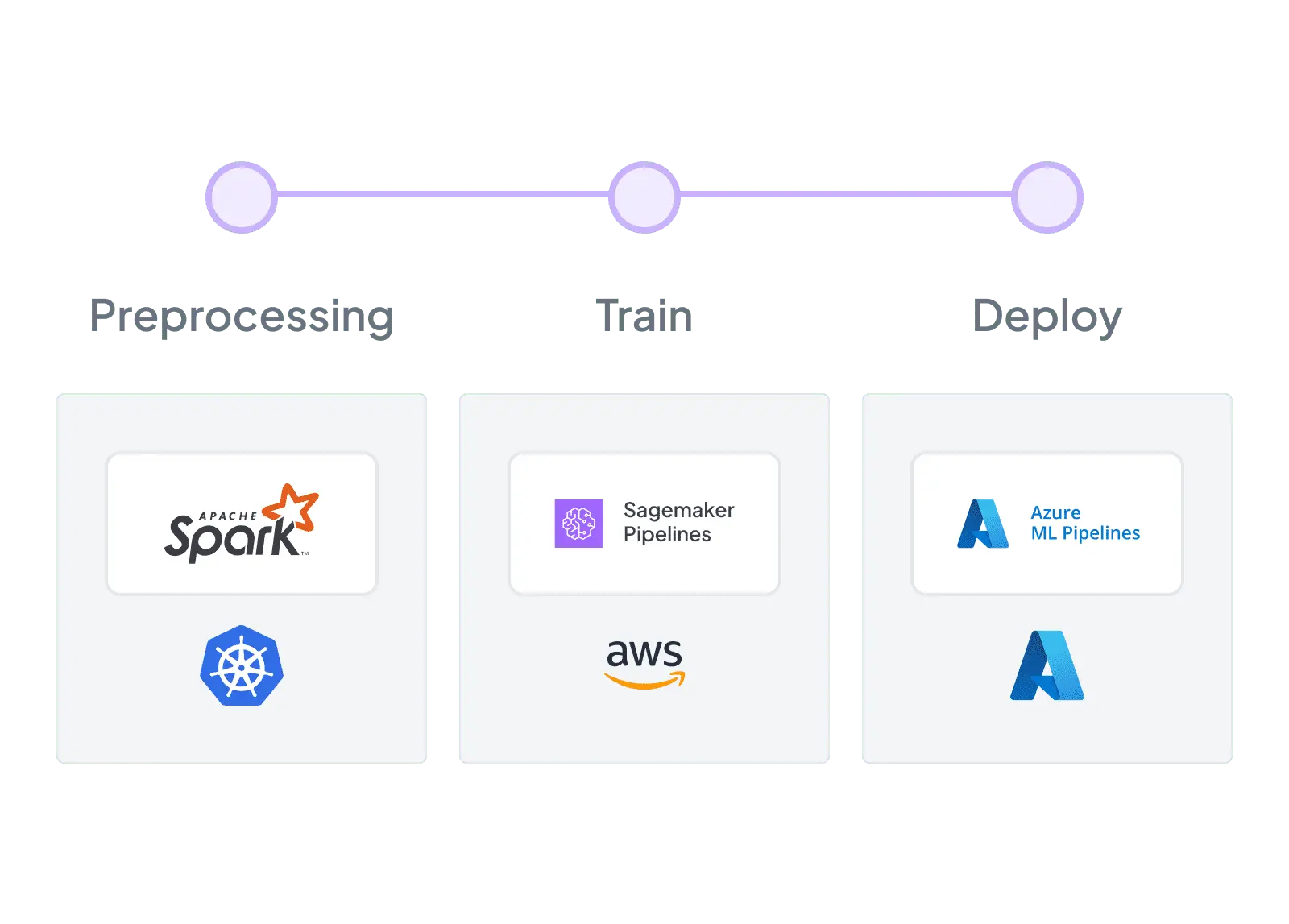

ZenML has proven to be a critical asset in our machine learning toolbox, and we are excited to continue leveraging its capabilities to drive ADEO's machine learning initiatives to new heights

François Serra
ML Engineer / ML Ops / ML Solution architect at ADEO Services
| Feature | ZenML | Alteryx |
|---|---|---|
| Workflow Orchestration | Yes Purpose-built ML pipeline orchestration with pluggable backends — Airflow, Kubeflow, Kubernetes, and more | Not supported Visual workflow execution on Alteryx Engine or Server — designed for analytics automation, not ML pipeline lifecycle |
| Integration Flexibility | Yes Composable stack with 50+ MLOps integrations — swap orchestrators, trackers, and deployers without code changes | Not supported Strong data source connectors (100+) but limited MLOps ecosystem integration — ML tools require custom Python/API code |
| Vendor Lock-In | Yes Open-source Python pipelines run anywhere — switch clouds, orchestrators, or tools without rewriting code | Not supported Proprietary .yxmd workflow format locked to the Alteryx engine — workflows cannot run outside the Alteryx ecosystem |
| Setup Complexity | Yes pip install zenml — start building pipelines in minutes with zero infrastructure, scale when ready | Not supported Windows desktop install plus Server administration (controller/worker architecture, MongoDB, licensing) for enterprise deployment |
| Learning Curve | Yes Python-native API with decorators — familiar to any ML engineer or data scientist who writes Python | Yes Exceptionally approachable drag-and-drop interface designed for business analysts and citizen data scientists |
| Scalability | Yes Delegates compute to scalable backends — Kubernetes, Spark, cloud ML services — for unlimited horizontal scaling | Yes AMP engine with multi-threading, in-database pushdown to Snowflake/Databricks, and Server worker scaling |
| Cost Model | Yes Open-source core is free — pay only for your own infrastructure, with optional managed cloud for enterprise features | Not supported Per-seat licensing across Starter, Professional, and Enterprise tiers — pricing varies by edition and deployment model |
| Collaboration | Yes Code-native collaboration through Git, CI/CD, and code review — ZenML Pro adds RBAC, workspaces, and team dashboards | Yes Server Gallery for sharing workflows, collections, version history, and analytic apps with role-based access control |
| ML Frameworks | Yes Use any Python ML framework — TensorFlow, PyTorch, scikit-learn, XGBoost, LightGBM — with native materializers and tracking | Yes R-based predictive tools plus Intelligence Suite for AutoML — Python tool enables scikit-learn and other frameworks inside workflows |
| Monitoring | Yes Integrates Evidently, WhyLogs, and other monitoring tools as stack components for automated drift detection and alerting | Not supported No native model monitoring or drift detection — Plans offers data health alerting but ML model performance tracking is absent |
| Governance | Yes ZenML Pro provides RBAC, SSO, workspaces, and audit trails — self-hosted option keeps all data in your own infrastructure | Yes Enterprise-grade governance with ISO 27001, SOC 2, RBAC, SSO, audit logs, and new lineage integrations with Atlan and Collibra |
| Experiment Tracking | Yes Native metadata tracking plus seamless integration with MLflow, Weights & Biases, Neptune, and Comet for rich experiment comparison | Not supported No built-in experiment tracking — workflow version history exists on Server but structured ML experiment comparison is absent |
| Reproducibility | Yes Automatic artifact versioning, code-to-Git linking, and containerized execution guarantee reproducible pipeline runs | Yes Deterministic workflow files are repeatable — though Python/R environment drift across machines can affect consistency |
| Auto-Retraining | Yes Schedule pipelines via any orchestrator or use ZenML Pro event triggers for drift-based automated retraining workflows | Yes Server scheduling and API-triggered workflow runs enable periodic retraining — but no ML-signal-based automatic triggers |
Code comparison
from zenml import pipeline, step, Model
from zenml.integrations.mlflow.steps import (
    mlflow_model_deployer_step,
)
import pandas as pd
from sklearn.ensemble import RandomForestRegressor
from sklearn.metrics import mean_squared_error
import numpy as np

@step
def ingest_data() -> pd.DataFrame:
    return pd.read_csv("data/dataset.csv")

@step
def train_model(df: pd.DataFrame) -> RandomForestRegressor:
    X, y = df.drop("target", axis=1), df["target"]
    model = RandomForestRegressor(n_estimators=100)
    model.fit(X, y)
    return model

@step
def evaluate(model: RandomForestRegressor, df: pd.DataFrame) -> float:
    X, y = df.drop("target", axis=1), df["target"]
    preds = model.predict(X)
    return float(np.sqrt(mean_squared_error(y, preds)))

@step
def check_drift(df: pd.DataFrame) -> bool:
    # Plug in Evidently, Great Expectations, etc.
    return detect_drift(df)

@pipeline(model=Model(name="my_model"))
def ml_pipeline():
    df = ingest_data()
    model = train_model(df)
    rmse = evaluate(model, df)
    drift = check_drift(df)

# Runs on any orchestrator, logs to MLflow,
# tracks artifacts, and triggers retraining — all
# in one portable, version-controlled pipeline
ml_pipeline()# Alteryx Designer — Python Tool in Workflow
from ayx import Alteryx
import pandas as pd
from sklearn.ensemble import RandomForestRegressor
from sklearn.metrics import mean_squared_error
import numpy as np
import pickle
# Read data from upstream Alteryx tools
df = Alteryx.read("#1")
X = df.drop(columns=["target"])
y = df["target"]
model = RandomForestRegressor(n_estimators=100)
model.fit(X, y)
predictions = model.predict(X)
rmse = np.sqrt(mean_squared_error(y, predictions))
# Save model artifact manually
with open("model.pkl", "wb") as f:
pickle.dump(model, f)
# Output results to downstream Alteryx tools
results = pd.DataFrame({
"metric": ["rmse"], "value": [rmse]
})
Alteryx.write(results, 1)
# Retraining requires scheduling this workflow
# on Alteryx Server; no built-in experiment
# tracking, model registry, or drift detectionZenML is fully open-source and vendor-neutral, letting you avoid the significant licensing costs and platform lock-in of proprietary enterprise platforms. Your pipelines remain portable across any infrastructure, from local development to multi-cloud production.
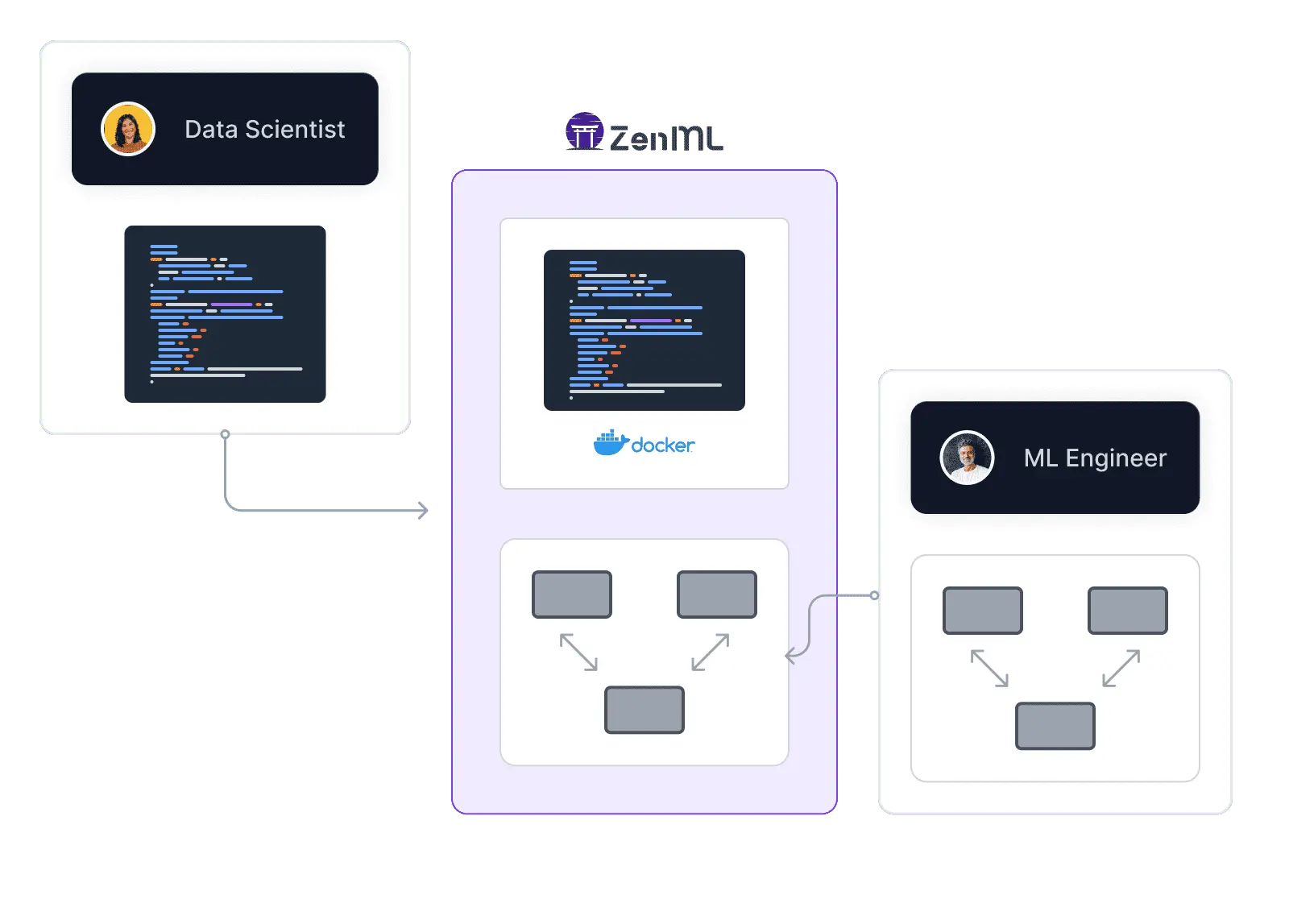
ZenML offers a pip-installable, Python-first approach that lets you start locally and scale later. No enterprise deployment, platform operators, or Kubernetes clusters required to begin — build production-grade ML pipelines in minutes, not weeks.
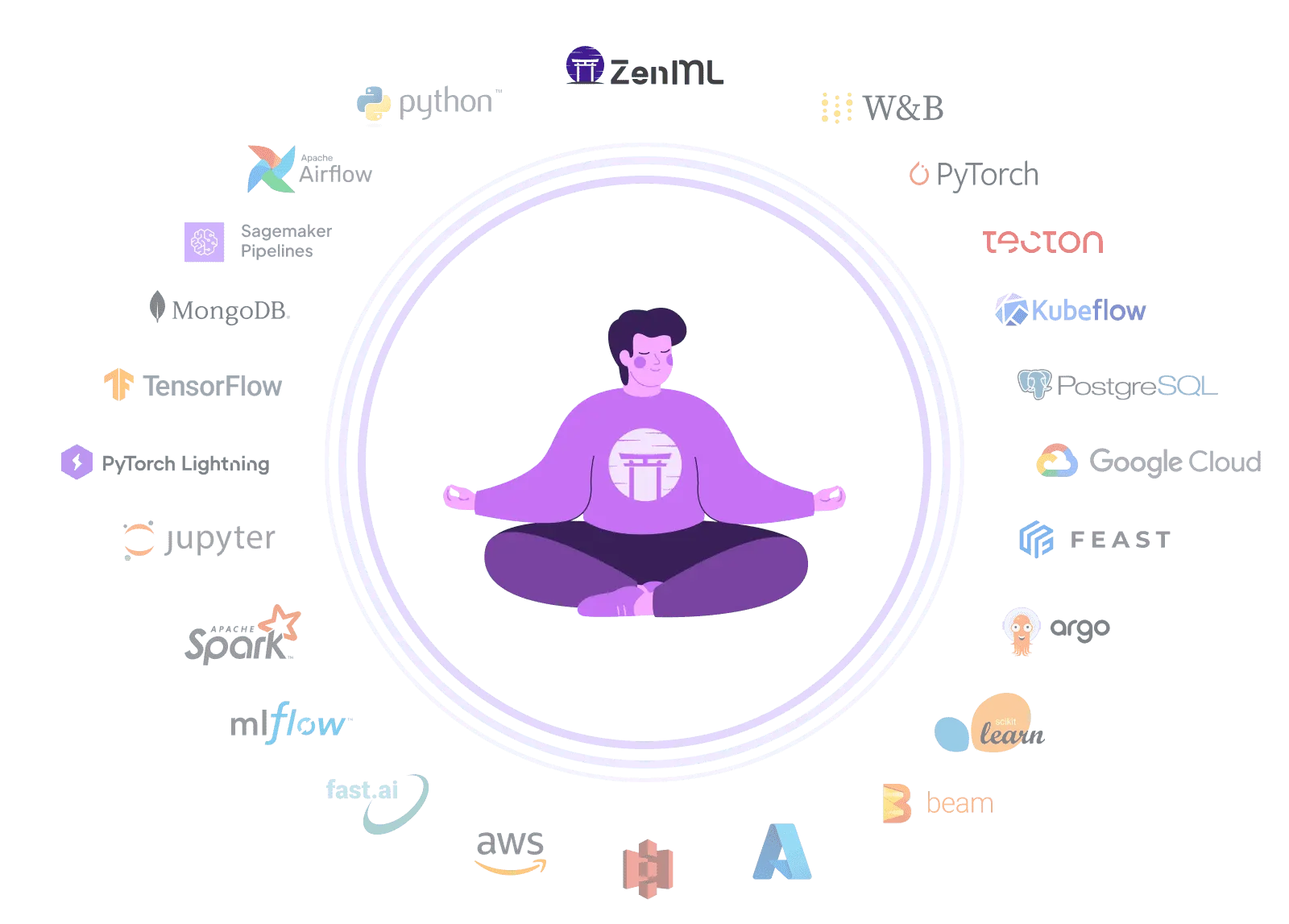
ZenML's composable stack lets you choose your own orchestrator, experiment tracker, artifact store, and deployer. Swap components freely without re-platforming — your pipelines adapt to your toolchain, not the other way around.
E2E Platform Showdown
Vendor-neutral ML orchestration. Build, train, and deploy models across environments with flexible workflows and no cloud lock-in.
Looking for an open-source alternative to Azure ML Pipelines? ZenML builds portable ML pipelines across clouds without vendor lock-in.

ClearML alternative: Flexible MLOps framework with extensive integrations. Accelerate ML development using adaptable architecture and reduced lock-in, while simplifying infrastructure setup.

Dataiku alternative: Open-source MLOps framework with portable Python pipelines and composable stack. Build production ML workflows with vendor-neutral flexibility and best-of-breed tool integration

Domino Data Lab alternative: Open-source MLOps framework with portable pipelines and composable stack. Build production ML workflows with vendor-neutral flexibility and code-first portability

Metaflow alternative: Flexible ML orchestration with comprehensive MLOps. Accelerate ML using adaptable architecture and seamless integrations.

Valohai alternative: Open-source MLOps framework with extensive integrations. Accelerate ML development using Python-based SDK, adaptable architecture, and existing infrastructure, while avoiding vendor lock-in.

ZenML: an open-source alternative to Vertex AI Pipelines that keeps your MLOps stack portable across GCP, AWS, Azure, and on-prem
How we evaluated sandbox providers for coding agents, what we chose for now, and the trade-offs behind that decision.
The new Kitaru turns production traces you already collect into replayable test scenarios, expert-reviewed cohorts, and evaluators you can run on every change.
Robotics compute is spreading across clouds and clusters. Learn how one portable pipeline layer can keep the robot-learning loop reproducible.
Explore how ZenML's code-first approach gives ML engineers full control over production pipelines Discover how starting with an open-source core lets you build immediately and scale with your team's needs Learn how composable stacks let you integrate any ML tool without proprietary lock-in