
On this page
n8n is often described as a fair-code, self-hostable workflow automation tool, which is about right; it’s good at stitching together APIs and simple business logic.
But when you use it for heavy-duty ML pipelines or enterprise-scale orchestration, the cracks start to show.
We saw engineering teams hit hard limits with n8n: database bottlenecks when execution logs pile up, and essential features like SSO and RBAC locked behind expensive enterprise plans.
n8n’s most talked-about visual editor, while friendly, becomes a nightmare to debug when you have a 100-node graph that fails silently in the middle of the night.
We tested 10 of the best n8n alternatives for automating workflows at scale. In this post, we break down their features, pricing, and the specific use cases where they outperform n8n.
A Quick Overview
- Why Look for Alternatives: Many teams find n8n challenging to maintain at scale. Self-hosting brings hidden costs and reliability issues. Collaboration is limited on the free plan. n8n’s integration library is much smaller than many alternatives.
- Who Should Care: DevOps engineers, ML practitioners, and technical leads who need a workflow engine that handles heavy data loads, has better version control, and offers enterprise features beyond what n8n offers.
- What to Expect: A breakdown of options ranging from low-code giants like Zapier and Make to developer-first platforms like Temporal and Pipedream, plus specialized tools for ML pipelines like ZenML.
The Need for an n8n Alternative?
While n8n is powerful for low-code automation, users have raised several concerns in production use.
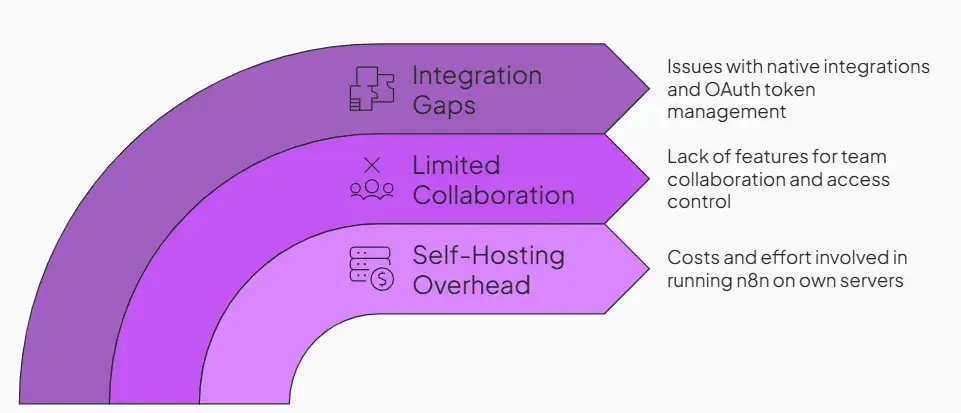
Some common concerns include:
1. Self-Hosting Overhead (Ops, Upgrades, Reliability)
Running n8n on your own servers isn’t truly free. You must provision and maintain infrastructure, handle updates, and ensure uptime.
One analysis found that n8n’s self-hosting, security, and maintenance can easily cost $200- $500 per month for a small deployment. In an enterprise setting, this cost can go upto six figures.
This operational burden makes teams question whether a managed alternative would be simpler.
2. Limited Collaboration and Team Features
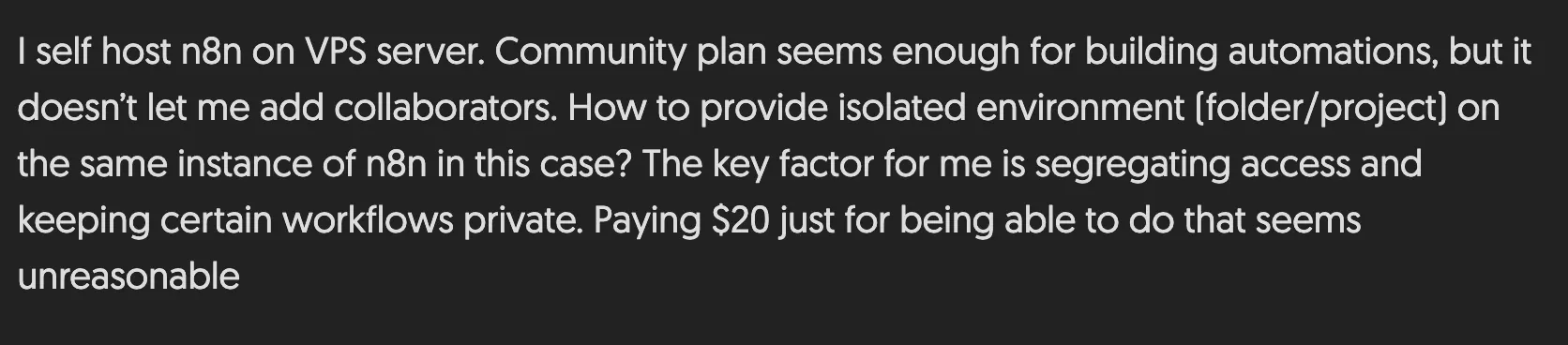
n8n has limited collaboration and team features. n8n Community Edition supports multiple users via User Management (Owner + Member accounts), but it does not include Projects or built-in sharing of workflows/credentials, so collaboration is limited without paid features.
SSO and advanced access controls are paid features in n8n, and availability depends on the plan. For example, n8n’s Business plan includes SSO (SAML/LDAP), while RBAC role capabilities vary by plan (with some RBAC roles available on Pro Cloud and broader RBAC on Enterprise).
3. Gaps in Native Integrations + OAuth/Connectivity Pain
n8n relies on a community-driven node ecosystem. It is well-extended with diverse node types; however, many nodes are unmaintained and lack specific API functionality
You might find a node for a service only to discover it supports a fraction of the API’s capabilities, forcing you to write custom HTTP requests. Furthermore, managing OAuth tokens for hundreds of different clients can be flaky, with users reporting frequent disconnections that pause critical automations.
In short, if n8n’s library or community nodes don’t cover what you need, you’re on your own
Evaluation Criteria
- Infrastructure Pain: If you lack DevOps resources, n8n is a nightmare. We look for alternatives with less infrastructure hassle, and that can handle the heavy lifting or offer managed services that scale without you in the loop.
- Execution model and reliability: Can the platform handle long-running processes without timing out? This is where n8n and most tools struggle, so we prioritized tools with durable execution or robust retry mechanisms.
- Integration depth: We looked beyond the number of apps. We checked whether the integrations provide deep access to API endpoints and whether the platform handles authentication reliably.
What are the Top Alternatives to n8n?
Here’s a quick table summarizing the top 10 n8n alternatives:
| Tool | Best For | Key Features | Pricing |
|---|---|---|---|
| Zapier | Teams that want easy, no-code automation | – Connect thousands of apps with ready-made triggers – Build workflows with filters, paths, and conditions – Automate tasks on schedules or webhooks | – Free – Paid plans start at $29.99/month |
| Make | Users who need flexible visual workflows | – Visual builder with branching and loops – API calls through HTTP modules – Data transformation tools built in | – Free – Paid plans start at $10.59/month |
| Power Automate | Microsoft-centric teams automating Office/Azure workflows | – Native connectors for Microsoft 365 – Cloud flows + desktop RPA – Built-in approvals and branching logic | – Free with Microsoft 365 license – Starts at $15/user/month |
| Workato | Large teams needing enterprise automation | – Thousands of enterprise connectors – Reusable recipe components – Embedded integration offering | – Custom (enterprise tiers) |
| ZenML | ML teams that want code-first pipeline automation | – Code-defined pipelines in Python – Built-in experiment tracking + artifact lineage – Flexible, vendor-neutral stack setup | – Free (open-source) – Custom (Pro) |
| Temporal | Developers needing durable, long-running workflows | – Workflows defined as code – Automatic retries and state persistence – Scalable worker-based execution | – Free (open-source) – Temporal Cloud starts at $100/month |
| Apache Airflow | Data/ML teams running scheduled batch pipelines | – DAG-based workflow authoring – Broad operator ecosystem – Scheduling + backfill support | – Free (open-source) – Managed Airflow billed by the provider |
| Pipedream | Developers wanting event-driven automation with code steps | – Event triggers for webhooks and API calls – Built-in actions + JS code steps – Serverless execution with logs | – Free tier – Paid plans start at $45/month |
| Tray.io | Enterprise teams needing scalable low-code integrations | – Visual automation builder with 600+ connectors – Embedded integrations and on-prem connectivity | – Custom pricing |
| Activepieces | Budget-conscious teams wanting open-source automation | – Visual flow builder – Unlimited tasks on paid plans – Cloud + self-hosting options | – Free and usage-based |
1. Zapier
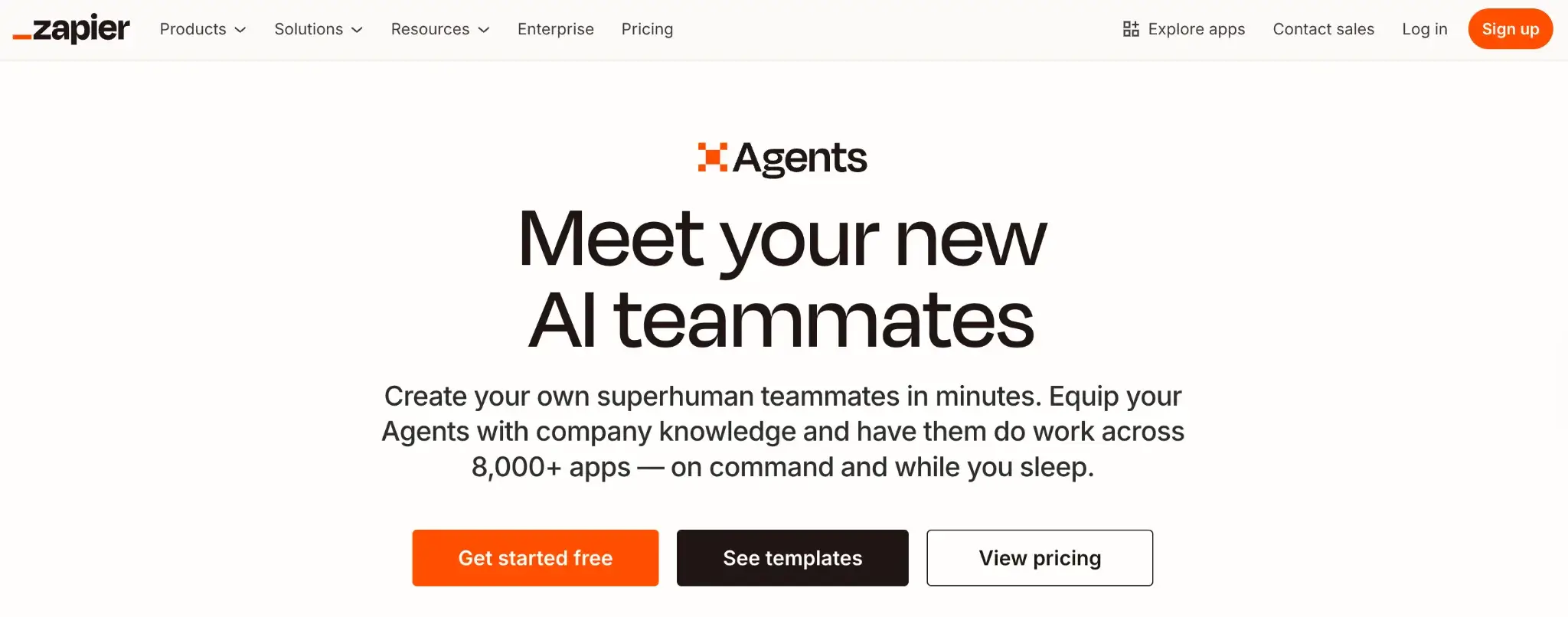
Zapier is the industry standard for no-code automation, making it a natural n8n alternative for those who want minimal setup. It’s a fully hosted SaaS offering with minimal setup and built-in integrations with thousands of apps.
If you value an extensive integration ecosystem and an easy-to-use UI over self-hosted control, Zapier is the tool for you.
Features
- Triggers actions across 6,000+ apps without requiring any webhook configuration or API knowledge.
- Uses ‘Zaps’ (linear workflows) that handle authentication and API schema changes automatically, reducing maintenance burden.
- Offers ‘Paths’ for conditional logic, allowing you to build branching workflows similar to n8n’s router nodes but with a simpler UI.
- Includes built-in AI tools that let you draft emails, parse leads, or summarize text directly within the automation steps.
Pricing
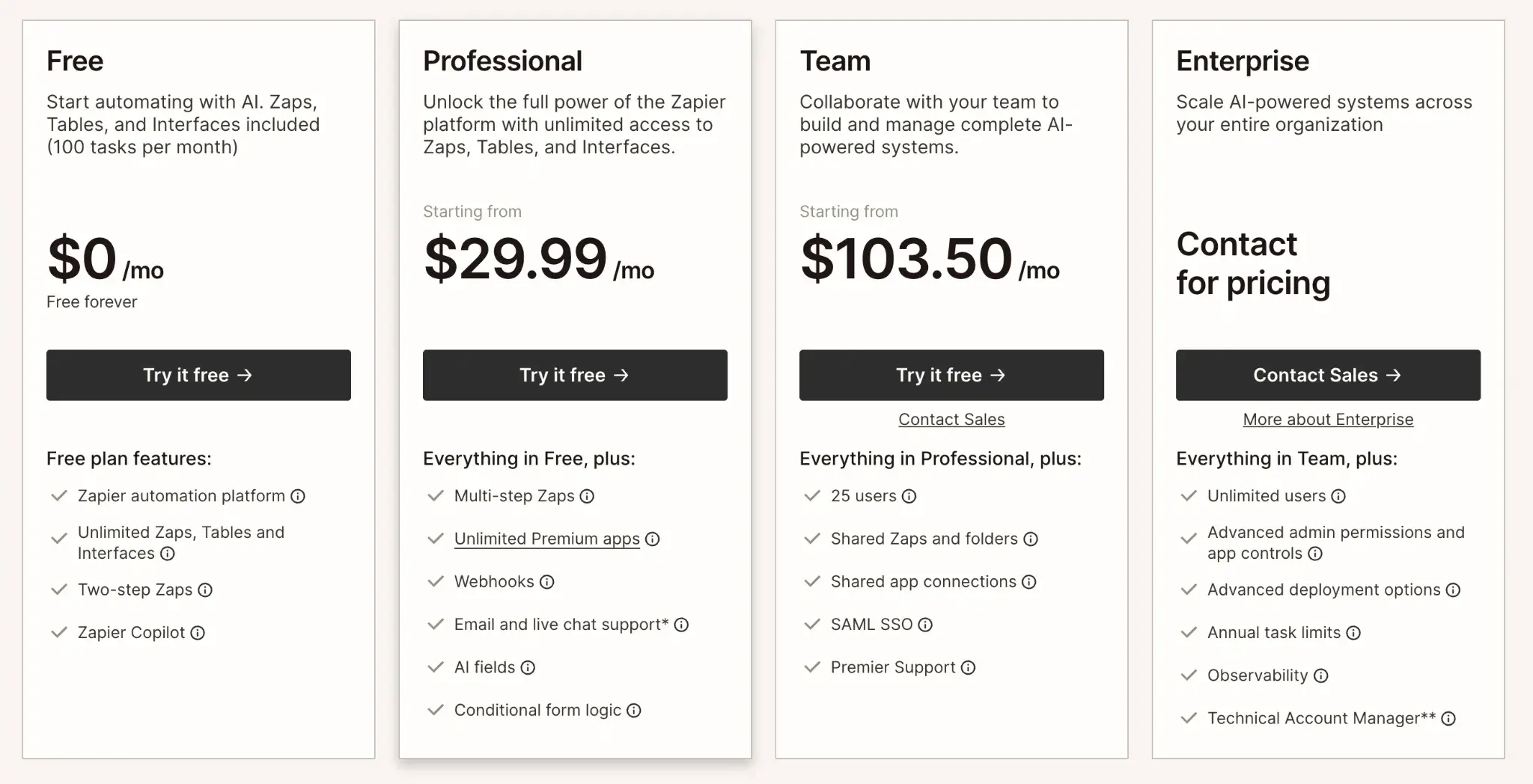
Zapier offers a Free plan for basic use and three paid plans:
- Professional: $29.99 per month
- Team: $103.50 per month
- Enterprise: Custom pricing
Pros and Cons
Zapier’s biggest advantage is its ecosystem. If a SaaS tool exists, it likely talks to Zapier. It requires zero maintenance, no servers to patch or databases to prune.
However, it gets expensive quickly as you scale. The logic limitations are also real; you cannot easily run complex code or handle heavy data transformation as you can in n8n. It is great for connecting apps, but poor for building applications.
2. Make
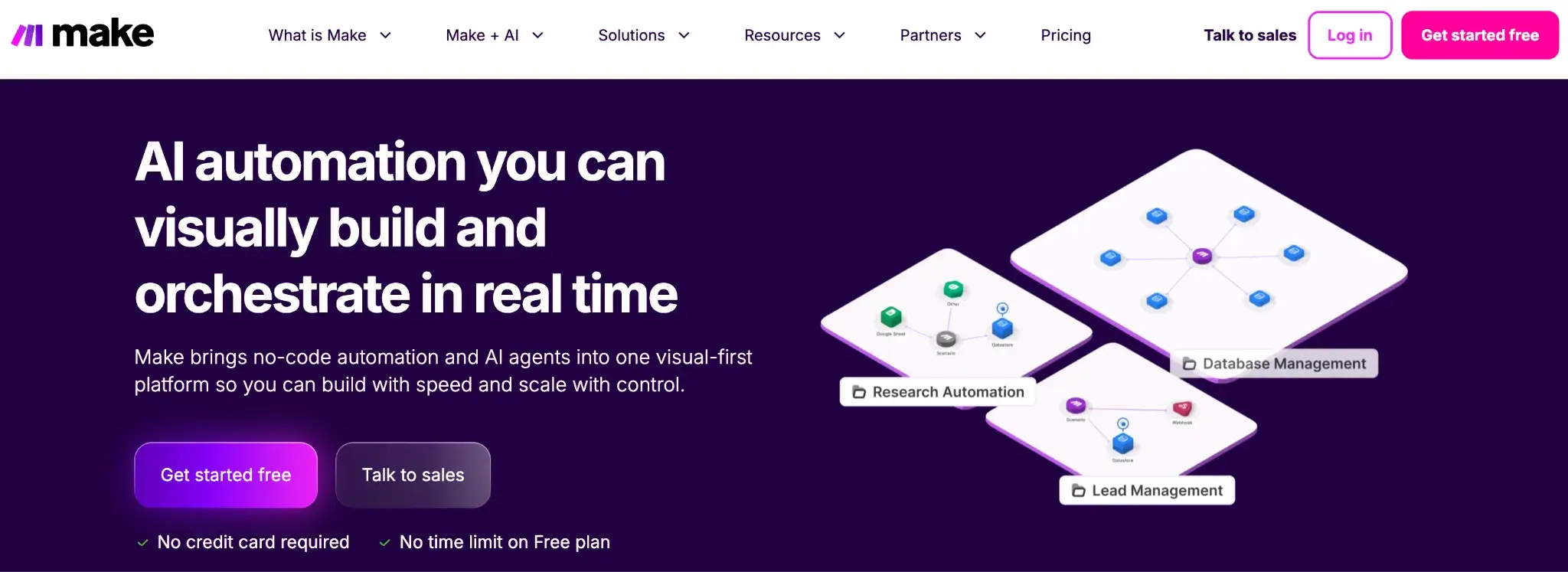
Make is the closest direct competitor to n8n in terms of visual layout. It offers a flowchart-style editor that allows for complex, non-linear workflows. Many think of Make as a middle tool with Zapier’s simplicity and n8n’s technical depth.
Features
- Build workflows on a visual canvas that supports branching, loops, and parallel steps in a simple drag-and-drop flow.
- Integrate over 3000 apps through built-in modules or custom API calls when a connector isn’t available.
- Run scenarios on schedules or event triggers and control how often each step executes.
- Process data with ready-to-use tools for parsing, looping, and formatting inside your flows.
- Advanced data manipulation capabilities allow you to parse JSON, aggregate arrays, and transform text using Excel-like functions.
- Support team work with shared scenarios, access controls, and version tracking on higher plans.
Pricing
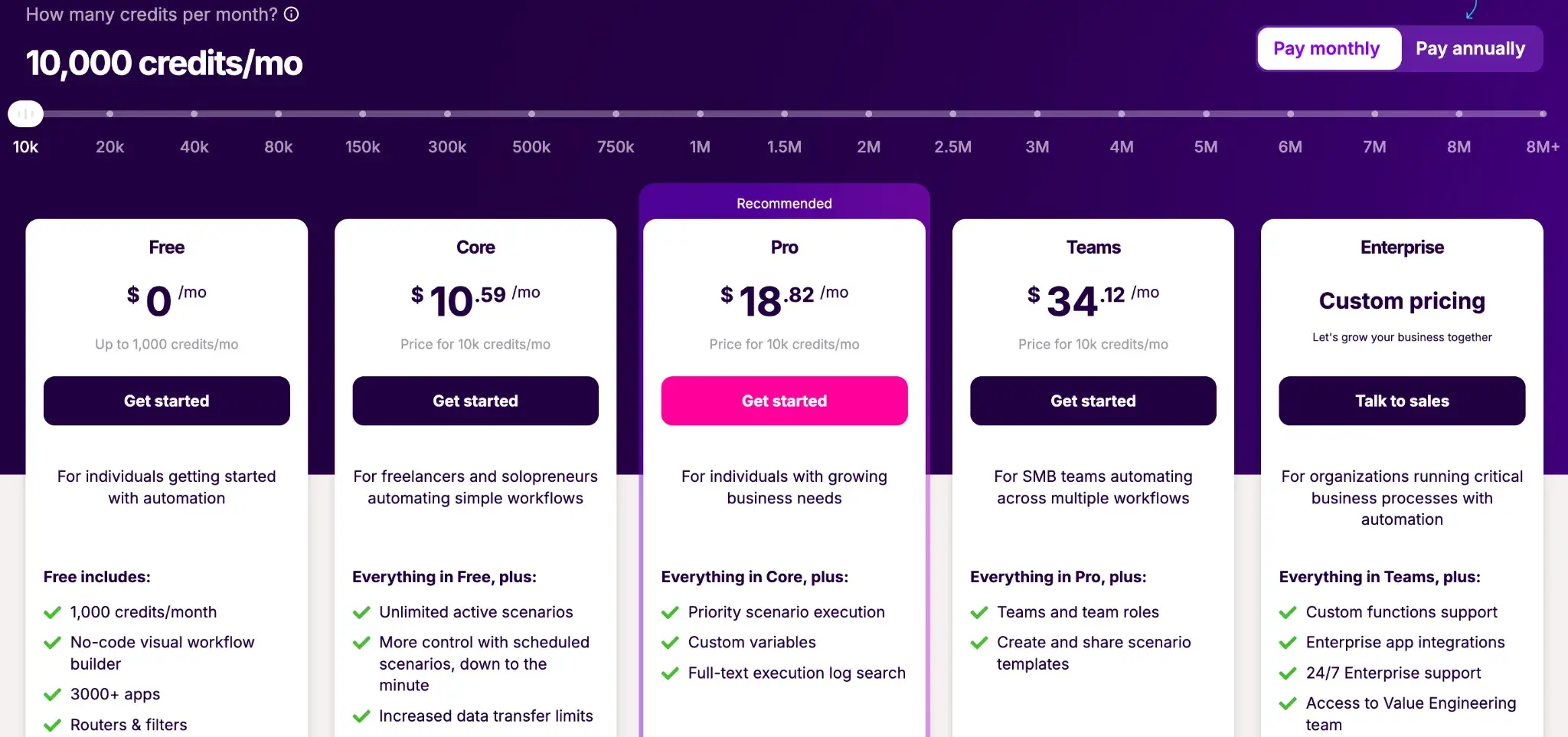
Make has a Free plan with 1k monthly credits. Other than that, it has four paid plans:
- Core: $10.59 per month
- Pro: $18.82 per month
- Teams: $34.12 per month
- Enterprise: Custom pricing
Pros and Cons
Make is generally cheaper than Zapier and offers a much better visual debugger than n8n. Users appreciate the flexible visual editor, and the ability to branch and merge flows on a canvas provides better oversight of complex logic.
On the downside, migration is a headache; moving from n8n to Make requires rebuilding everything from scratch. Plus, Make has a steeper learning curve for newcomers. The interface, while powerful, can overwhelm those used to simpler tools. It also runs entirely in the cloud, which might be a dealbreaker if you need local network access or strict data residency.
3. Microsoft Power Automate
Power Automate is the logical n8n alternative for teams deeply embedded in the Microsoft ecosystem. It integrates natively with Azure, Office 365, and Dynamics, and offers both cloud API orchestration and robotic process automation (RPA).
Features
- Connect Microsoft 365 and Azure apps through native connectors that sync emails, files, and records across your stack.
- Run both cloud flows and RPA desktop flows to automate web apps, legacy software, and UI actions.
- Add logic with conditions, approvals, branches, and loops to control how each workflow behaves.
- Enforce policies through built-in admin controls, user roles, and environment separation for team workflows.
- Analyze processes with built-in logs, run history, and process mining tools that surface bottlenecks.
Pricing
Power Automate is often included with Microsoft 365 licenses. Standalone plans start around $15 per user/month, with additional costs for RPA and AI Builder capacity.
Pros and Cons
Power Automate solves n8n’s biggest enterprise weakness, SSO and access control for Microsoft users. The RPA capabilities let you automate things n8n simply can’t touch, like clicking buttons in an old desktop app.
However, the interface can be clunky and slow compared to n8n’s snappy canvas. It is also quite expensive for small teams, and debugging complex flows often results in vague error messages that are hard to trace.
4. Workato
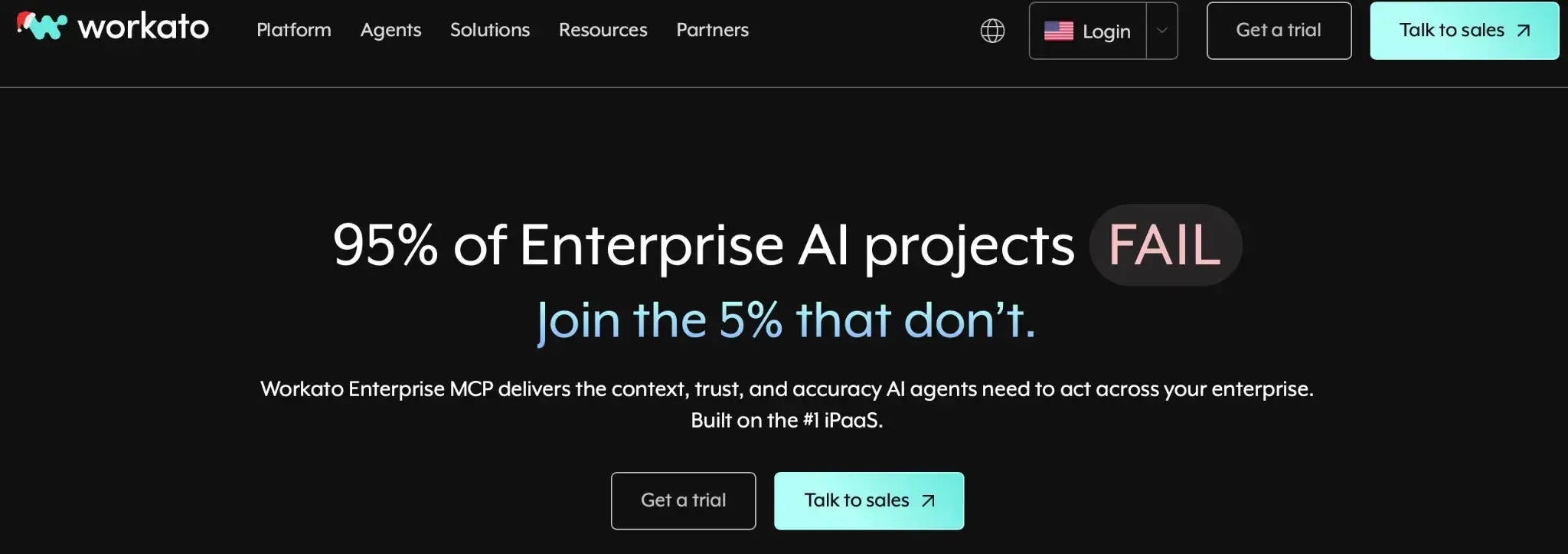
Workato is a leader in the enterprise iPaaS (Integration Platform as a Service) market. It combines integration and automation into a single platform. It makes a good n8n alternative for companies that need strong governance, a wide range of connectors, and the ability to embed integrations into products.
Features
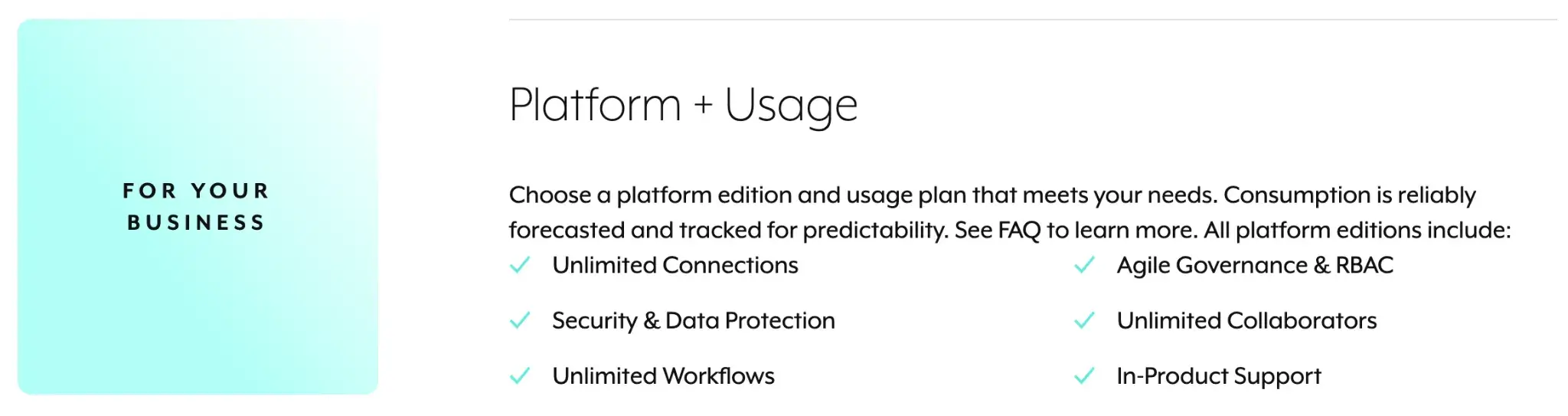
- Connect enterprise apps through a large catalog of pre-built connectors for SaaS, ERP, and databases.
- Build workflows as reusable recipes that combine triggers, steps, and conditional logic.
- Embed integrations into your product using Workato’s white-label tools for customer-facing automation.
- Implement enterprise security with SOC2 Type II compliance, localized data residency options, audit logs, and granular role-based access control.
- Add AI steps by calling language models or classification services inside your workflows.
Pricing
Workato uses a workspace-based pricing model rather than per-user or per-task. Pricing is custom and commonly reported in the five-figure range annually, targeting mid-to-large enterprises.
Pros and Cons
Workato’s strength lies in its enterprise readiness. It handles complex, multi-step workflows reliably and at scale. Users often cite its governance features, like clearly defined dev/test/prod environments, as a major advantage over lighter tools.
The obvious con is cost. It’s prohibitively expensive for startups or individual developers. Additionally, because it’s powerful, there is a learning curve to mastering all its features and best practices for large-scale use.
5. ZenML
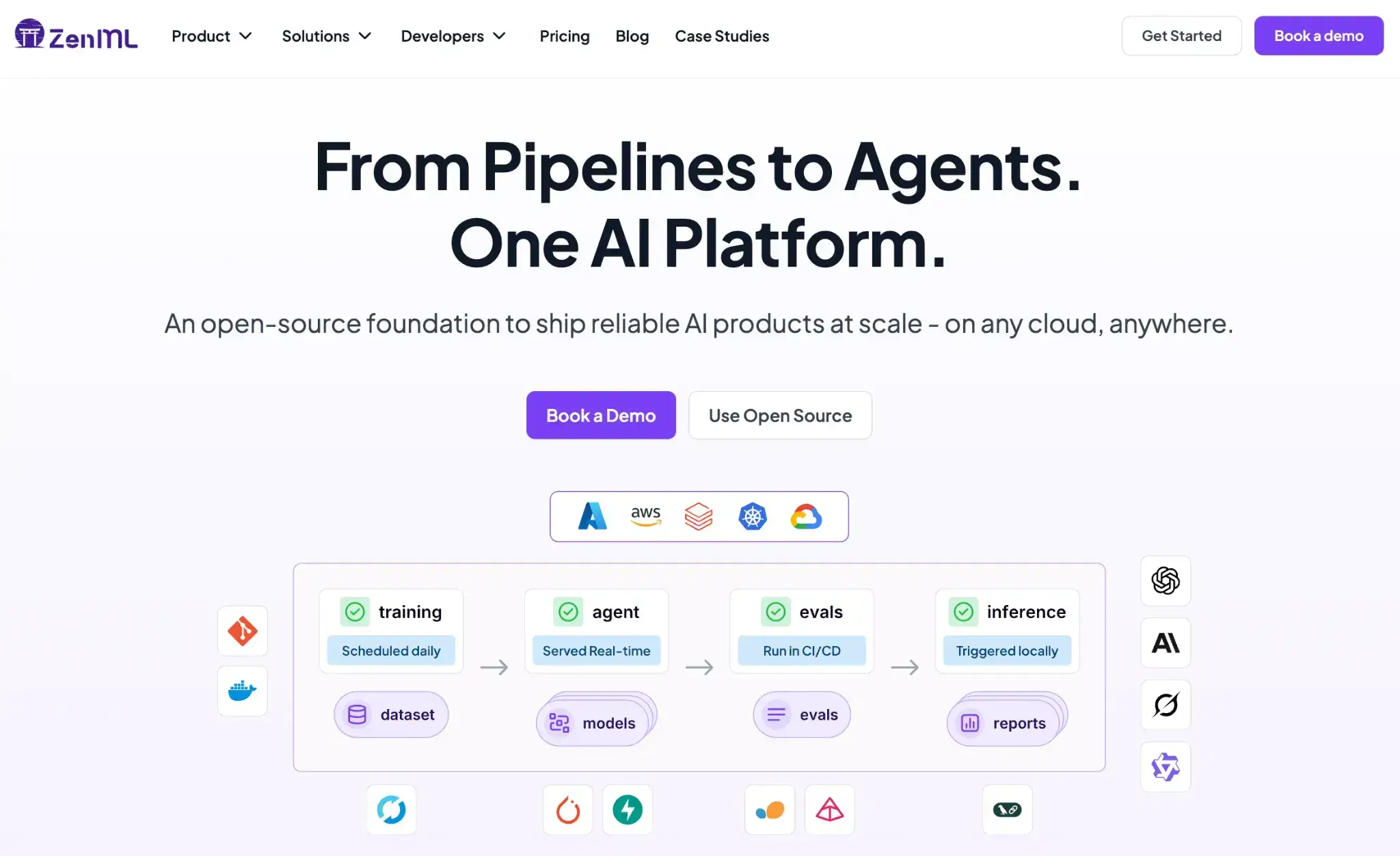
If you’re using n8n to orchestrate AI agents, run ML experiments, or push long-running inference/data jobs into production, ZenML is the “graduation step” from visual graphs to software-engineered pipelines.
The key shift: instead of dragging nodes, you define workflows as Python pipelines, so your automations become testable, reviewable, and reproducible code.
Features
- Code-defined pipelines in Python (not a visual graph): Ideal when your ‘workflow’ is actually ML logic, agent logic, data prep, training, evaluation, and deployment steps.
- Reproducible runs (built-in versioning): Every run is versioned, so you can trace exactly which data and code produced a result; this replaces the ‘export JSON and hope nothing changed’ reality of many no-code flows.
- ZenML - Article 75 - n8n altern…
- Artifact tracking + lineage: Inputs/outputs like models and datasets are automatically tracked and stored, which is crucial when you’re running experiments or iterating on agent pipelines.
- Infrastructure freedom (dev → prod without rewrites): Run the same pipeline locally or on a large Kubernetes setup without changing the pipeline code; useful when your workflows stop fitting inside a single n8n instance.
- Built for ML teams tracking experiments: ZenML is positioned specifically for ML teams that want code-first pipeline automation, plus experiment tracking and artifact lineage.
Pricing
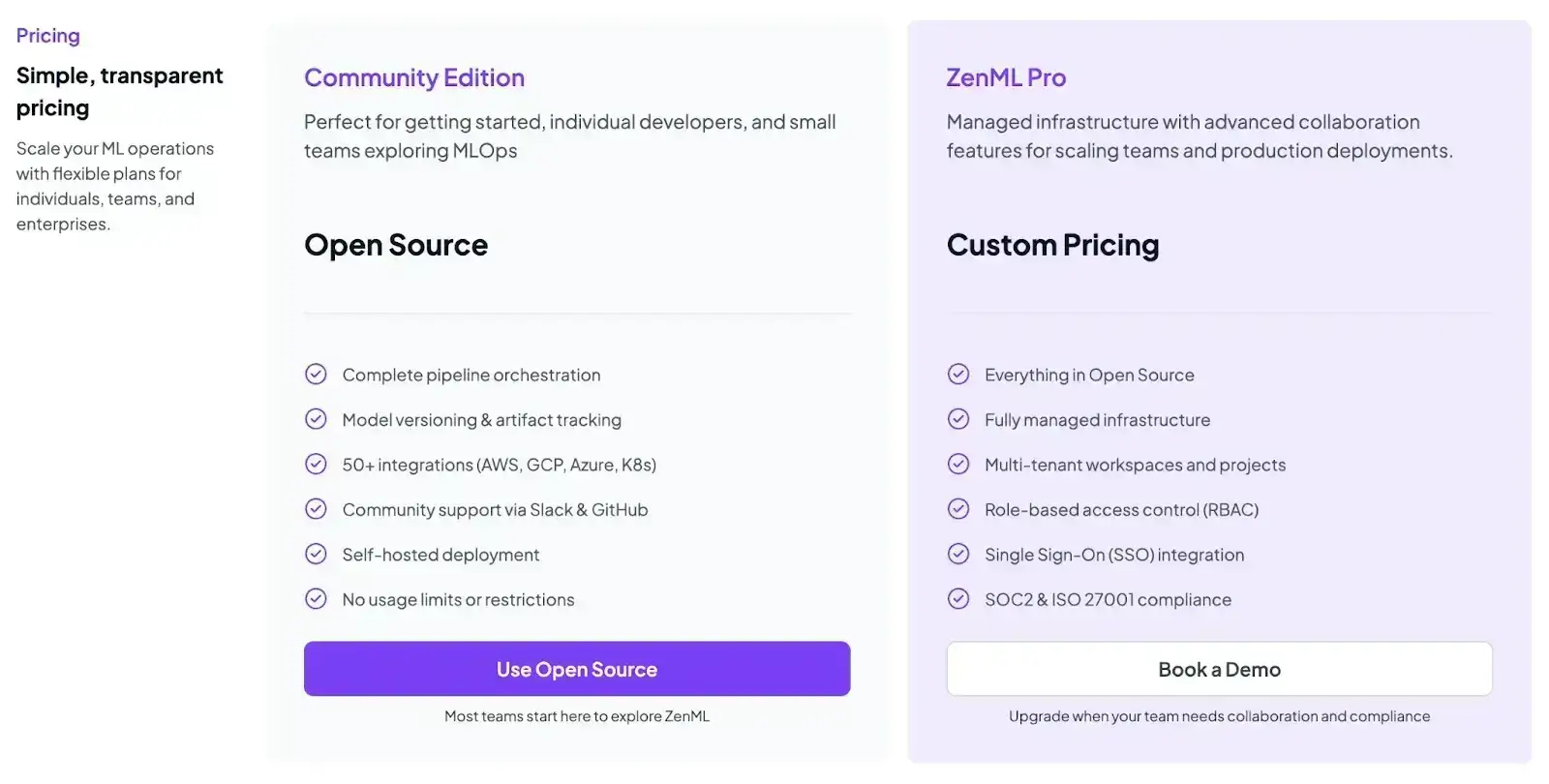
ZenML is free and open-source (Apache 2.0). You can self-host the core framework at no cost. For teams that want a managed control plane or advanced enterprise features, ZenML offers paid plans with custom pricing.
Pros and Cons
ZenML is a much better fit than n8n for ML pipelines and AI-agent workflows, especially when runs are long, stateful, or data-heavy. Reproducibility + artifact tracking gives you real debugging and auditability instead of ‘check node outputs one by one.’
But remember, ZenML is not a drop-in replacement for n8n if your main use case is SaaS-to-SaaS business automation (CRM updates, Slack alerts, simple API stitching). It’s aimed at teams whose ‘workflows’ are actually ML/AI pipelines.
6. Temporal
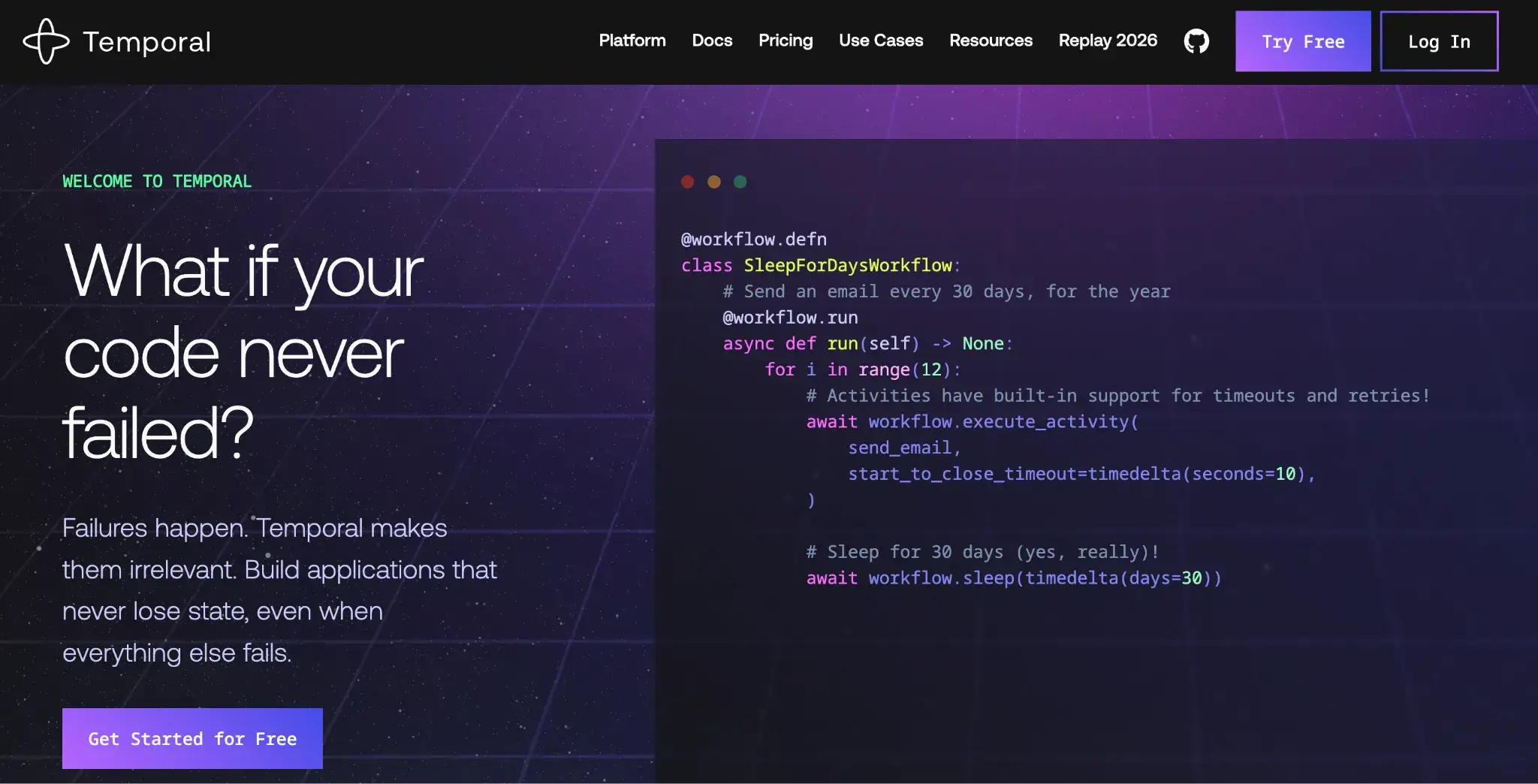
Temporal is a code-first orchestration platform that helps you build reliable microservices and distributed systems, unlike n8n, where a server crash might kill a running workflow. Temporal guarantees resuming it exactly where it left off, even after a catastrophic failure.
Features
- Built-in timeouts and error-handling controls let you handle external API failures easily without any complex logic.
- Define workflows in code instead of visual nodes with programmable steps that run reliably even when servers restart.
- Remove n8n’s single-instance limits with a backend that distributes workloads safely at high volume.
- Run long activities without hitting timeouts, even when tasks span hours or wait on external events.
- Inspect workflow history through a Web UI and debug each step with full visibility.
Pricing
Temporal is open-source and free to self-host. Temporal Cloud offers a consumption-based pricing model based on actions and storage, scaling with your usage.
Pros and Cons
Temporal is the developer’s answer to reliability. Many developers feel that Temporal simplifies building workflows that handle failures. It’s also one of the few solutions that can span long durations reliably without custom polling logic.
On the con side, it requires a mindset shift for developers. You have to learn concepts like workflow versus activity, and how to structure code with those constraints. Operationally, if you self-host, running a Temporal cluster is more involved than running n8n. Also, you have to write code for everything, which makes it less accessible than n8n’s drag-and-drop UI.
7. Apache Airflow
Airflow is the standard for data engineering. If your n8n workflows are primarily moving and transforming large datasets (ETL), Airflow offers a more robust, scalable, and observable environment designed specifically for data pipelines.
Features
- Define workflows as Directed Acyclic Graphs (DAGs) in Python code to express task order, dependencies, and retries.
- Run tasks with operators to execute queries, scripts, containers, or cloud jobs using ready-made code-based components.
- Use native scheduling and backfill support to schedule recurring jobs or reprocess past runs.
- Monitor tasks in the UI to check run status, view logs, and troubleshoot failures from a single dashboard.
- Control how pipelines run by self-hosting the scheduler and workers, so you decide how jobs scale and where data lives.
Pricing
Airflow is open-source and free under the Apache 2.0 license. Managed versions (like Cloud Composer or MWAA) are available from major cloud providers with pay-as-you-go pricing.
Pros and Cons
Airflow powers mission-critical ETL for the world’s largest companies, so it’s naturally a stable choice. Because it’s so widely used, there’s a strong community and a plethora of plugins/operators.
Compared to n8n, Airflow has no GUI for building pipelines; you must write Python code, which is great for engineers but not accessible to non-developers. Setting up and maintaining an Airflow cluster is a project in itself. It is also overkill for simple event-driven automations; for that, n8n is still a better choice.
8. Pipedream
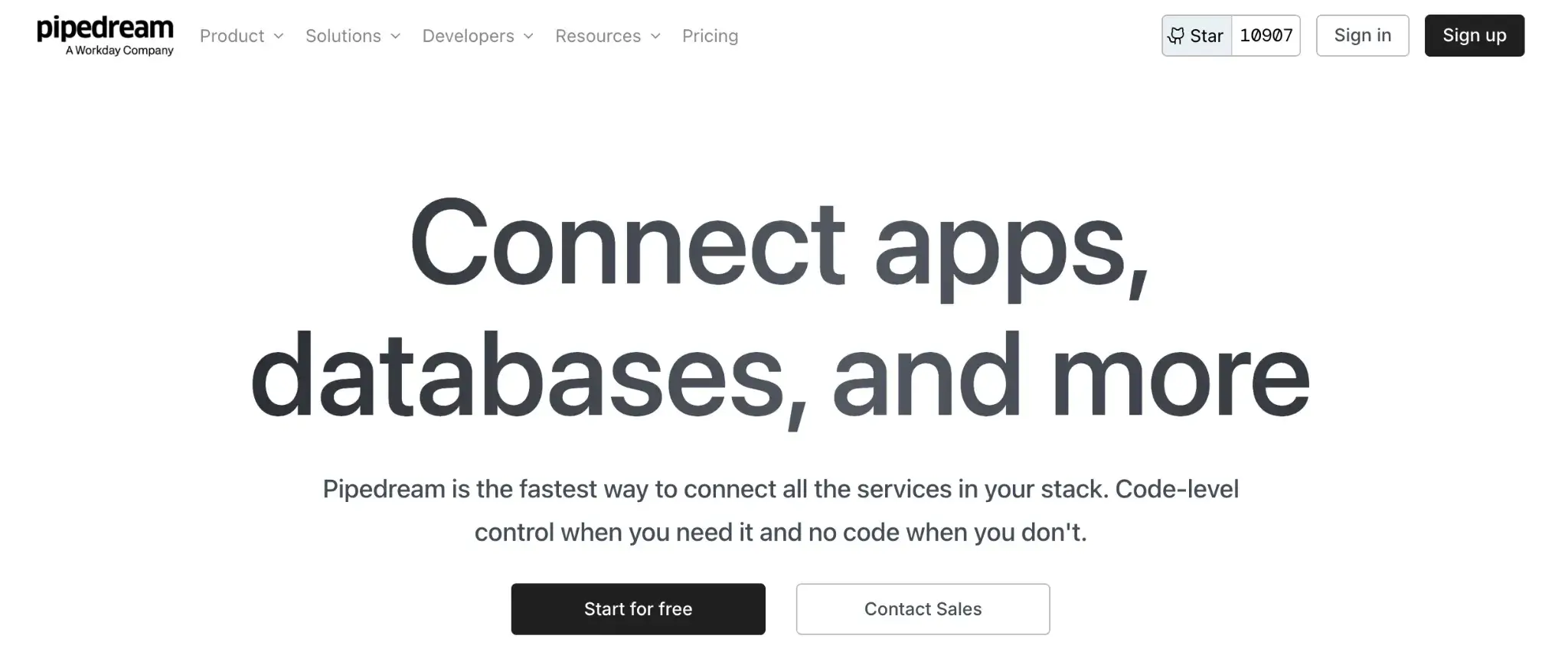
Pipedream is a developer-friendly integration platform that sits between n8n and Zapier. It offers a serverless environment where you can run Node.js or Python code steps with zero provisioning, with a focus on speed and connectivity.
Features
- Offers a ‘code-first’ workflow builder where you can mix pre-built actions with custom Node.js or Python code blocks that have access to npm/pypi packages.
- Manages authentication for 1,000+ apps; simply connect your account, and Pipedream handles the OAuth token refreshes for your code.
- Call any API or service using built-in actions or short code steps when you need custom logic.
- Run steps in serverless containers to handle workflows with low latency and without managing infrastructure.
- Test and debug runs with real-time logs, step outputs, and replay tools to quickly pinpoint failures.
Pricing
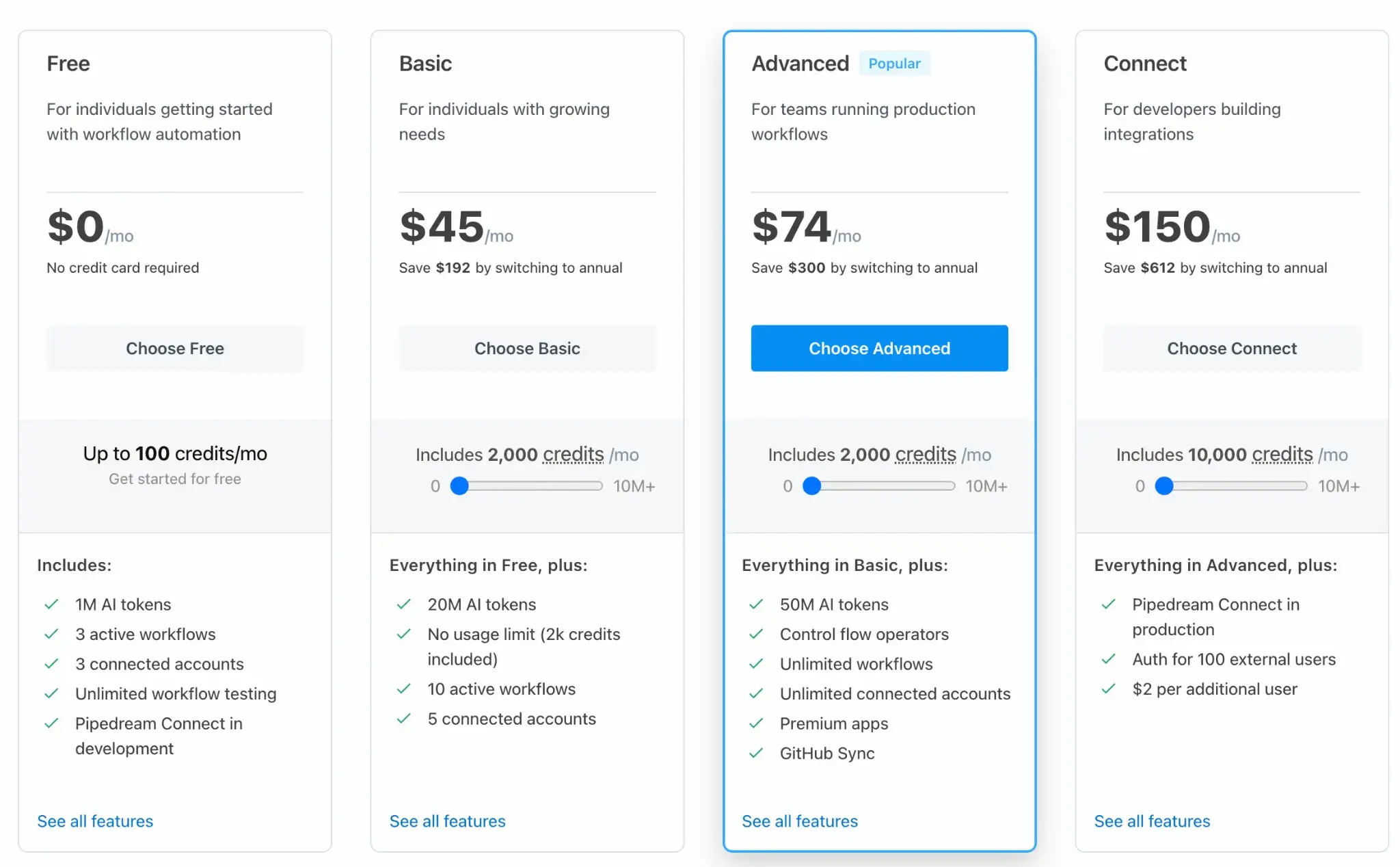
Pipedream has a generous Free tier alongwith three paid plans:
- Basic: $45 per month
- Advanced: $74 per month
- Connect: $150 per month
Pros and Cons
Pipedream is an ideal n8n alternative if you’re comfortable writing a little code to glue APIs together and not completely depend on visual building. It’s also fully managed; there’s no need to set up servers or containers; your code runs on their cloud with scaling handled.
The community contributions make many integrations readily available, and real-time performance is another plus.
The code-first approach is powerful, but less friendly for non-technical users who prefer a purely visual builder. Debugging capabilities are good, but visualizing complex branching is less intuitive than n8n’s canvas. Because each step can run arbitrary code, debugging can be a bit more involved (though logs help).
9. Tray.ai
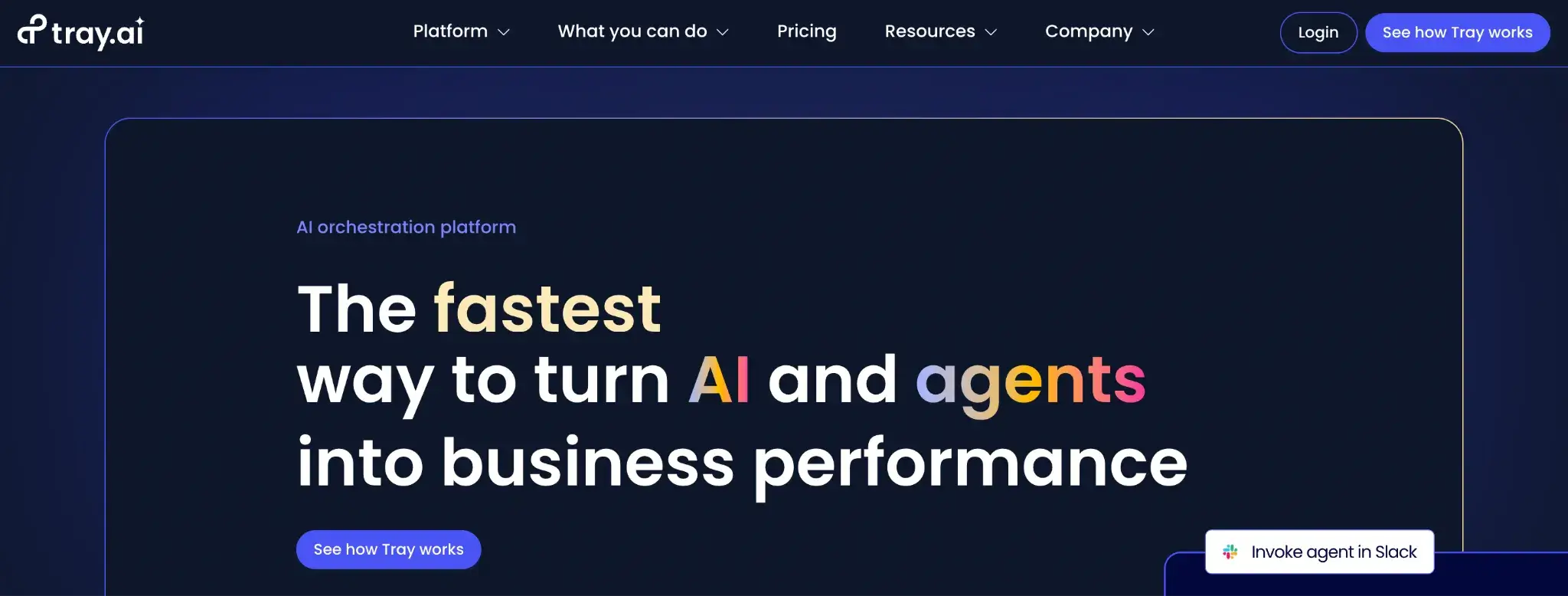
Tray.ai is a low-code automation and integration platform known for its flexibility and enterprise capabilities. It provides a visual workflow builder and a rich set of connectors, similar to Workato, for targeting complex enterprise use cases.
Features
- Build workflows visually using a drag-and-drop editor that supports branching, loops, and REST API calls.
- Connect apps quickly through a large set of pre-built connectors for SaaS tools, databases, and internal APIs.
- Embed integrations easily by packaging workflows and user-facing forms directly into your own product.
- Manage team access with shared workspaces, roles, and secure on-prem connectors for sensitive systems.
- Run workflows at scale by processing data in parallel and handling large volumes without blocking execution.
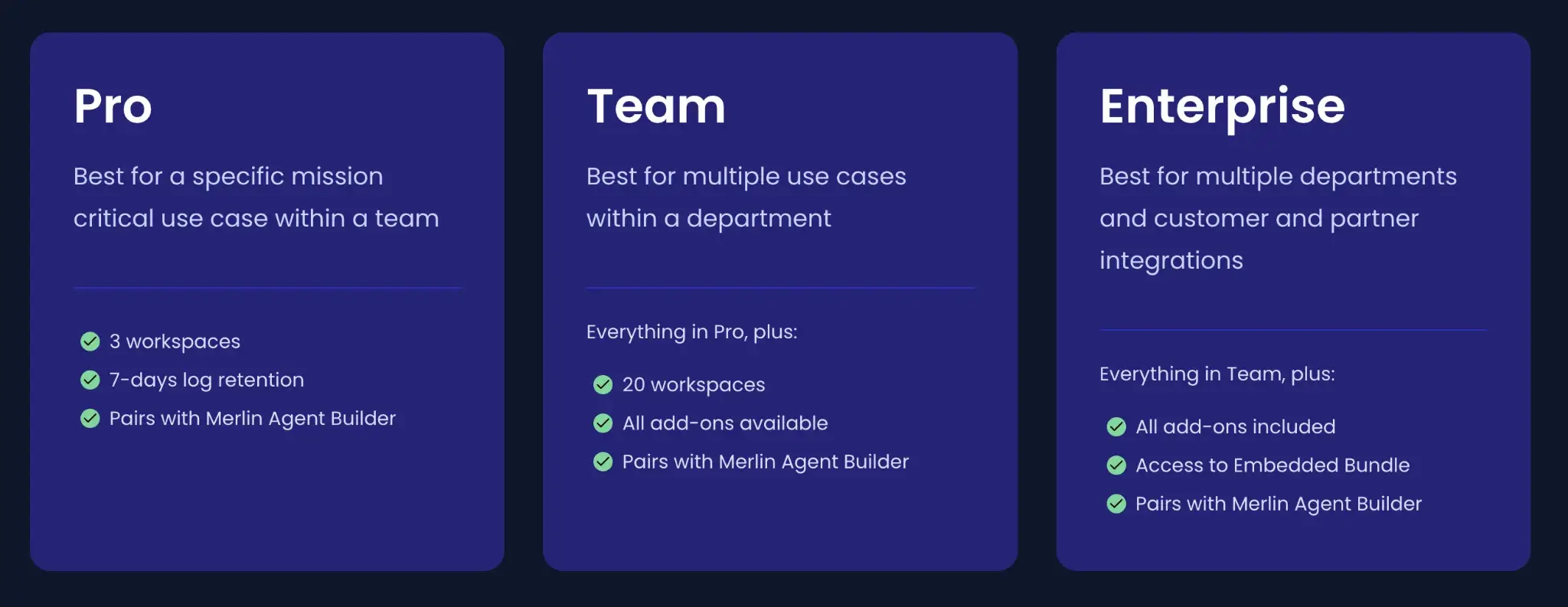
Pricing
Tray.ai does not publish standard pricing. It operates on a custom-quote basis, typically suited to mid-market and enterprise budgets.
Pros and Cons
Tray.ai offers the power of n8n’s logic without the burden of self-hosting. It is extremely flexible and scales well. The ‘Universal Connector’ is a lifesaver for obscure APIs.
However, the pricing is opaque and high, putting it out of reach for individuals or small startups. The UI can also become cluttered with complex workflows.
10. Activepieces
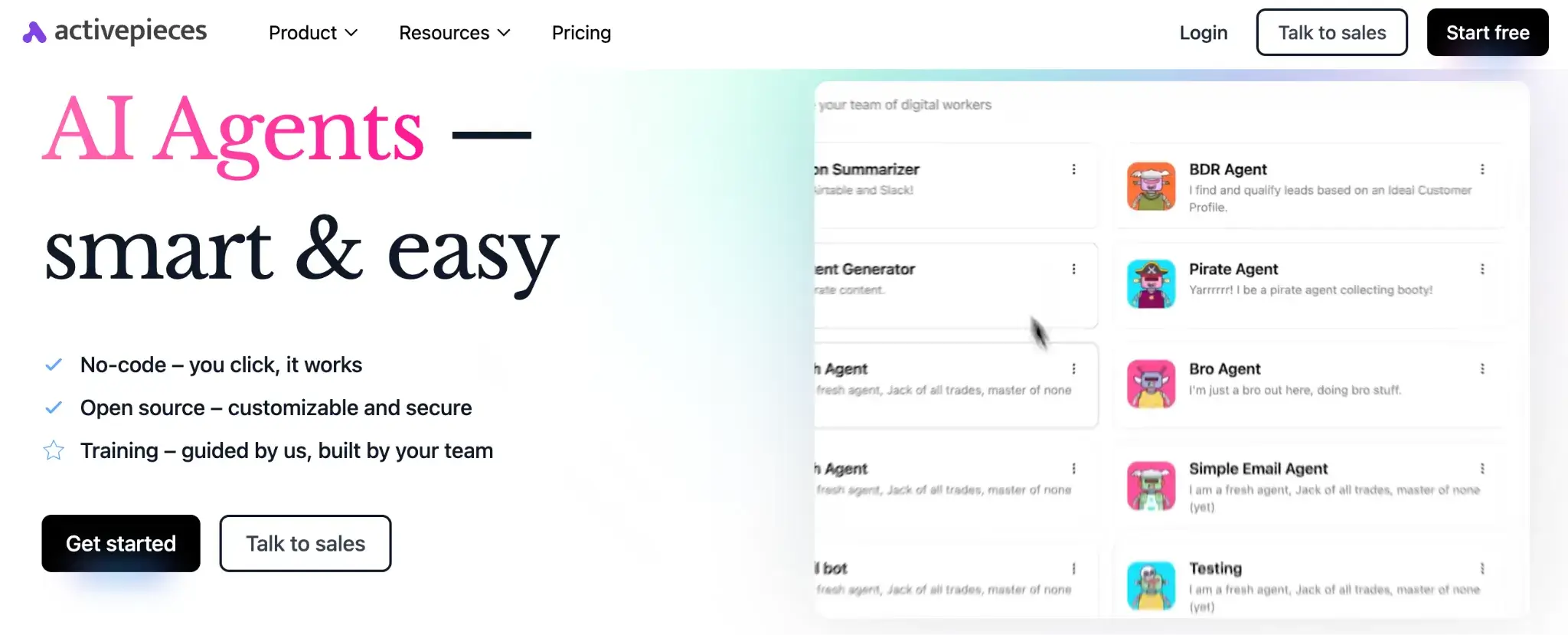
Activepieces is an open-source, no-code business automation tool that positions itself as a lightweight, AI-first alternative to n8n. It is designed to be simpler and easier to self-host, with a focus on community-driven growth.
Features
- Build agent logic using a drag-and-drop visual builder with branching, event-based triggers, and action elements.
- Features an AI-native design with a 'Copilot' that helps you build flows and write code snippets using natural language.
- Flow data and perform actions across 200+ tools and apps by integrating them into your workflow.
- Collaborate with teammates through shared projects with multi-user access, even on lower tiers.
- Deploy anywhere by running Activepieces in the cloud or self-hosting it for greater control.
Pricing
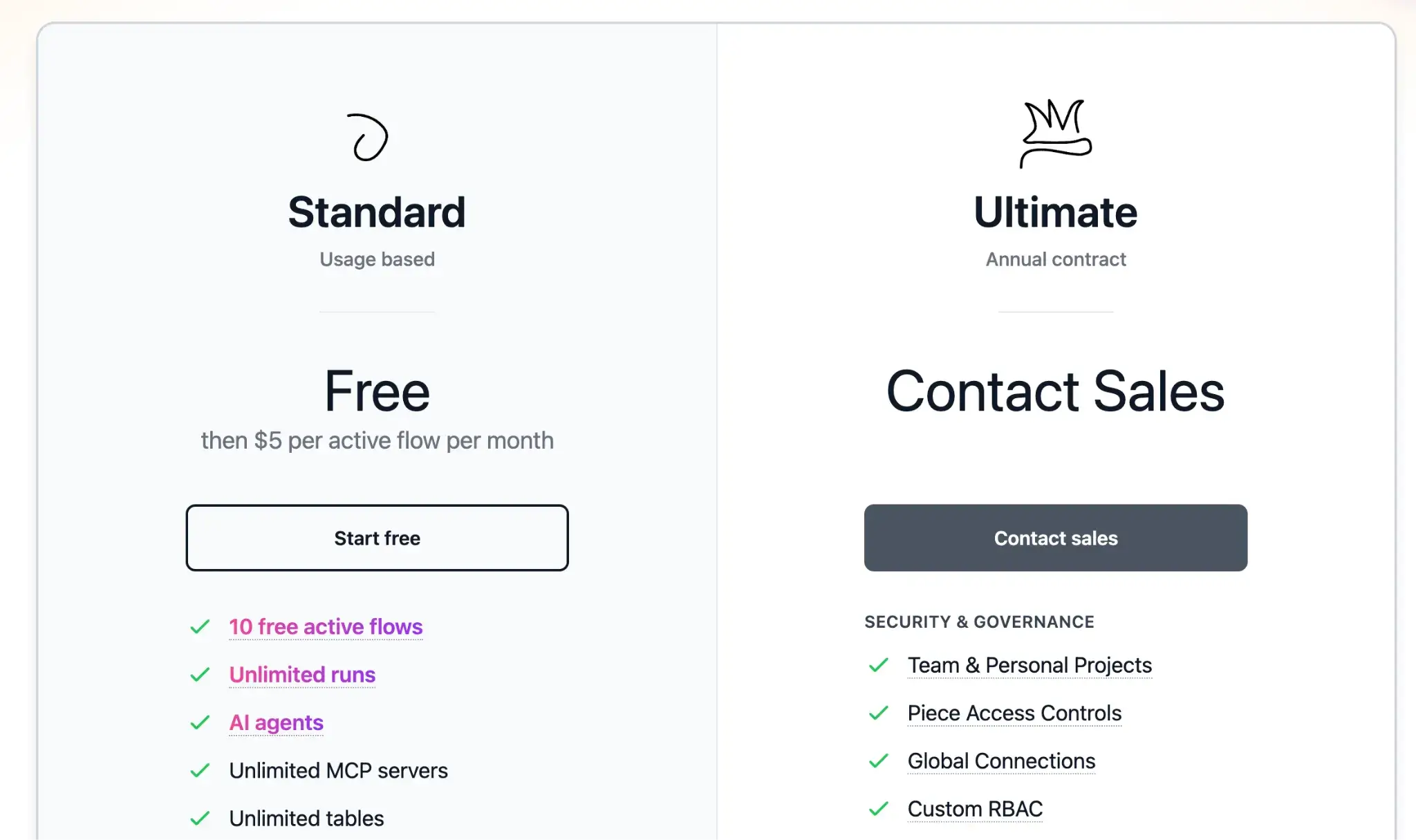
Activepieces offers an open-source version with all core features. Other than that, it has two plans:
- Standard: 10 free active workflows, then $5 per active flow per month
- Ultimate: Custom pricing
Pros and Cons
Activepieces is community-driven and cost-predictable, which are big pros. Early adopters praise its affordable unlimited model. You can automate a lot without watching a meter. It’s lightweight, modern, and the team is very responsive to community requests.
It lacks some of the mature features that n8n offers, like complex error workflows, but for many users, the cleaner interface and better licensing make it a winner.
The Struggle You Face with No-Code Workflow Automation Tools
Eventually, every engineer hits the ceiling of no-code tools. What starts as a quick way to move data becomes a liability.
1. Debugging = Guesswork
Ever tried to troubleshoot a complex n8n workflow or a Zap with 20+ steps? It’s a black box.
When a visual workflow fails, you see a generic error message, but lack the deep debugging you’re used to in code. You can’t attach a debugger, you can’t step through execution, and you can’t write unit tests for your logic.
So when something breaks, you’re limited to painstaking manual checking of each node’s output. In an ML context, this is a nightmare.
2. Version Control and Code Review Don’t Exist
Version control is practically nonexistent. In fact, versioning in these tools usually means ‘Save As’ or relying on a simple history list. You cannot create branches, run code reviews, or merge changes as you do with Git.
3. Long-Running Flows Timeout
No-code tools are typically built for short, transactional tasks.
For instance, Zapier imposes a 30-second limit on most operations, including:
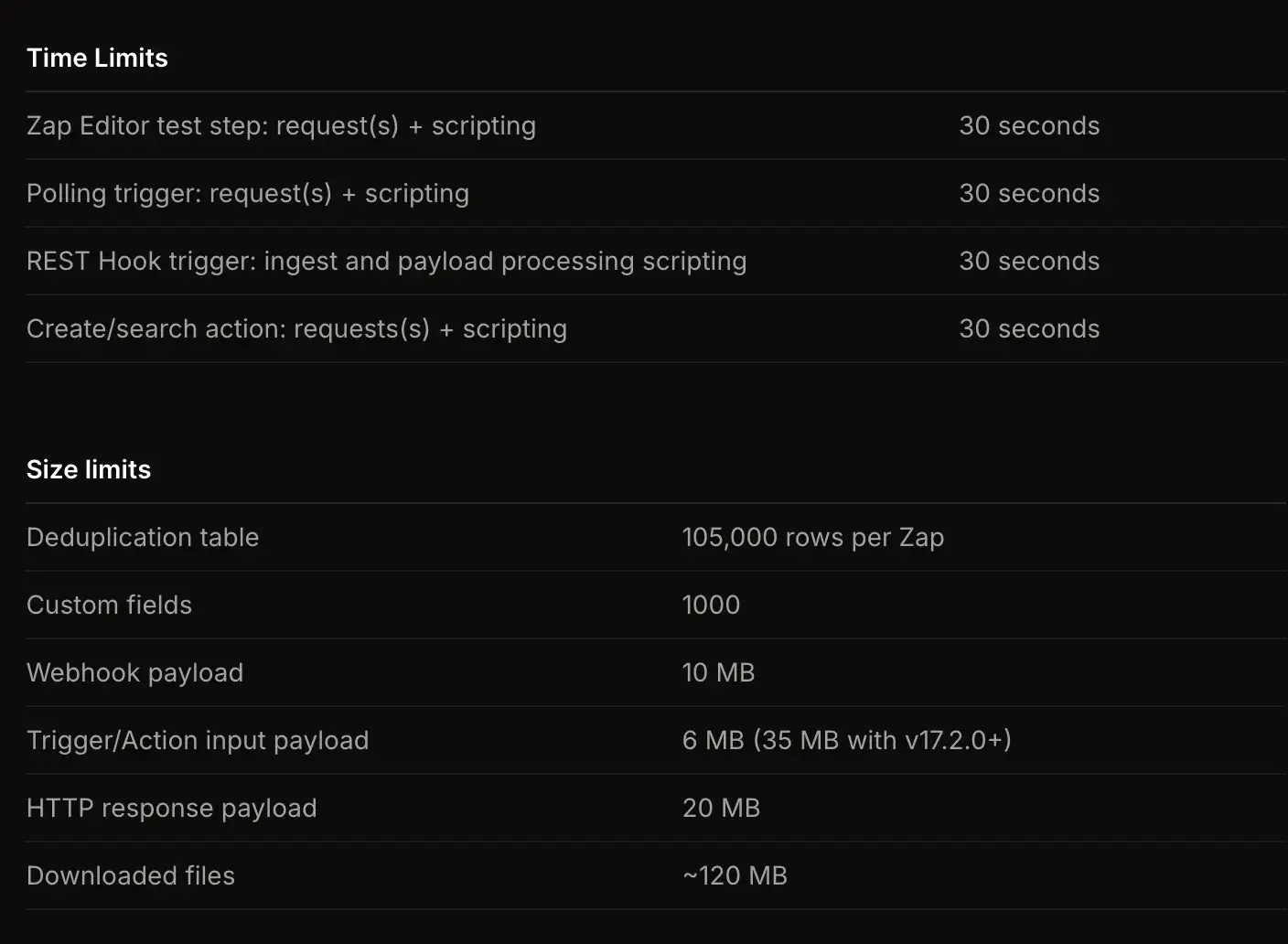
Similarly, n8n Cloud has concurrency and memory limits on workflows. These limits don’t show up in simple tasks, but if you’re doing heavy data crunching or long-running ML inference, these limits add to your struggle.
Most no-code tools are built for quick, stateless transactions. If you try to run a 30-minute data processing job or a complex ML inference pipeline, the platform will kill the process, leaving you with corrupt data.
For simple tasks, these trade-offs are acceptable. But if you are building complex AI agents or ML pipelines, you need a tool that treats your workflow as code, not a diagram.
📚 More relevant articles to read:
The Best n8n Alternatives to Track Experiments and Build ML Pipelines
If your primary goal with n8n was to orchestrate AI agents or machine learning tasks, you should look at ZenML.
ZenML is an MLOps + LLMOps framework that brings the rigor of software engineering to your AI workflows. Instead of dragging nodes, you define pipelines in Python. This gives you:
- Reproducibility: Every run is versioned. You know exactly which data and code produced a result.
- Artifact Tracking: Inputs and outputs (models, datasets) are automatically tracked and stored.
- Infrastructure Freedom: Run the same pipeline on your laptop or a massive Kubernetes cluster without changing code.
If you are ready to stop debugging JSON in a browser and start building robust, versioned AI pipelines, check out ZenML.