
On this page
We’ve been watching the rise of agent skills with growing excitement. Since Anthropic launched the Agent Skills open standard in December 2025 and subsequently donated it to the Linux Foundation, these modular instruction packages have become a powerful way to extend agentic coding tools like Claude Code, Cursor, and Codex.
We know teams are already using these tools to write ZenML pipelines. So we thought: why not create skills that encode our best practices directly?
Today we’re releasing our first official skill: ZenML Quick Wins. It scans your ZenML repository, identifies what’s missing, and implements improvements for you. If you’ve ever suspected your pipelines aren’t using all the features ZenML offers, this skill is a great place to start to figure out exactly what you’re missing and fix it.
What This Skill Actually Does
The Quick Wins skill is based on our documentation page of the same name. That page has always been something of a sleeper hit: 15 improvements you can make in about 5 minutes each, covering everything from metadata logging to Model Control Plane setup.
The problem? Knowing what to implement is only half the battle. You still need to audit your codebase, figure out what’s already in place, and adapt the examples to your specific setup.
The skill handles all of this. Here’s the workflow:
- Investigate your current ZenML stack and codebase
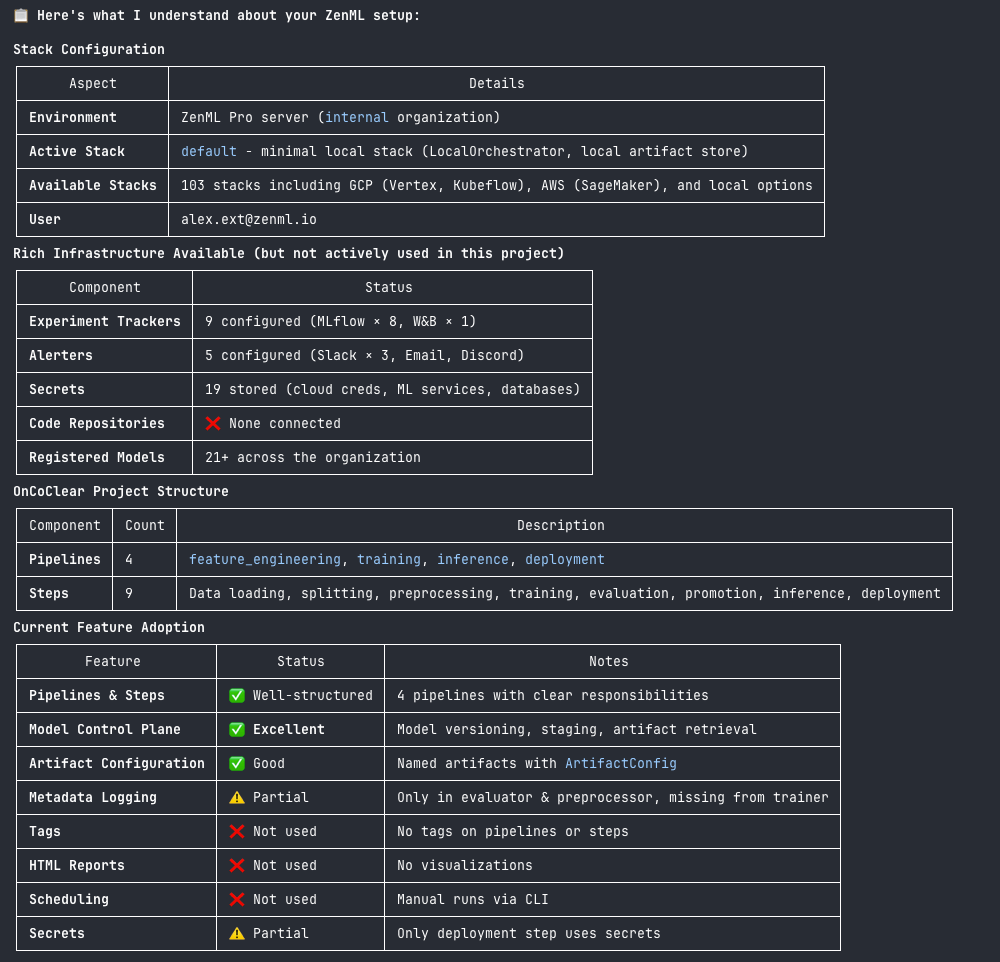
- Confirm its understanding with you (catches misconfigurations early)
- Gather context about your development environment and team patterns
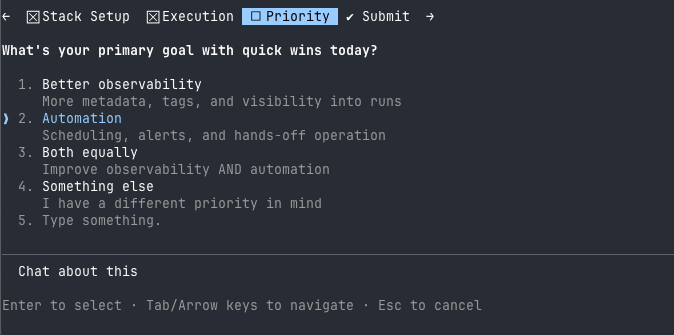
- Recommend prioritized quick wins based on what's actually missing
- Implement the ones you choose
The whole process is conversational. The skill asks questions, checks assumptions, and makes sure it understands your setup before changing anything.
The 15 Quick Wins
Here’s what the skill can implement for you:
| # | Quick Win | What It Adds |
|---|---|---|
| 1 | Metadata Logging | Foundation for reproducibility and experiment comparison |
| 2 | Experiment Comparison | Visual comparison of runs with parallel coordinate plots (ZenML Pro) |
| 3 | Autologging | Automatic metric/artifact tracking via MLflow, W&B, etc. |
| 4 | Slack/Discord Alerts | Instant notifications when pipelines complete or fail |
| 5 | Cron Scheduling | Automated recurring pipeline runs |
| 6 | Warm Pools | Eliminate cold-start delays on SageMaker/Vertex |
| 7 | Secrets Management | Keep credentials out of your code |
| 8 | Local Smoke Tests | Fast iteration with Docker before cloud deployment |
| 9 | Tags | Organize and filter your ML assets |
| 10 | Git Repository Hooks | Automatic code versioning and faster Docker builds |
| 11 | HTML Reports | Beautiful visualizations in your ZenML dashboard |
| 12 | Model Control Plane | Central hub for model lineage and governance |
| 13 | Parent Docker Images | Faster builds by pre-installing heavy dependencies |
| 14 | ZenML Docs MCP Server | IDE AI assistance grounded in live documentation |
| 15 | CLI Export Formats | Machine-readable output for scripting and automation |
The skill prioritizes these based on your specific setup. No experiment tracker? It’ll suggest that before autologging. Already using metadata logging? It’ll skip to the next high-impact improvement.
Technical Design: Subagents and Parallel Investigation
We wanted to share some of the design decisions behind this skill, since they illustrate idiomatic patterns that work well with agentic coding tools.
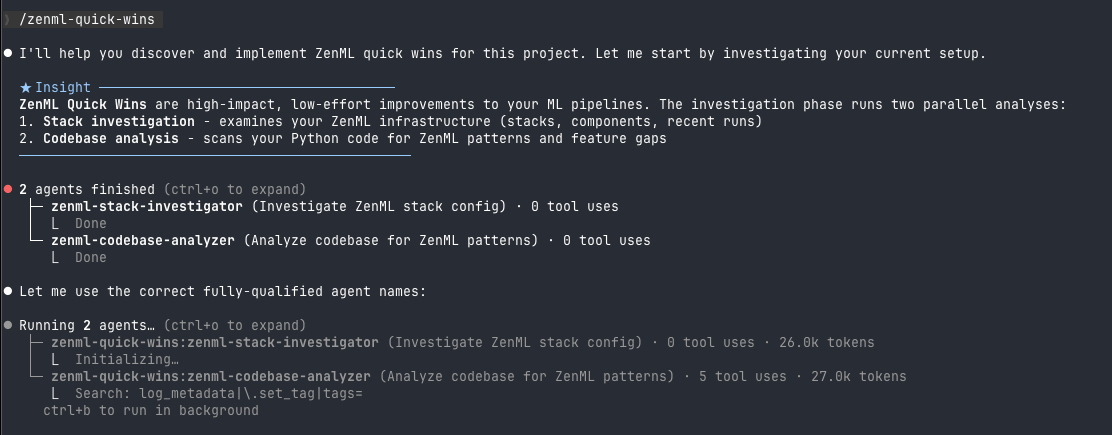
The investigation phase uses subagents that run in parallel:
zenml-stack-investigator: Runs ZenML CLI commands to understand your stack configuration, components, and recent pipeline activityzenml-codebase-analyzer: Searches your Python code for ZenML patterns, identifying what features you're using and what's missing
These subagents return structured summaries rather than raw output. This keeps the main conversation focused on recommendations rather than getting buried in JSON.
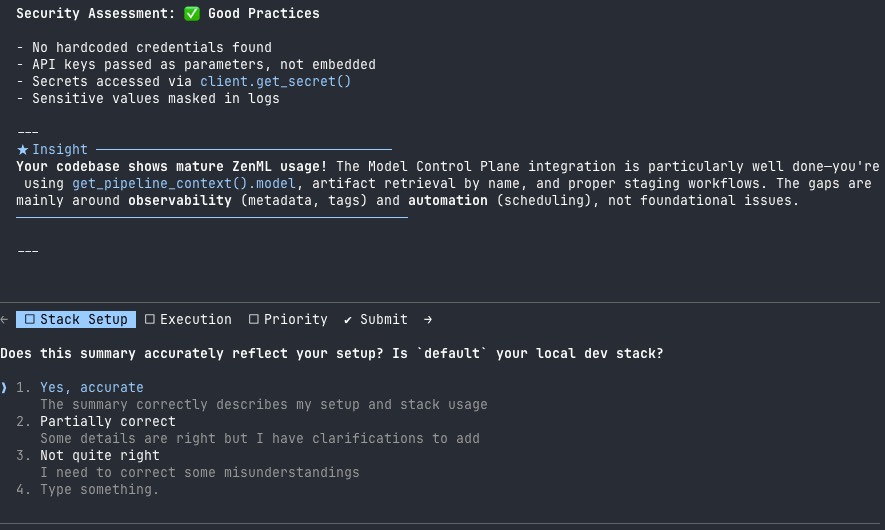
Why subagents? The investigation needs to run multiple CLI commands and search across your codebase. Doing this in the main conversation would create a wall of output. Subagents handle the grunt work and return only what matters.
Note that some agentic tools (like Codex) don’t support subagents yet. The skill still works in those environments; it just runs the investigation commands directly. Claude Code with Opus 4.5 gives the best experience since it supports parallel subagent execution, but the skill adapts to what’s available.
For Platform Engineers: Help Your Team Write Better ZenML Code
If you’re running ZenML as a platform for your organization, this skill gives your data scientists and ML engineers a way to level up their pipeline code without needing to memorize best practices.
Instead of writing documentation that nobody reads, point your team to the skill. They can run it against their repositories and get personalized recommendations based on what they’re actually doing. The skill knows about your team’s stack configuration, so it won’t suggest features that require components you haven’t set up.
This is particularly valuable for teams where:
- Data scientists are writing pipelines but might not know all of ZenML's features
- You want consistent patterns across repositories without being prescriptive
- New team members need to get up to speed on your MLOps practices
The skill teaches by doing. Rather than reading about metadata logging, your team sees it implemented in their actual code with their actual data structures.
Getting Started
If you’re using Claude Code:
# Add the ZenML skills marketplace
/plugin marketplace add zenml-io/skills

# Install the quick-wins skill
/plugin install zenml-quick-wins@zenml

# Navigate to your ZenML project and run it
/zenml-quick-wins
For other tools, check the skills repository README for installation instructions.
The skill works best when you’re in a repository that already has ZenML pipelines. It needs something to analyze. If you’re starting from scratch, stay tuned for our upcoming Greenfield skill, which will help you scaffold new pipelines from templates.

What’s Next
This is the first skill we’re releasing, but we have more planned:
- Greenfield: Start from an idea ("I need a pipeline that does X") and get a working ZenML pipeline with best practices
- Debugging: Investigate pipeline failures and get targeted fixes
- Infrastructure Setup: Configure stacks and components for your cloud environment
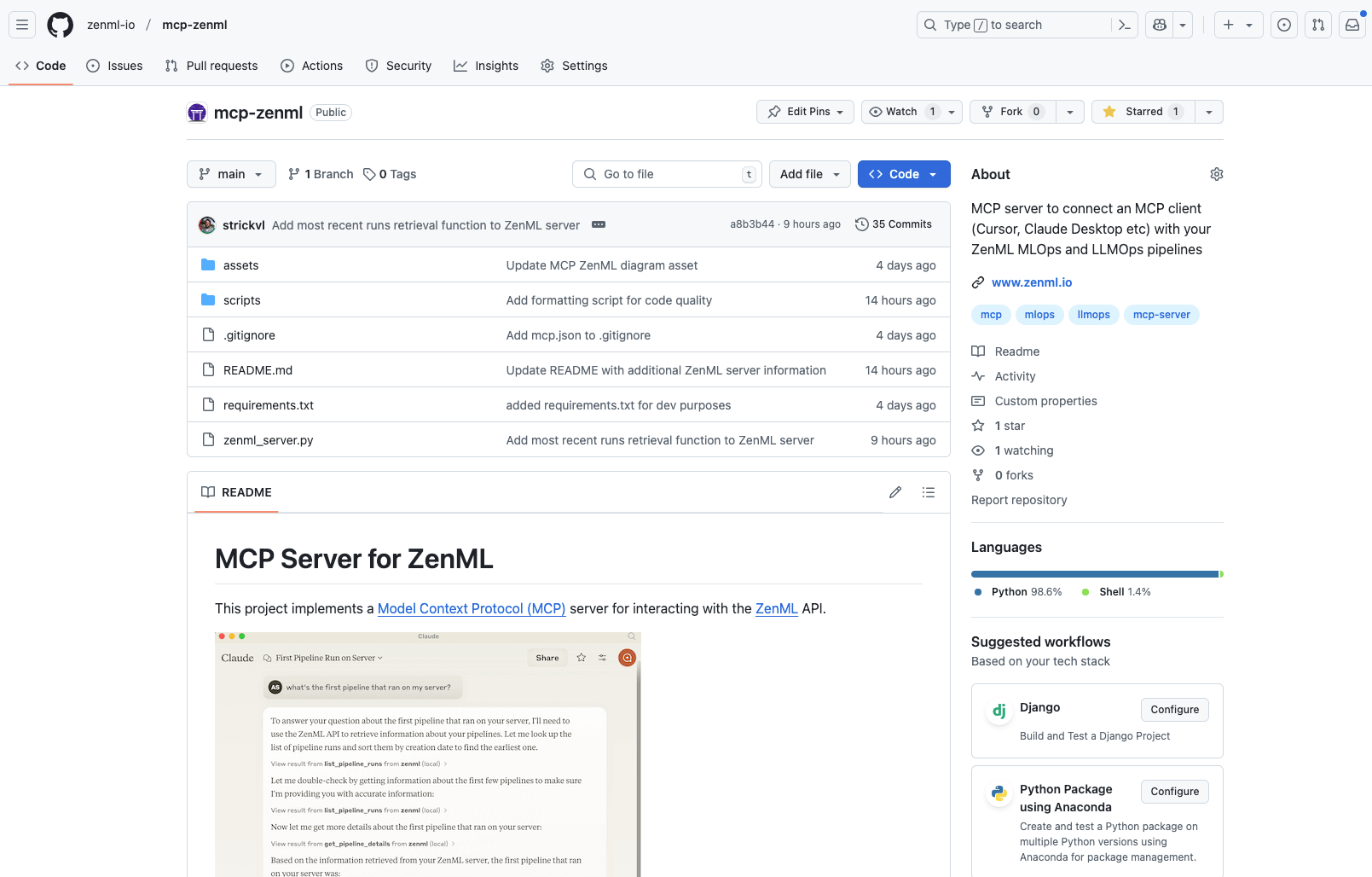
Skills are one part of our broader AI tooling strategy, which also includes MCP servers and llms.txt files for grounding your IDE assistant in ZenML’s documentation. We recommend combining all three for the best experience.
We’re curious about what skills would be most useful for your workflows. If you have ideas, let us know on Slack or open an issue in the skills repository.