
On this page
If not for a prompt management tool, how else would you know why a prompt that worked yesterday suddenly underperforms today?
Modern-day prompt management platforms are built to make LLM workflows easier to debug, test, and scale. They help you version, monitor, and evaluate prompts across iterations, so you can catch regressions early and collaborate better across your team.
In this article, we explore nine of the best prompt management platforms that AI engineering teams must leverage.
Quick Overview of the Best LLM Monitoring Tools
Here’s a quick overview of what the prompt management tools in the article are best for:
- ZenML: Engineering teams that want prompt management built directly into their ML pipelines.
- Langfuse: Teams that want traceable prompt versioning, A/B testing, and observability in a self-hosted or managed setup.
- Agenta: Teams running evaluations with prompt versioning, traffic splitting, and LLM/human feedback scoring.
- Pezzo: Developers who need a fast, open-source prompt control layer with instant deployment and real-time logs.
- LangSmith: LangChain users or eval-heavy teams doing deep tracing and dataset-based evaluation.
- PromptLayer: Teams who want logging, versioning, and analytics with a simple SDK setup.
- PromptHub: Teams that need branching, approval workflows, and prompt testing guardrails in a shared Git-style workspace.
- prst.ai: Privacy-sensitive orgs that want on-prem prompt orchestration, routing, and quota control.
- Izlo: Teams who want a clean, collaborative space to version and test prompts via API or UI.
Factors to Consider when Selecting the Best Prompt Management Tools to Use
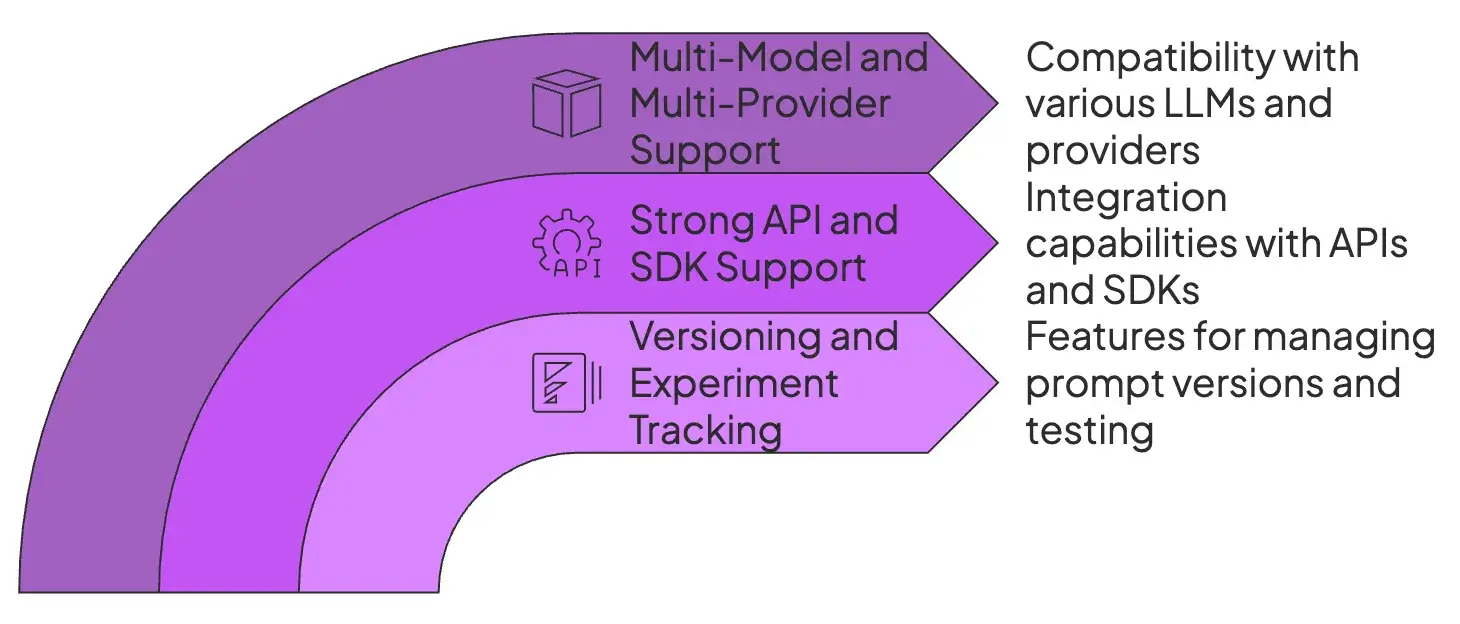
There are three major factors to consider when choosing a prompt management tool for your team:
1. Versioning and Experiment Tracking
Look for tools that maintain a history of prompt changes, with the ability to label versions and roll back if needed. Bonus if it has features like side-by-side diff views or A/B testing frameworks to compare different prompt versions.
A/B testing and sandbox modes also help test changes without affecting production. Some tools pair this with evaluation metrics to help you identify what works best.
2. Strong API and SDK Support
Check whether the tool integrates into your stack. Good tools provide an API or SDK so that your application can fetch the latest prompts at runtime or log prompt usage automatically.
Additionally, support for client libraries and popular frameworks (like LangChain) makes it easier to plug in, automate, and test without manual overhead.
3. Multi-Model and Multi-Provider Support
Your prompt management platform should be model-agnostic so you can switch between LLMs or providers without rework. Look for support across OpenAI, Anthropic, Cohere, Hugging Face, and custom models.
This flexibility prevents lock-in and gives you room to optimize for cost, latency, or performance as the LLM ecosystem evolves.
What are the Best Prompt Management Tools
Here’s the quick comparison table of all the prompt management tools we’ll cover below:
| Prompt management tools | Key Features | Pricing |
|---|---|---|
| ZenML | - Prompts as versioned artifacts - Artifact lineage and governance - First-class pipeline integration - Multi-LLM support - Experimentation with reproducible runs | - Free (Open-source Apache 2.0) - Enterprise (Custom pricing for managed control plane) |
| Langfuse | - Full prompt versioning with rollback and metadata logging - A/B testing with trace-linked results - Live prompt editing and reusable templates | - Free (Open-source) - Cloud plans (from $29/month) |
| Agenta | - Visual prompt playground with test case evaluation - Version control with branching and change tracking - Multi-model testing and traffic routing | - Free (Self-hosted) - Pro ($49/month) - Business ($399/month) |
| Pezzo | - Central prompt repository with instant deployment - API-based prompt delivery - Real-time execution monitoring and token tracking | - Free (Open-source) - Cloud pricing not publicly listed |
| LangSmith | - Centralized prompt hub with version history - Evaluation with datasets and LLM-as-a-judge - Full trace logging with step-level inspection | - Free tier - Paid plans start at $39/user/month - Enterprise |
| PromptLayer | - Prompt registry with dynamic variables - Change history with locking and version control - Analytics dashboards and API-based access | - Free tier - Paid plans (Contact sales) |
| PromptHub | - Git-style prompt branching and merging - Prompt evaluation pipelines and guardrails - Public and private prompt sharing | - Free tier - Paid plans (Not publicly listed) |
| prst.ai | - No-code prompt management dashboard - A/B testing and user feedback collection - Role-based access and on-prem deployment | - Free (Self-hosted) - Paid plans (Enterprise pricing) |
| Izlo | - Shared workspace for versioning and testing - Real-time collaboration and sandboxing - API access and deployment integration | - Paid only - No self-hosted option |
1. ZenML
Best for: Engineering teams that want prompt management built directly into their ML pipelines; using prompts as versioned artifacts with full lineage, reproducibility, and production-grade governance.
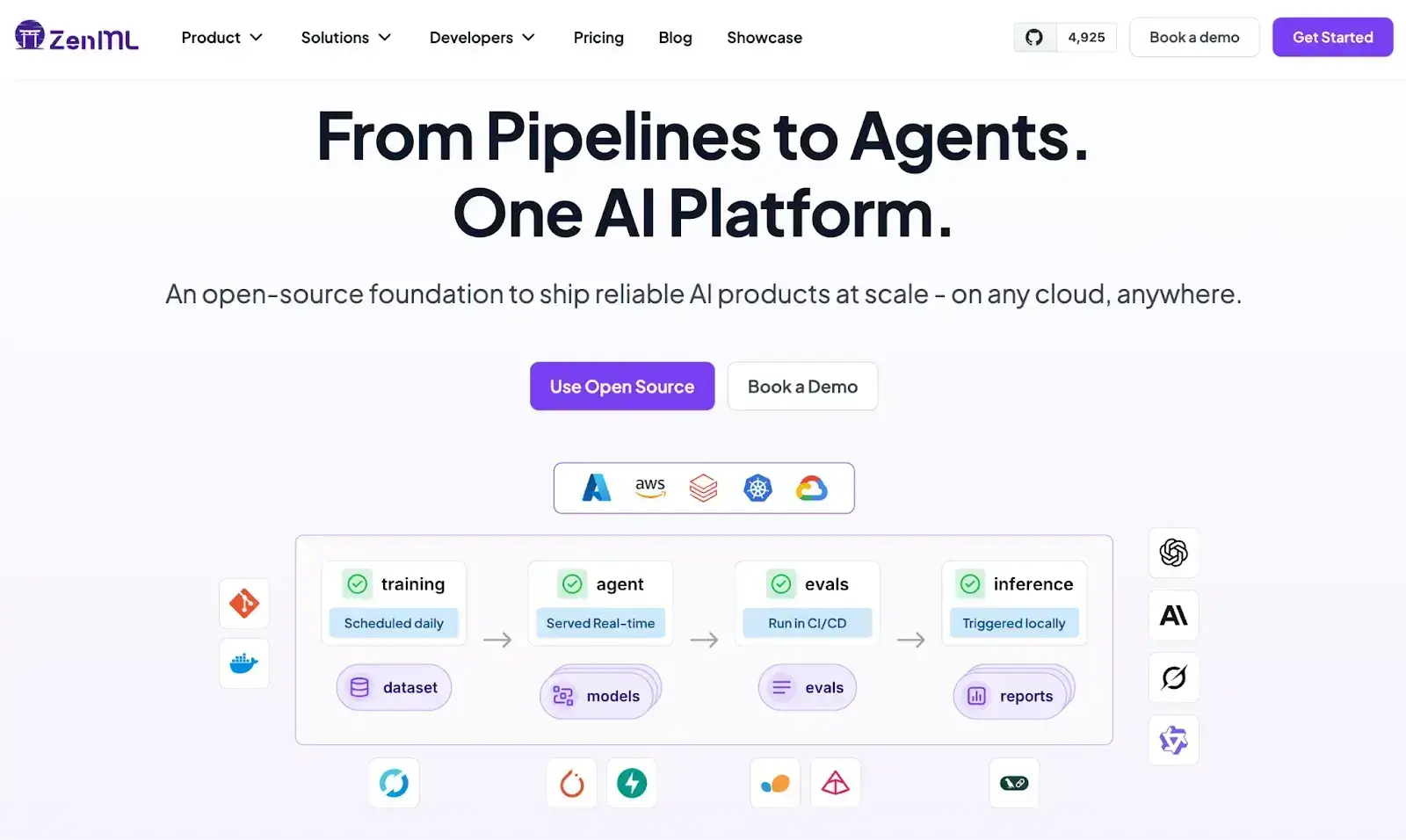
ZenML brings a unique, production-first approach to prompt management: instead of treating prompts as loose text files, ZenML versions them as artifacts inside reproducible pipelines.
This approach ensures prompts are tracked, governed, and deployed using the same rigor you apply to models, datasets, and metrics.
If you want prompt management that fits naturally into an ML engineering workflow, not another external UI layer, ZenML is one of the most reliable, extensible options on the market.
Features
- Prompts as Versioned Artifacts: ZenML automatically versions prompts as artifacts inside pipelines. Every change creates a new immutable artifact, enabling reproducibility, lineage tracking, and consistent retrieval across environments.
- Artifact Lineage and Governance: Because prompts live as artifacts, ZenML captures full lineage, showing which model, dataset, or evaluation step a prompt was used in. This makes debugging and compliance easy.
- First-Class Pipeline Integration: Prompts can be consumed directly within ZenML steps, allowing you to test, evaluate, and deploy prompt variations as part of a unified CI-ready workflow.
- Multi-LLM Support: Works with OpenAI, Anthropic, local models, and custom inference providers through ZenML’s extensive integrations.
- Experimentation with Reproducible Runs: You can create multiple prompt versions, run them through the same pipeline, and compare outputs, latency, and downstream performance; all tracked automatically.
Pricing
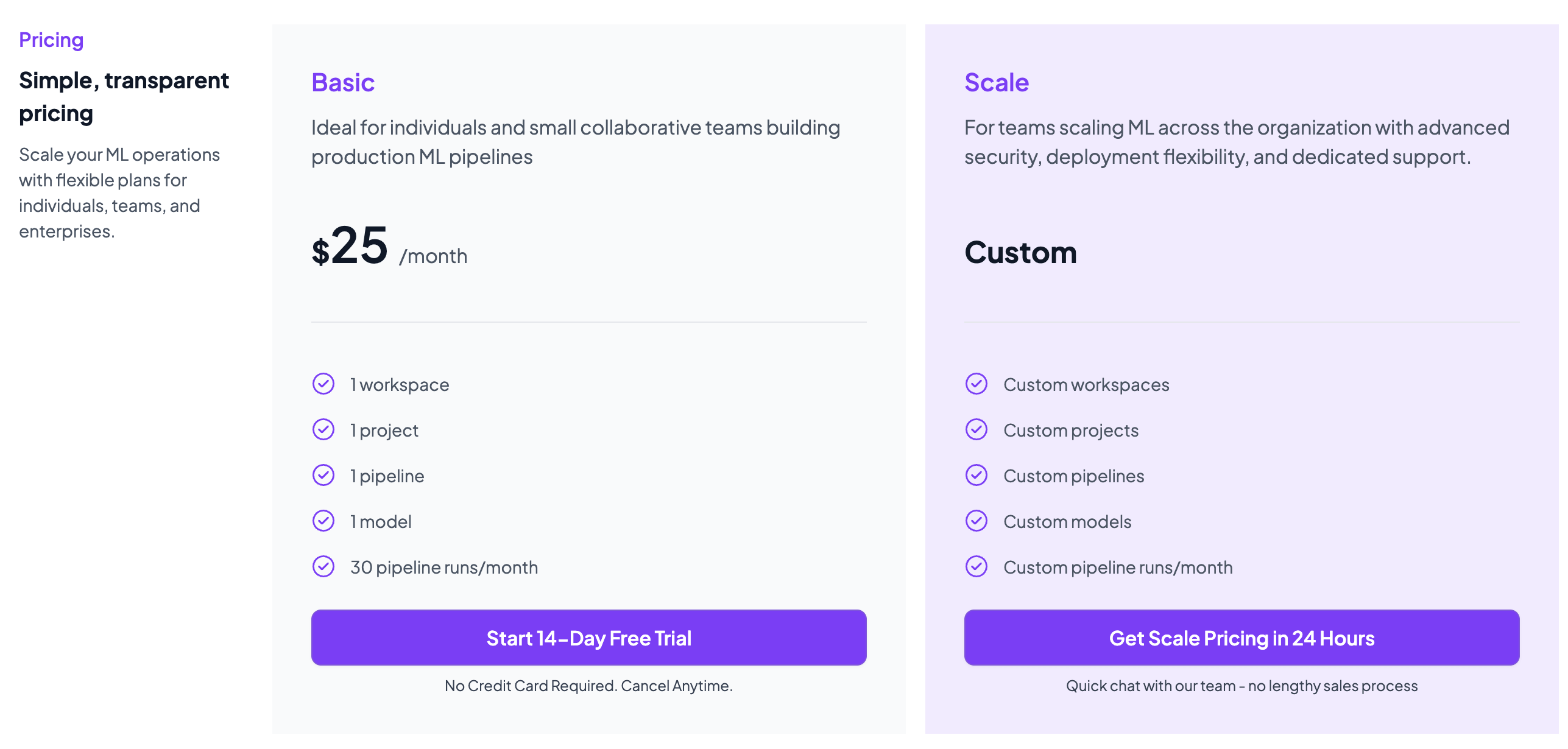
ZenML is free and open-source under the Apache 2.0 license. The core framework, dashboard, and orchestration capabilities are fully available at no cost.
Teams needing enterprise-grade collaboration, managed hosting, advanced governance features, and premium support can opt for ZenML’s custom business plans, which vary by deployment model, usage, and team size.
Pros and Cons
ZenML excels at bringing structure, reproducibility, and lineage to prompt management by treating prompts as artifacts. This makes prompt experimentation far more reliable and production-safe than UI-only tools.
The tradeoff is that ZenML is engineering-oriented, so non-technical users may face a learning curve compared with lighter, UI-first prompt managers.
2. Langfuse
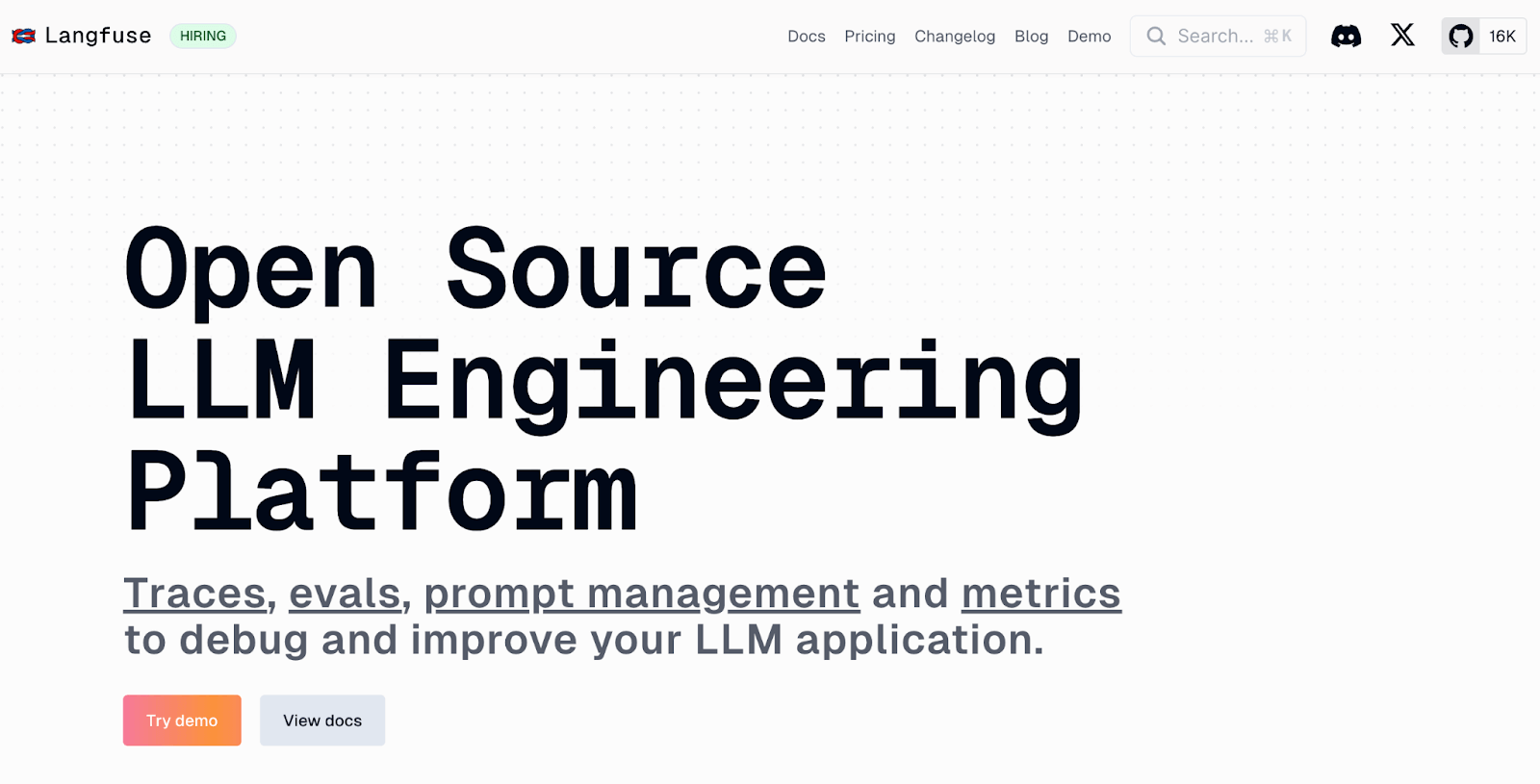
Langfuse is an open-source LLM observability tool with built-in prompt management. It helps you track prompt changes, run experiments, and debug outputs from a single dashboard.
Features
- Track prompt versions using a visual UI or API, complete with metadata, history, and change comparisons.
- Run A/B tests by splitting traffic across prompts and analyzing results by model, latency, and cost.
- Edit and deploy prompt updates instantly without code changes, using a live-editable prompt hub.
- Build and reuse dynamic prompt templates using variables and inputs from your application.
- Correlate prompt versions with detailed traces that capture model input/output, latency, token usage, and more.
Pricing
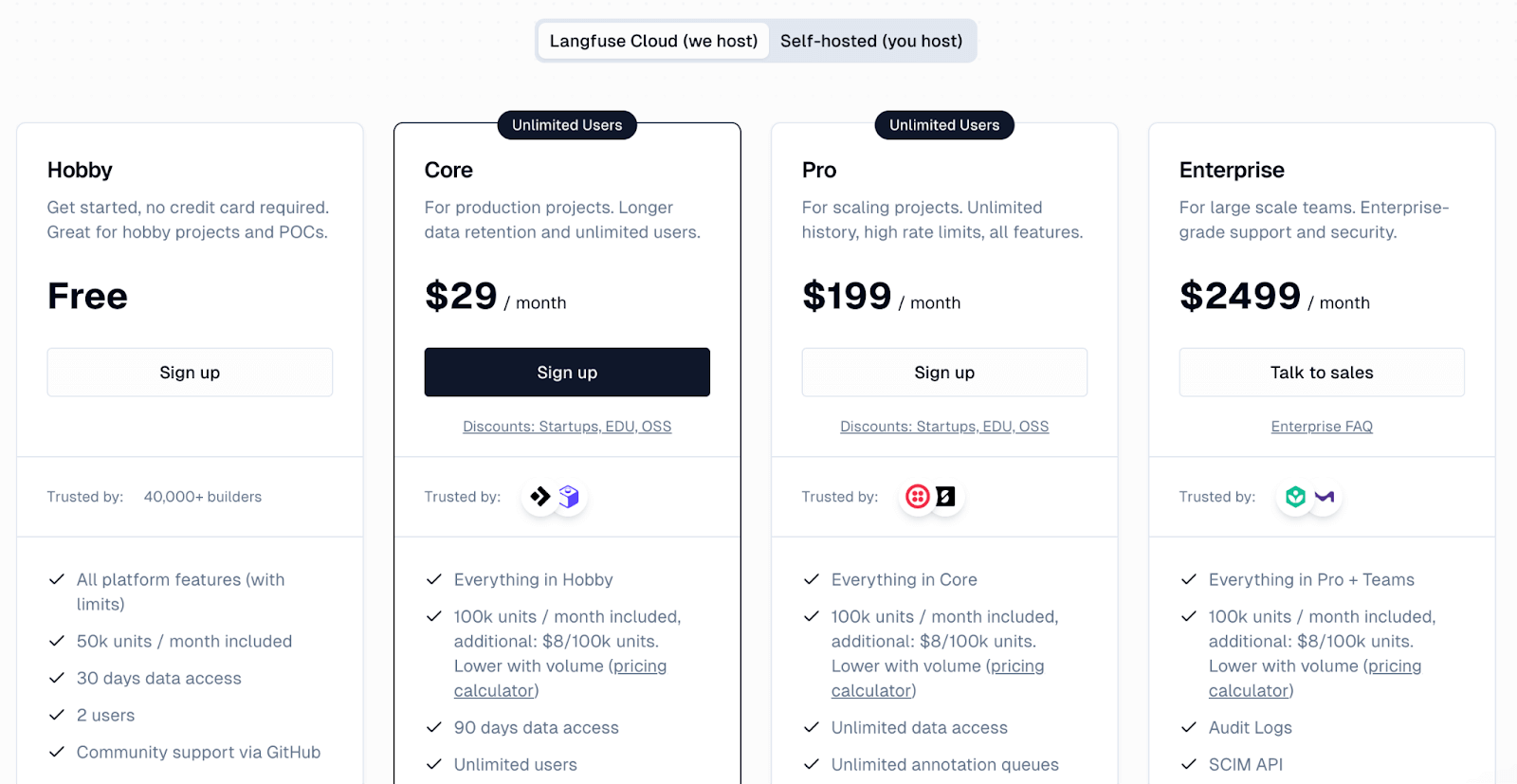
Langfuse provides a free Hobby plan, which includes 50,000 units per month and supports up to two users.
- Core: $29 per month
- Pro: $199 per month
- Enterprise: $2499 per month
Pros and Cons
Langfuse stands out for combining version control, observability, and prompt testing in one platform. Its team features and trace-depth make it well-suited for collaborative debugging and iteration.
On the flip side, it’s heavier than tools focused only on prompt management. You may need additional effort to fully configure schemas and workflows, so the initial ramp-up can take time.
3. Agenta
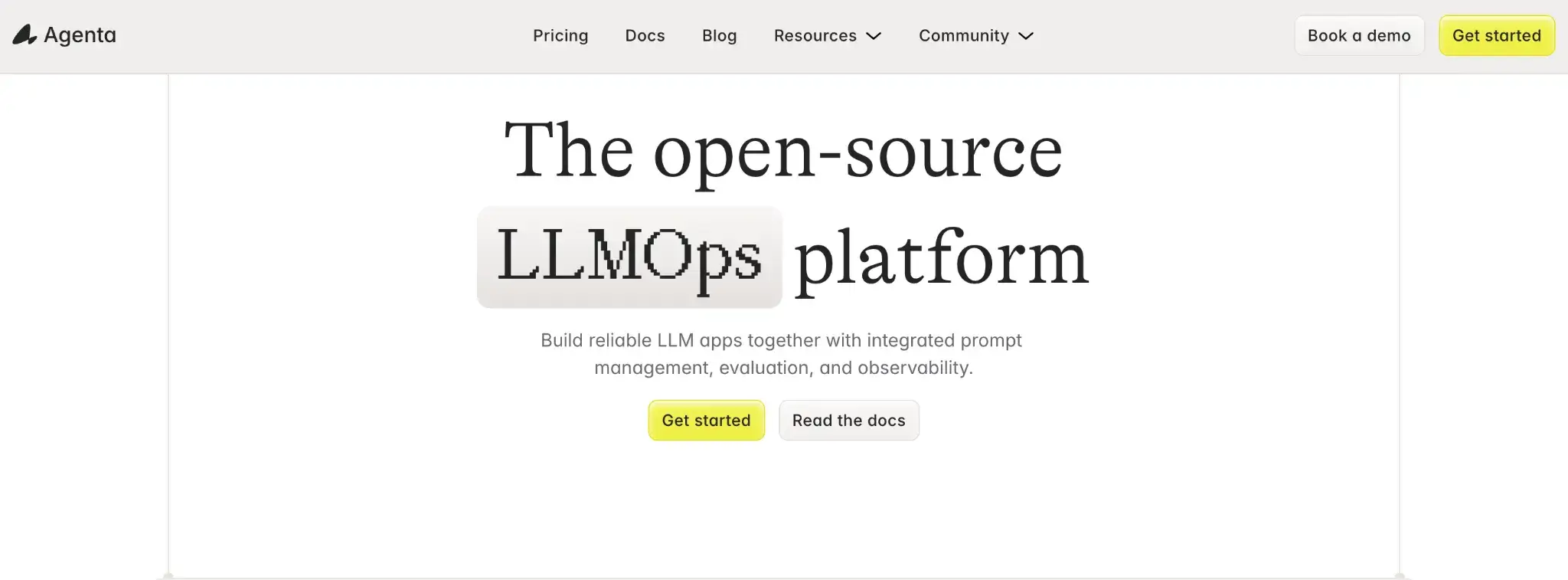
Agenta is an open-source platform that centralizes prompt management, testing, and monitoring. Think of it as a single, visual interface to version, compare, and evaluate prompts across models with minimal setup.
Features
- Test prompts across models using a side-by-side playground with input/output comparisons.
- Track every prompt version with full change logs and support for branching and environment separation.
- Swap LLMs easily with built-in support for 50+ models, including custom and local options.
- Run automated evaluations using LLM-as-a-judge or human scoring on test datasets.
- Monitor prompt behavior in production with trace logs and convert failures into new test cases.
- Collaborate across roles with a shared UI, RBAC, and transparent activity history.
Pricing
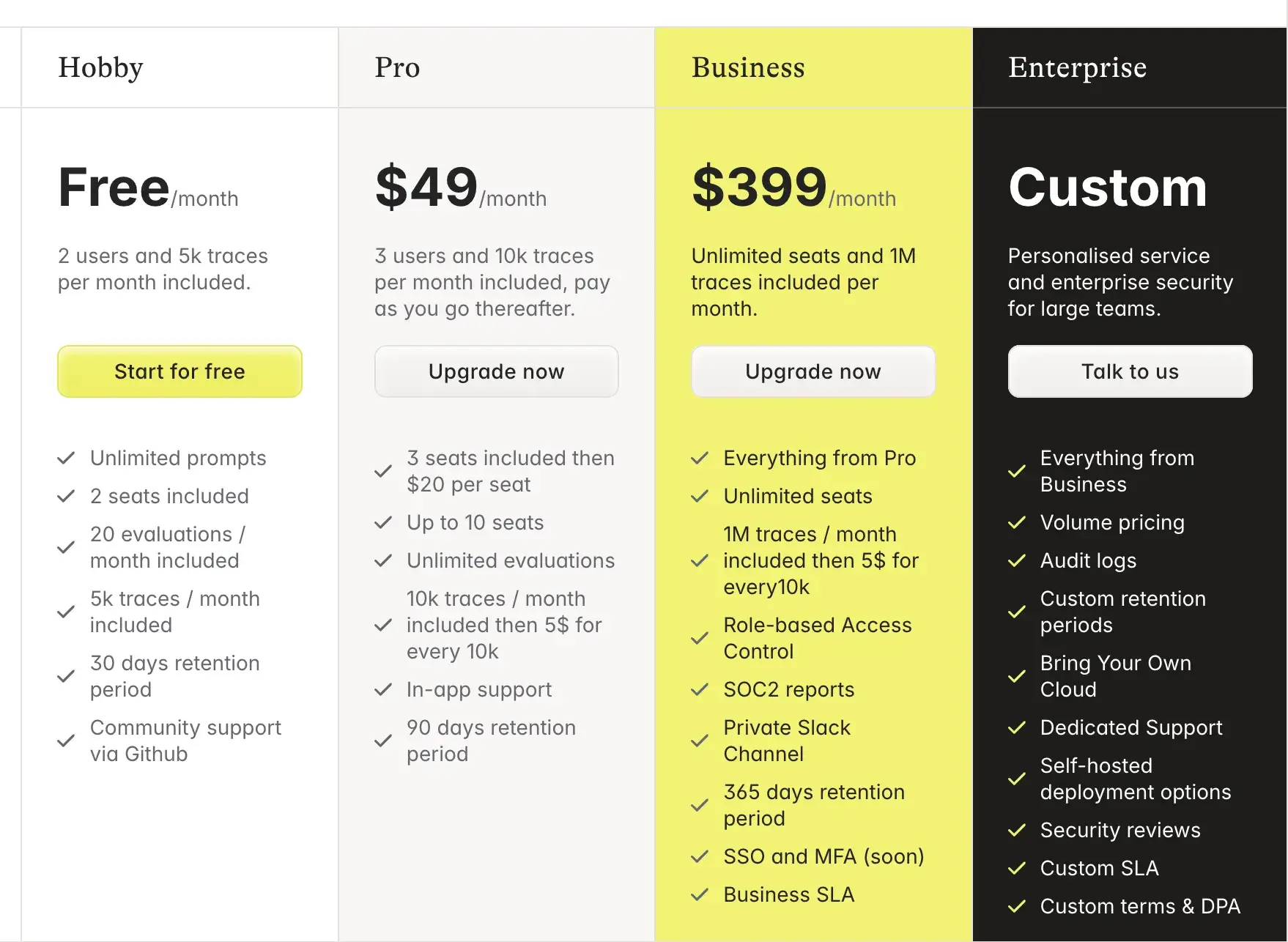
Agenta is free to self-host under an MIT license. The cloud version has a free Hobby plan, too. It supports up to 2 users and 5k traces/month. Regardless, if you wish to scale, there are three paid plans:
- Pro: $49 per month
- Business: $399 per month
- Enterprise: Custom pricing
Pros and Cons
Agenta’s main benefit is its dual focus. You can involve non-engineers via the GUI while still maintaining engineering rigor with version control and API integrations. It covers the entire lifecycle from prompt design to testing to monitoring. This means you don’t have to stitch together multiple tools.
On the downside, because Agenta tries to do a bit of everything, it may lack polish in some areas, like prompt diffing or test UX, compared to more focused tools. A tool like PromptLayer or Izlo might have more fine-grained controls or sleeker diff views for prompt text. Setting up Agenta self-hosted can also be a bit involved.
4. Pezzo
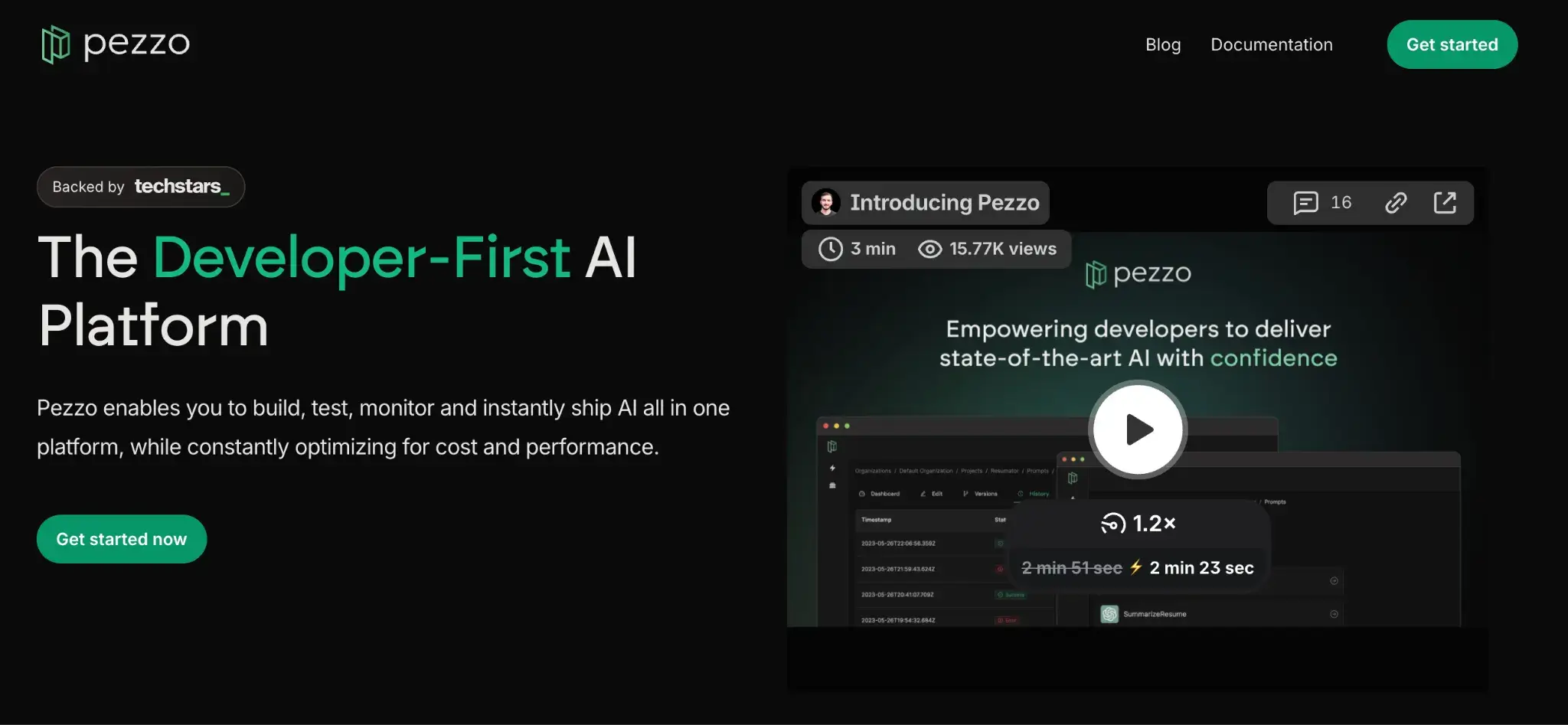
Pezzo is a lightweight, open-source prompt management tool built for developers. It lets teams version, test, and deploy prompts instantly from a central hub, without hardcoding or redeploying. It also adds observability and team collaboration features.
Features
- Manage all prompts in a single, central repository with support for versioning and editing, maximizing visibility and control across projects.
- Track every prompt update with version control, commit history, and easy rollbacks to previous versions.
- Deploy prompt changes instantly to production without code redeploys using environment-specific publishing.
- Fetch prompts in code using SDKs or API, replacing hardcoded strings with real-time content.
- Test prompts in a playground using variables and get real-time model output, latency, and token usage.
- Monitor prompt executions live with input/output logs, latency metrics, and token-level insights.
Pricing
Pezzo is a self-hosted, open-source project and is free to use. The maintainers provide documentation for self-hosting and even have a quickstart with Docker Compose for local setups.
Pros and Cons
Pezzo’s setup is simple and dev-friendly. It treats prompt management as a natural extension of software development. This means developers can adopt it with minimal friction, say just two lines of code.
On the flip side, Pezzo is still maturing, so tools for evaluation and prompt comparison are more limited than in other platforms. You might miss having a more elaborate UI for side-by-side prompt comparisons or integrated metrics; those capabilities are in development but may lag behind longer-standing tools.
5. LangSmith
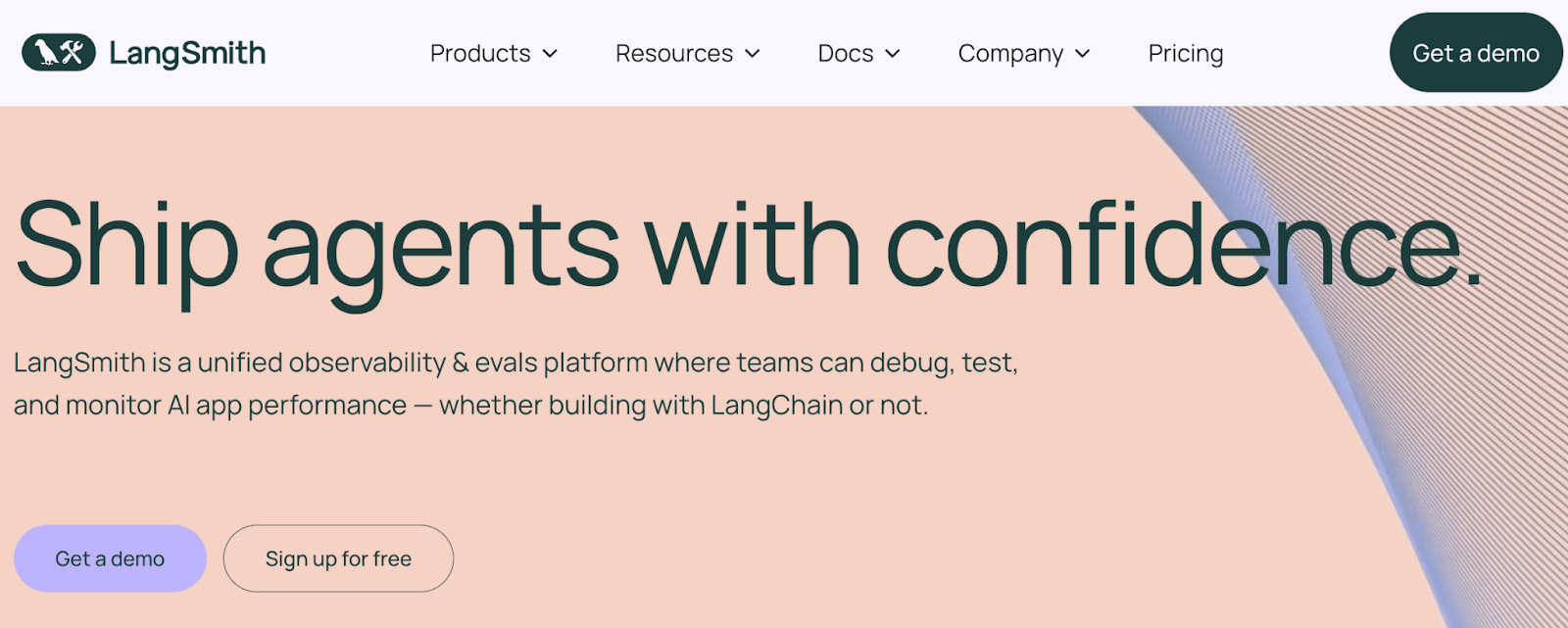
LangSmith is a closed-source LLM app management platform by the LangChain team.It’s designed to work with LangChain-based apps but is framework-agnostic and works with any LLM workflow.
Features
- Store, edit, and version prompts in a central hub with project-level organization, access controls, and detailed version history for collaboration.
- Test prompt and model variations side by side in a playground that supports live parameter tuning and instant output inspection.
- Run batch evaluations on prompts using curated datasets and automated metrics like LLM-based scoring or string match comparisons.
- Capture full LLM traces, including prompt inputs, tool calls, intermediate steps, and model outputs for deep debugging and analysis.
- Deploy specific prompts or chain versions to production environments and roll back instantly if output quality drops or failures occur.
Pricing
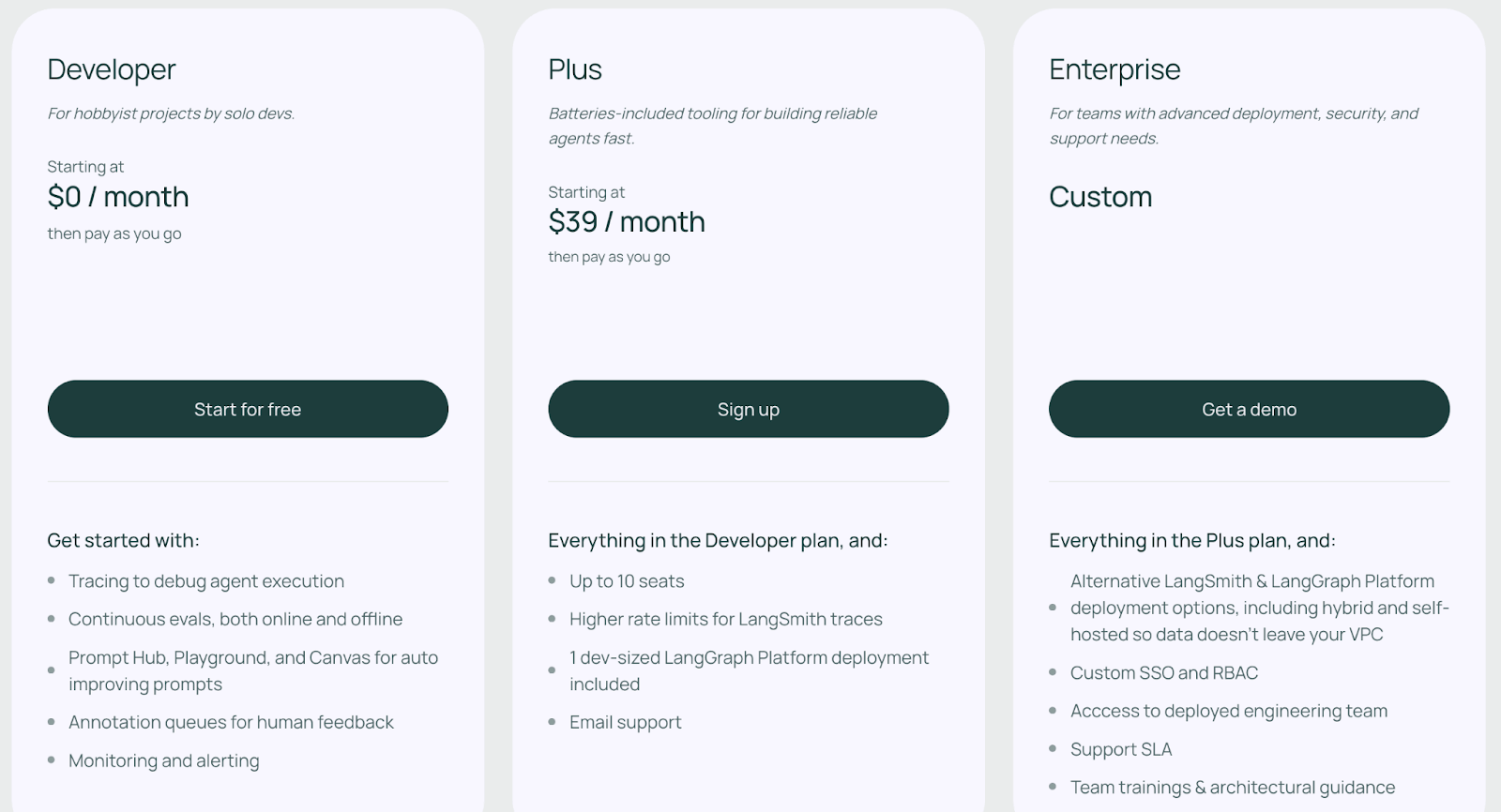
LangSmith has a free developer plan that typically includes 1 developer seat and up to 5,000 traces per month. Other than that, it has two paid plans:
- Plus: $39 per seat per month
- Enterprise: Custom pricing
Pros and Cons
The major advantage of LangSmith is its tight integration with the LangChain ecosystem and focus on evaluation. If you’re already using LangChain to build your LLM app, LangSmith feels like a natural extension.
On the downside, LangSmith being a SaaS product means you may be sending prompt data to their cloud (unless you have an enterprise self-host arrangement). For some industries with strict data policies, this could be a concern
6. PromptLayer
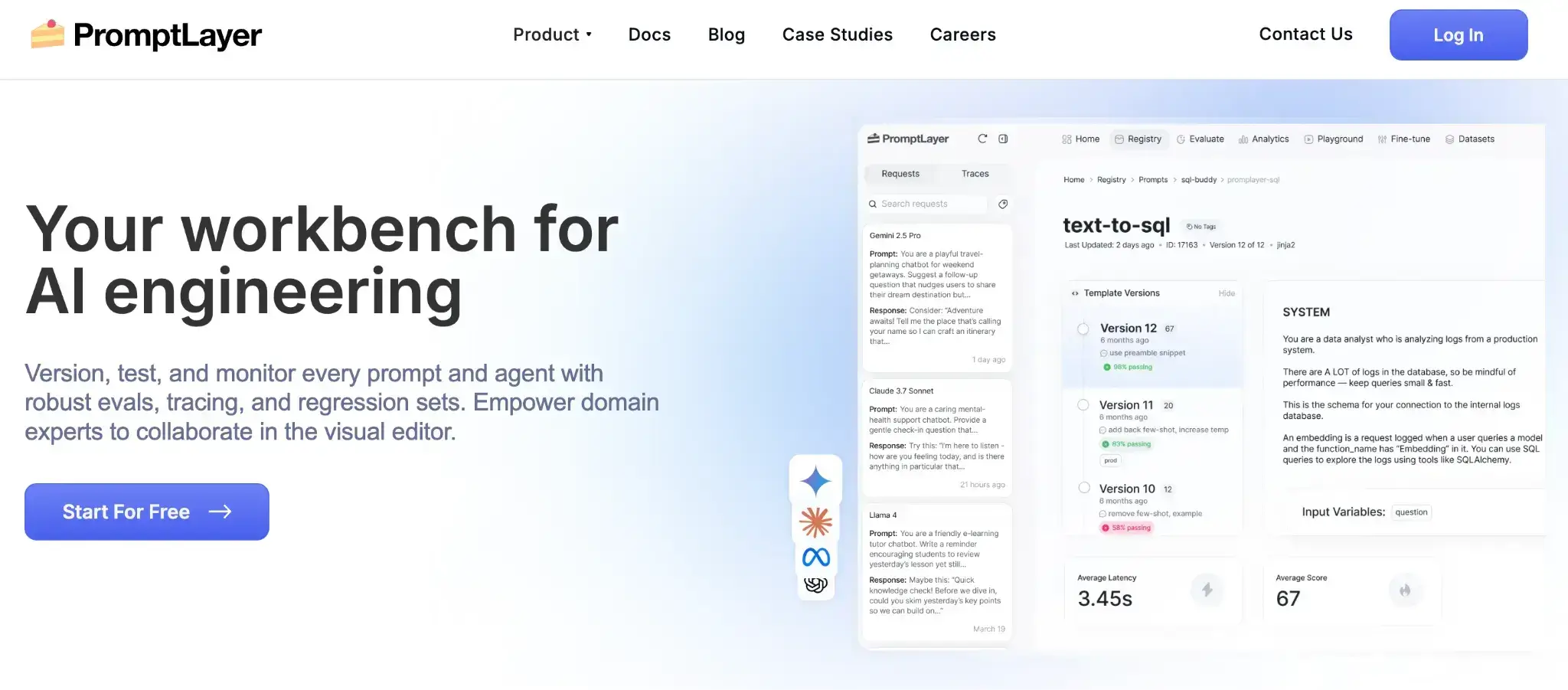
PromptLayer began as a logging and tracing layer for LLM API calls and has since matured into a prompt management platform that logs, versions, and stores prompts between your app and LLM provider. It provides core tools for visual editing, versioning, and regression testing to help you manage prompts at scale.
Features
- Store and organize prompts in a central registry with dynamic variables, folders, and environment-based separation across projects.
- Track prompt edits with version history, commit messages, and locks to prevent unauthorized changes to production-ready versions.
- Test prompts in a playground or A/B experiment setup, routing traffic across versions, and logging response metrics for comparison.
- Monitor prompt usage through dashboards that surface token counts, latency, success rates, and advanced search over historical logs.
- Fetch prompt templates in real time using SDKs or APIs, and log executions without major refactoring or code changes.
Pricing
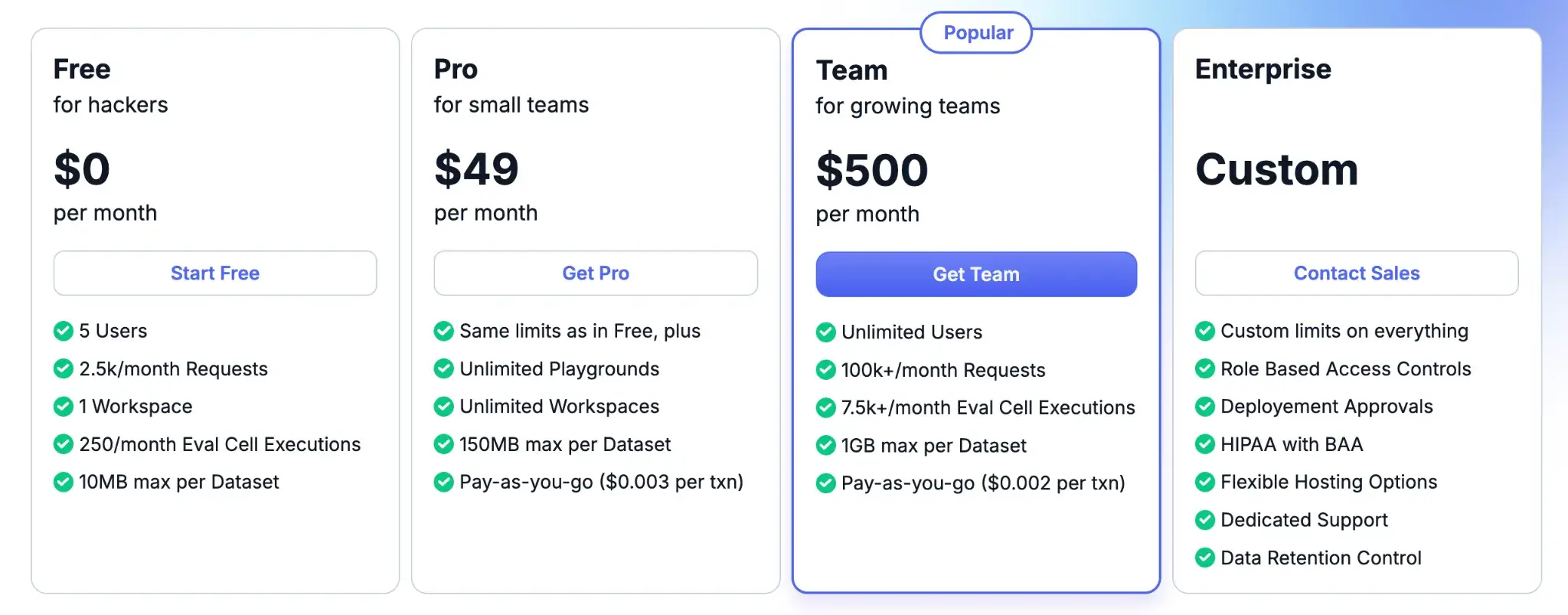
PromptLayer offers a free tier supporting up to 5 users and 2,500 requests per month. Post which, you can upgrade to paid plans:
- Pro: $49 per month
- Team: $500 per month
- Enterprise: Custom pricing
Pros and Cons
PromptLayer’s maturity and feature set are strong pros. It has been around since the early GPT-3 days. It’s polished and handles large-scale prompt teams well. The CMS-like approach with folders, labels, and a rich history makes it easy to manage hundreds of prompts in a big project. Also, being a hosted solution, there’s minimal maintenance.
However, this worry-free hosting has some tradeoffs. One consideration is data privacy: using PromptLayer means sending your prompts through their service. They have a self-hosted option, but that’s likely for enterprise only. It’s not focused on chaining or deep evals, so you might pair it with another tool.
7. PromptHub
PromptHub is built for teams and the broader prompt engineering community. It combines private workspaces for internal use with a public hub of prompts (hence the name).
Features
- Track and version prompts with Git-like branching, merge approvals, and change diffs to manage dev and production workflows cleanly.
- Test prompts across inputs and models in a visual suite that compares outputs side by side for easy tuning.
- Remix existing prompts or fork from the community library to explore alternatives without affecting the original version.
- Set up evaluation pipelines and guardrails that run checks before pushing new prompt versions to production.
- Connect to any major LLM provider or open-source model and deploy prompts to production using APIs or no-code connectors.
Pricing
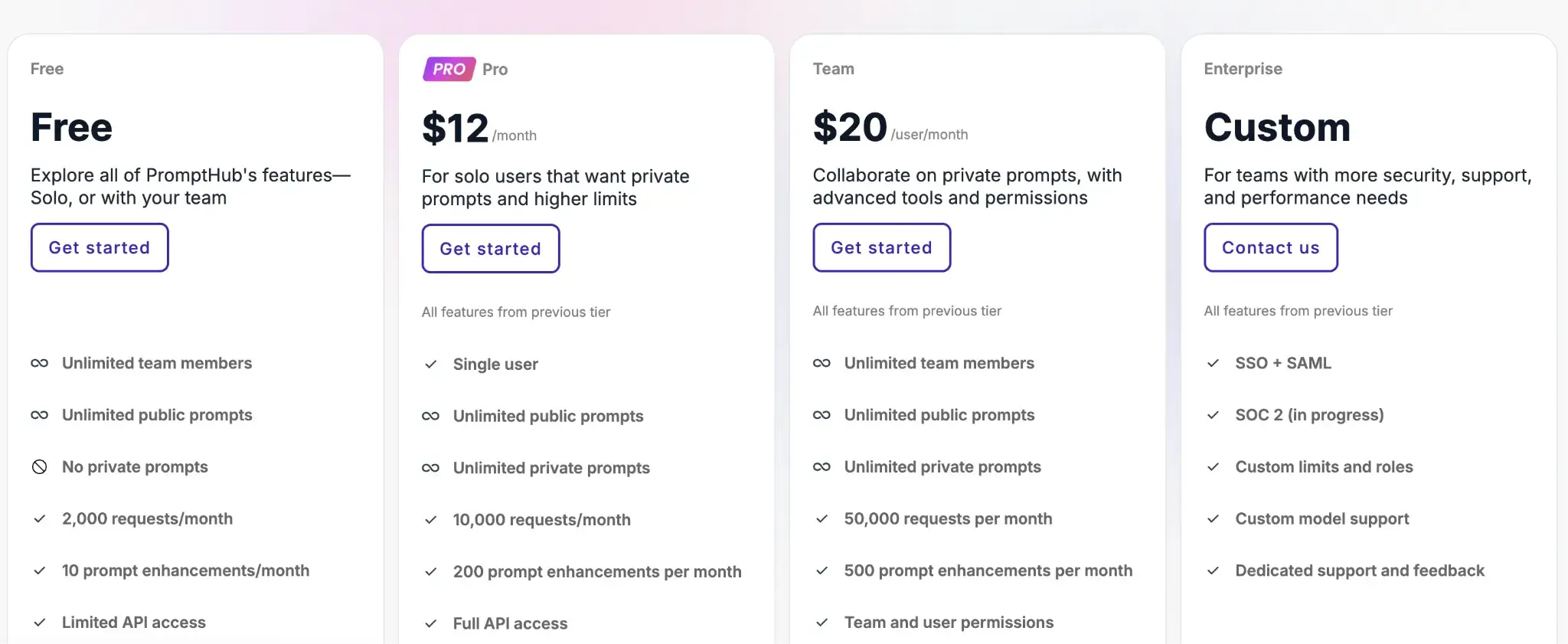
PromptHub is a SaaS offering with a freemium model. The Free plan allows unlimited team members and unlimited public prompts, but no private prompts. For private workspaces, you can pick from paid plans:
- Pro: $12 per user per month
- Team: $20 per user per month
- Enterprise: Custom pricing
Pros and Cons
PromptHub’s community angle is a unique pro. It encourages learning and reuse. Also, the guardrail pipeline feature provides peace of mind for production usage, catching issues automatically before they impact users.
On the con side, the feature set is broad, so the UI may feel dense at first. If you just want versioning, this might be overkill. Some teams purely interested in a slim prompt versioning tool might find features like community prompts or portfolios extraneous.
8. prst.ai
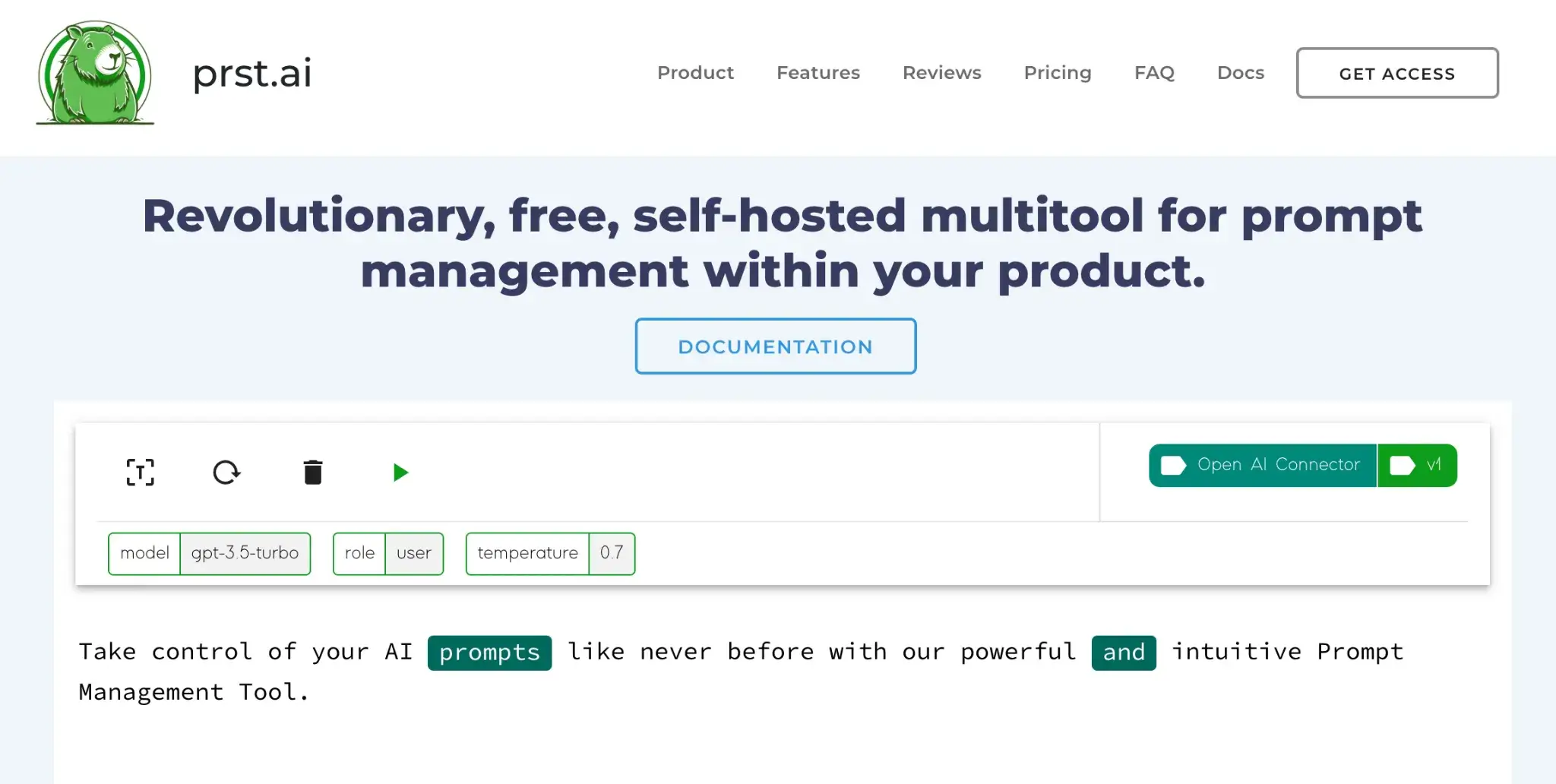
prst.ai is a no-code, self-hosted prompt management and automation gateway for businesses that prioritize data privacy and control. It acts as an orchestration layer in front of AI models and services and enables teams to manage prompts, route traffic, and monitor usage within their own infrastructure.
Features
- Manage and version prompts through a no-code dashboard that supports dynamic parameters, templates, and environment-specific configuration.
- Route traffic between prompt versions using built-in A/B testing and analyze success rates, latency, and engagement metrics.
- Connect to any AI provider or model via REST APIs, with secure credential storage and flexible request configuration.
- Capture user feedback with embedded widgets and run sentiment analysis or validation workflows on responses to refine prompts.
- Define custom pricing, usage quotas, and role-based access controls to support internal cost tracking or SaaS monetization models.
Pricing
prst.ai offers a free, self-hosted version. A closed-source, SaaS version at $49.99 per month. And an enterprise, self-hosted version with custom pricing.

Pros and Cons
The major advantage of prst.ai is control. It’s built to be self-hosted, so you can run it in your VPC or on-prem. This is a big plus for industries like finance or healthcare. Additionally, prst.ai’s no-code interface opens prompt management to managers and non-tech users.
However, it requires some setup and infrastructure knowledge. The interface, while no-code, can feel heavy for simple use cases, and some advanced features are gated behind enterprise tiers. That said, it offers solid support and is well-suited for serious on-prem deployments.
9. Izlo
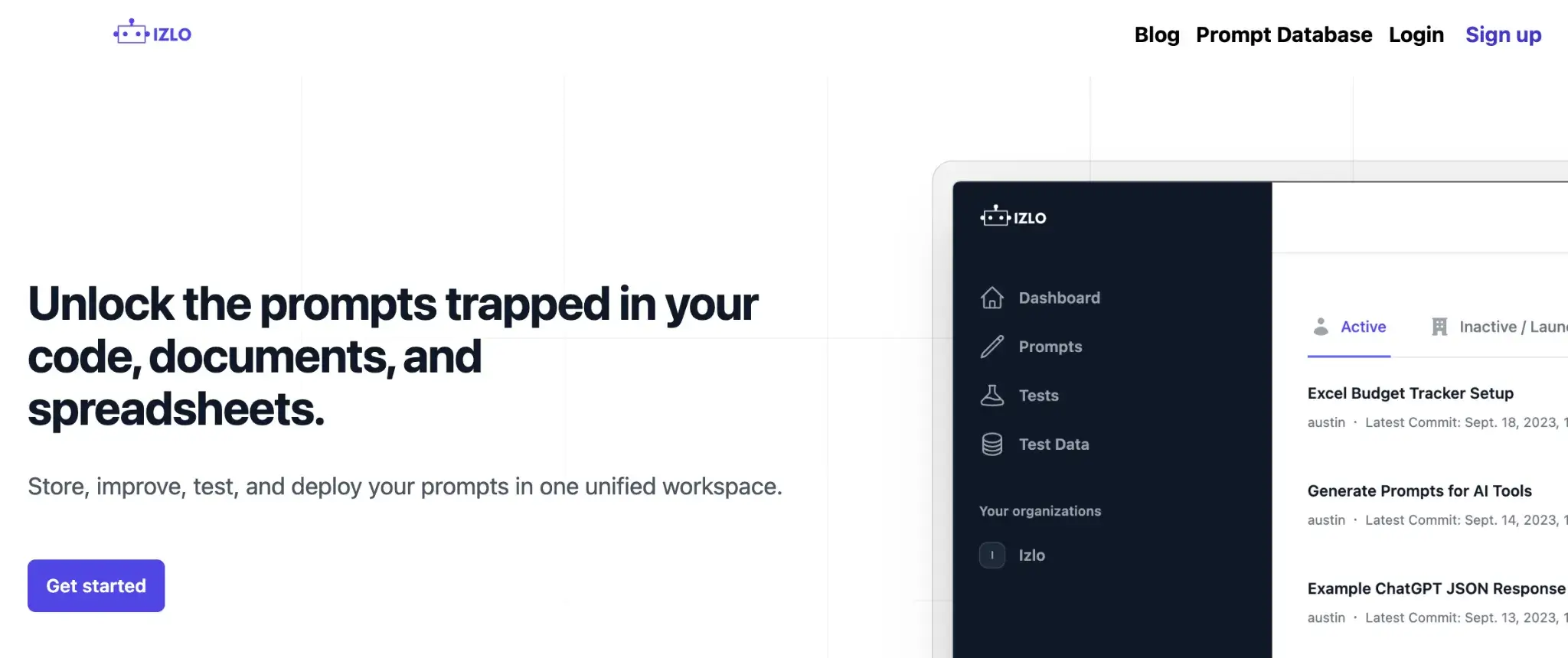
Izlo is a collaborative prompt management platform designed to help teams centralize, version, and iterate on prompts efficiently. It brings scattered prompts into a shared workspace with lightweight version control, testing, and deployment tools built for fast iteration.
Features
- Centralize all company prompts in a shared repository with tags, descriptions, and full visibility across teams and projects.
- Track prompt history with version control, view diffs, and instantly revert to any previous version when needed.
- Collaborate in real time by remixing prompts, testing alternatives in sandboxes, and merging the best variations into production.
- Automate prompt testing with reusable test cases that run on every update to catch failures before deployment.
- Retrieve or update prompts through a robust API that keeps your app synced with the latest version at runtime.
Pricing
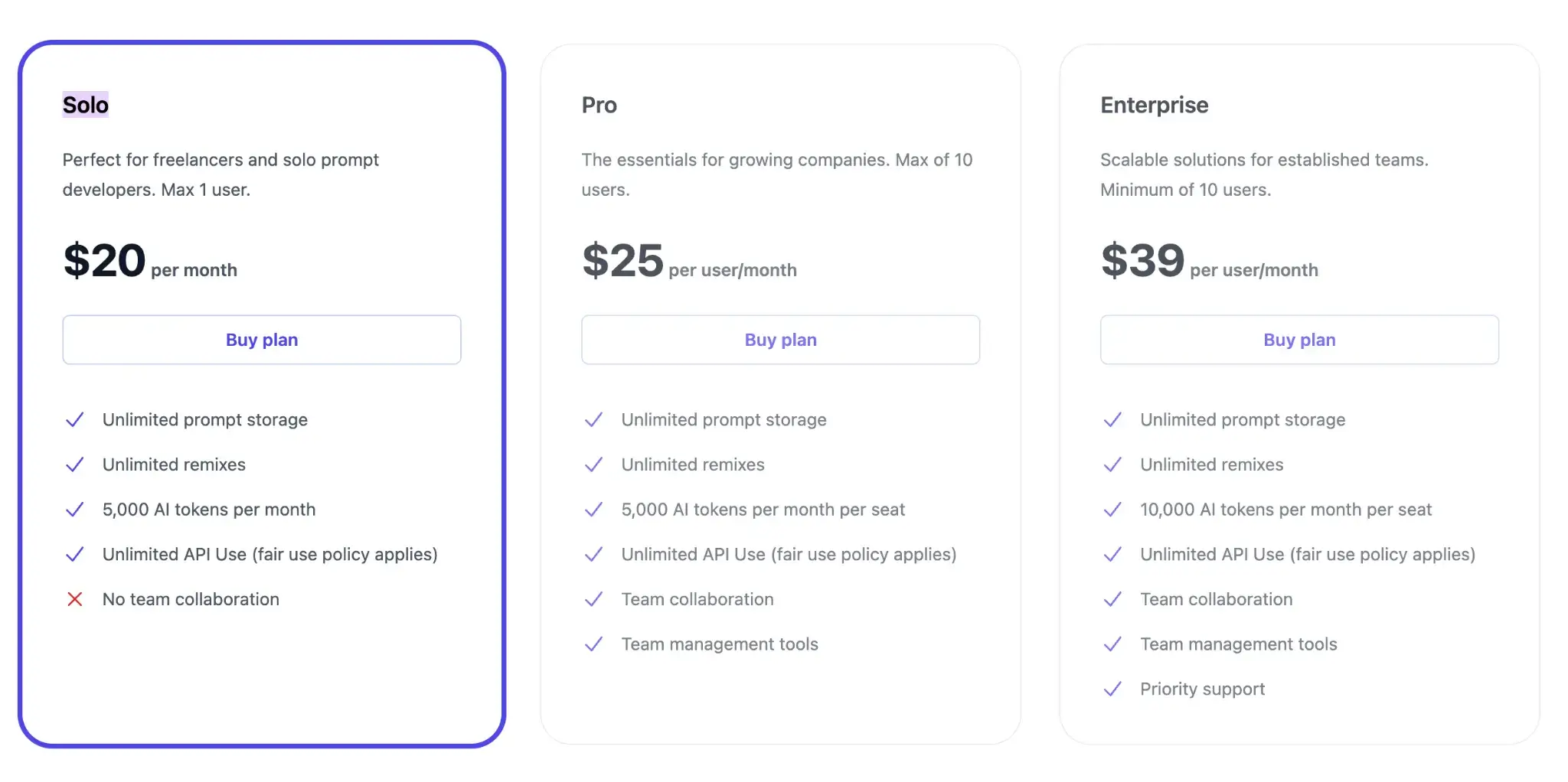
Izlo also offers a free trial and three subscription plans:
- Solo: $20 per month
- Pro: $25 per user per month
- Enterprise: $39 per user per month
Pros and Cons
Izlo’s strengths are in its usability and team-centered design. It brings powerful version control to prompts but wraps it in an easy UI. Its CI-style enforcement for prompt changes significantly reduces regressions and bugs in AI behavior. The one-click rollback capability is also excellent for quick mitigation.
However, it’s a newer, paid-only platform without self-hosting, and lacks broader integrations or open-source flexibility. CI-style enforcement exists but isn’t deeply customizable yet. While it may not suit tight budgets or strict on-prem policies, it offers a polished, fast-evolving experience built for modern LLM teams.
Which Prompt Management Platform is the Right Choice for You?
As we’ve seen, there’s no one-size-fits-all solution. The ‘best’ prompt management tool depends on your team’s needs, scale, and workflows. Here are a few considerations to help you decide:
- Choose ZenML if you want prompt management that’s tightly integrated into your production workflows. Instead of storing prompts in a UI-only tool, ZenML versions prompts as artifacts inside pipelines, giving you reproducibility, lineage, auditability, and CI/CD-ready governance.
- If you have a non-technical or cross-functional team, consider Izlo or PromptHub. Both offer intuitive UIs for collaboration.
- If you prioritize simplicity and developer-first integration, PromptLayer might be ideal. It integrates with just a few lines of code and gives you immediate logging and version control.
📚 Relevant alternative articles to read:
- Best LLM orchestration frameworks
- Best LLM evaluation tools
- Best embedding models for RAG
- Best LLM observability tools
Take your AI agent projects to the next level with ZenML. We have built first-class support for agentic frameworks (like CrewAI, LangGraph, and more) inside ZenML, for our users who like pushing boundaries of what AI agents can do. With ZenML, you can seamlessly integrate whichever agent framework you choose into robust, production-grade workflows.